
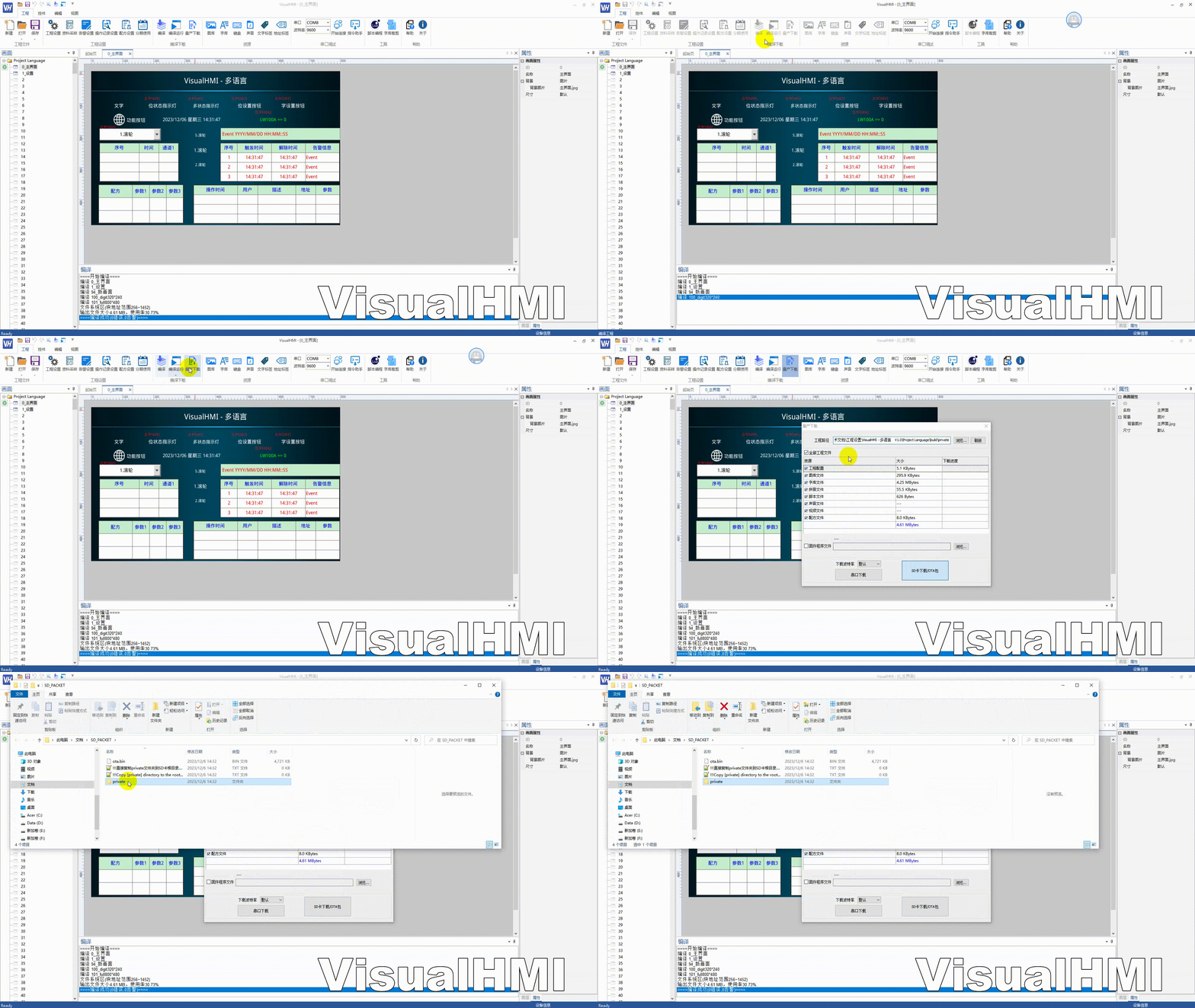
Enable the user's mainboard (rather than the computer) to upgrade the HMI project: The mainboard sends serial port commands, and the HMI enters download mode, receives files, and saves them as private. This is used for mass production and remote maintenance.
1. Enter download mode
The mainboard sends$cfgenter#, and the HMI enters download mode after responding$ok#(at this time, it does not respond to original protocols such as Modbus).
2. Create a file
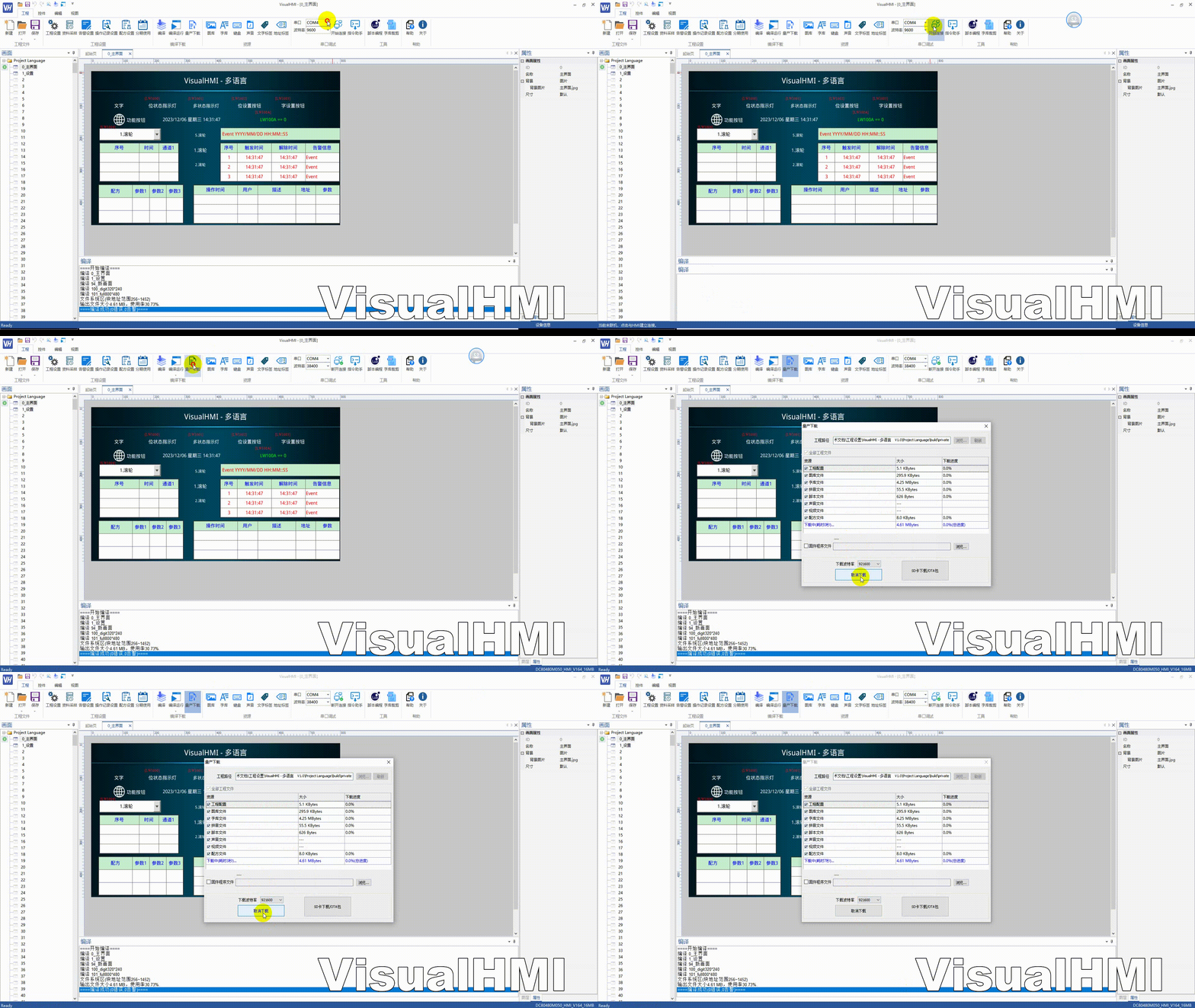
$file,[pathname],[size],[block],[baudrate]#
| with parameters | specifying |
|---|---|
| pathname | the internal storage path, such as 3:/bin/image.bin (3: is equivalent to private:) |
| size | File byte size |
| block | Data size per packet, recommended values are 512+4 / 1024+4 / 2048+4 |
| baudrate | Transmission baud rate, 0=use current baud rate |
Example:$file,3:/bin/image.bin,12345,2052,921600#. The HMI responds with $ok# or $err#.
3. Download data
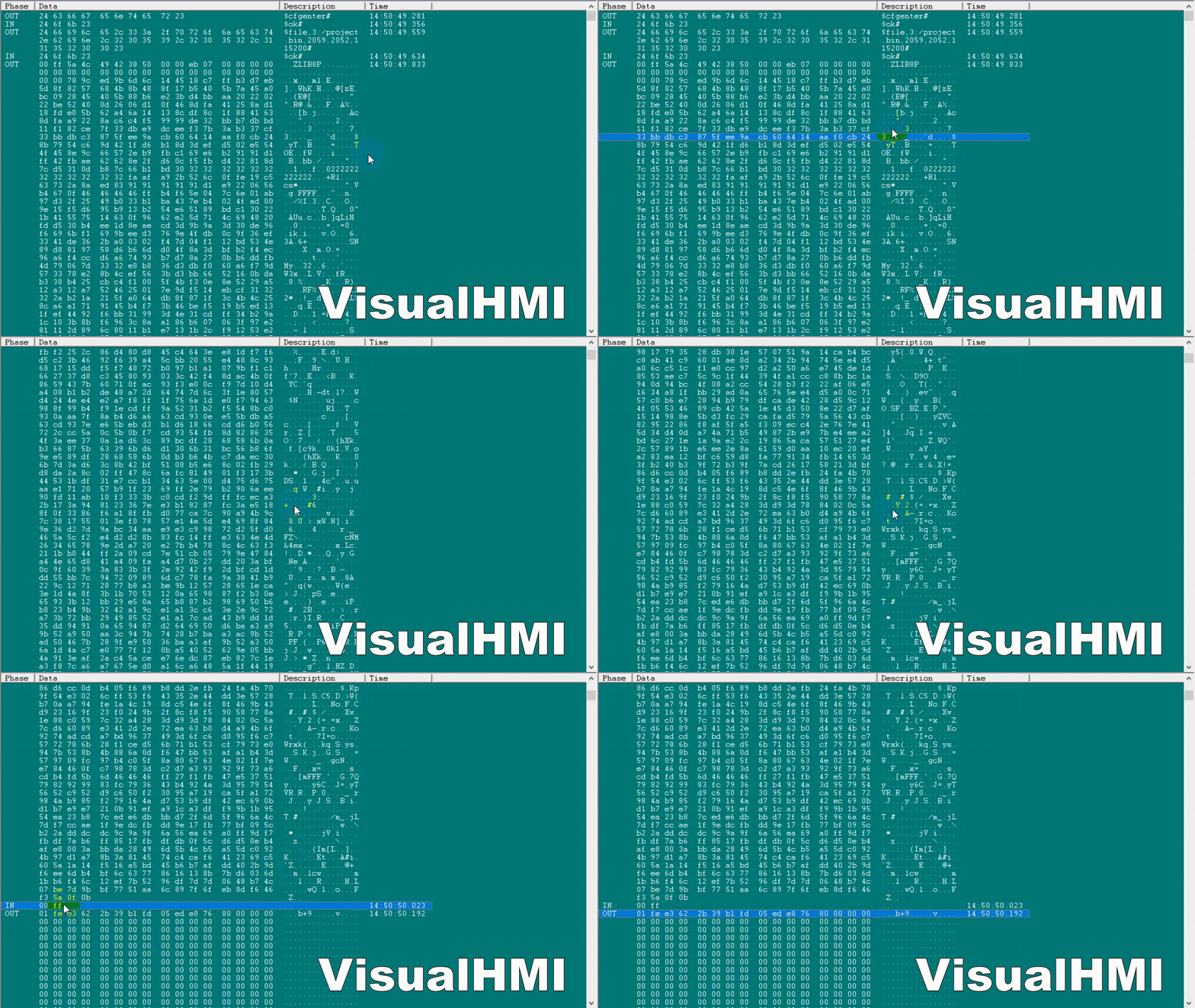
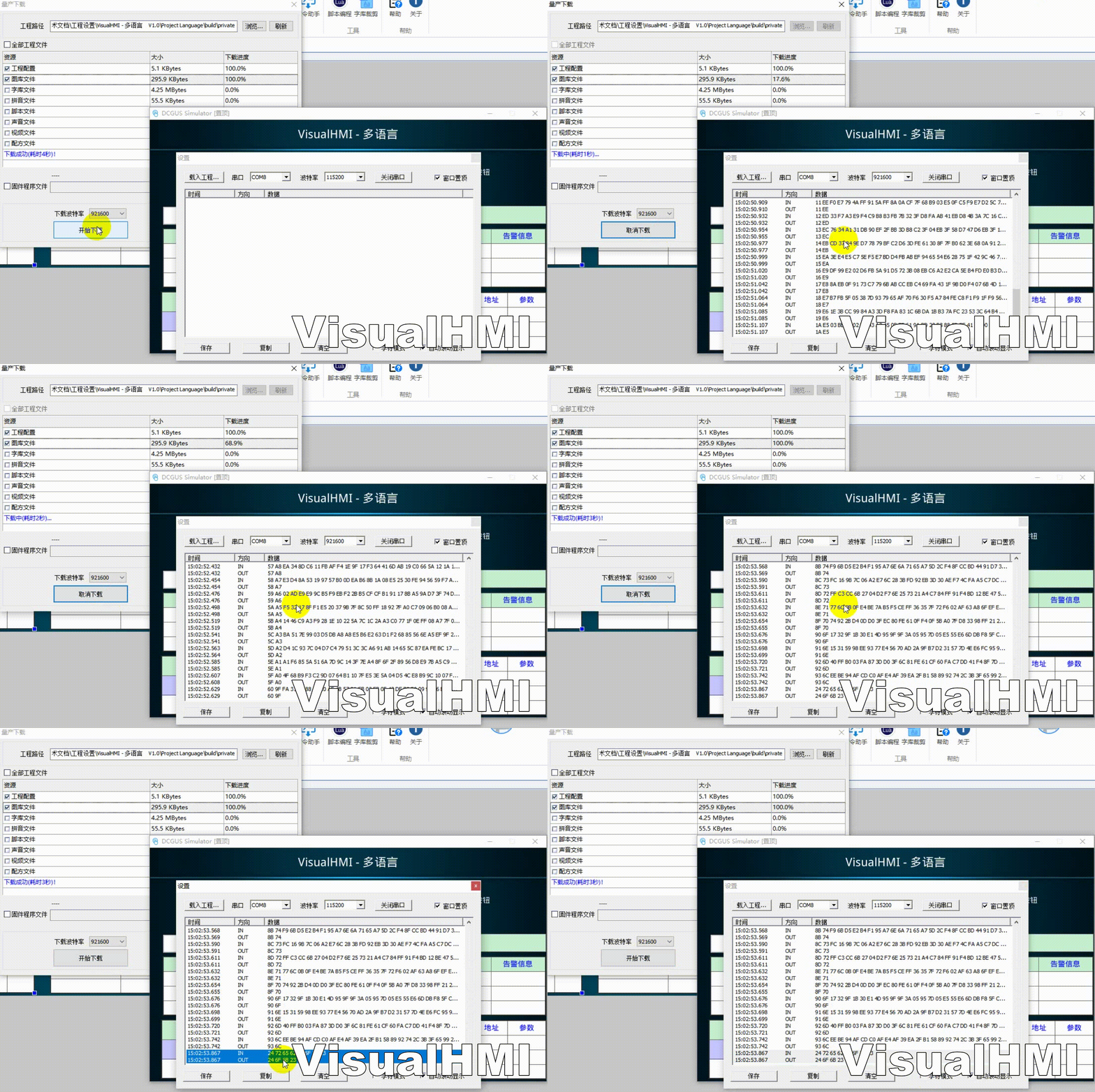
Packetize and send file data (each containing valid data of block size + 4 bytes of header and trailer).Before changing the baud rate, make sure to confirm that the serial port buffer data has been sent completely(for simplicity, delay for 10ms).
. Compiled from Guangzhou Dacai Technology VisualHMI development documentation (hmi-doc.gz-dc.com) and other technical tutorials "Serial Port Upgrade Private", copyright belongs to Dacai Technology.


Leave a Reply