Introduction
In the previous article, we briefly introduced the platform flowforge, which is designed to compensate for the deficiencies of node-red. It is a community-based multi-tenant devops platform. We also explained why to use flowforge. In this article, we will delve into the features of this platform.
Features
Firstly, flowforge is an open-source platform, with its repository located at https://github.com/flowforge/flowforge.
Secondly, it features a SaaS platform, which means users can register and pay for usage, rather than relying on a public cloud. Additionally, it offers both community and enterprise versions.
Here are some of its key features:
Supports large-scale deployment
Easy instance management, easy to pause and delete projects. FlowForge makes tracking multiple Node RED projects a breeze.
FlowForge also provides single sign-on to ensure scalability while offering trusted security.
Easy deployment, remote deployment
One-click deployment to thousands of devices.
Easily upgrade flows to edge devices remotely, and monitor the device's operational status and connectivity.
Advanced Collaboration
FlowForge provides intuitive tools to help control access to Node RED projects and facilitate team development without worrying about development conflicts.
A team library containing developers' own flows and nodes, allowing for easy code sharing within the team in Node RED projects.
Frictionless Business Processes
FlowForge eliminates the hassle of managing multiple instances of Node RED.
FlowForge continues to evolve and receive further enhancements to help you achieve IT and OT integration.
Standardized Environment
Project templates accelerate the launch of new processes by configuring Node RED versions and pre-installed third-party nodes.
FlowForge provides a stack for easy upgrade to the latest version of Node RED when available.
Reduced Operational Overhead
Supported by consistent security across platforms, FlowForge makes hosting, deploying, and managing easy.
FlowForge also provides centralized audit logging, bringing peace of mind and compliance to production environments.
Community Edition and Commercial Edition
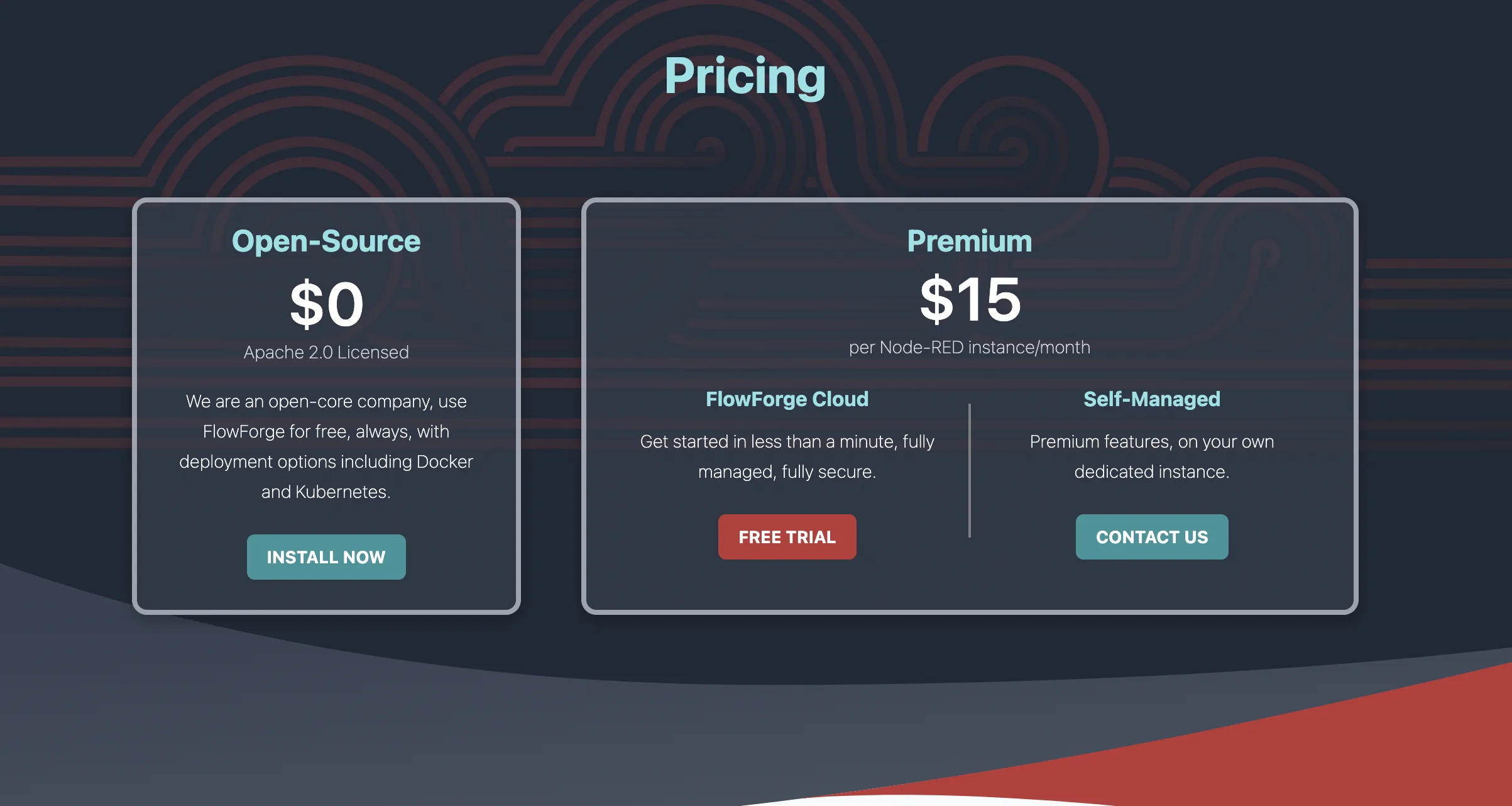
flowforge offers two versions, which is typical for most open-source products. They are the Community Edition and the Commercial Edition, consistent with tb.
The Community Edition requires self-installation and has limited functionality, while the Commercial Edition includes the official flowforge cloud and self-deployment options.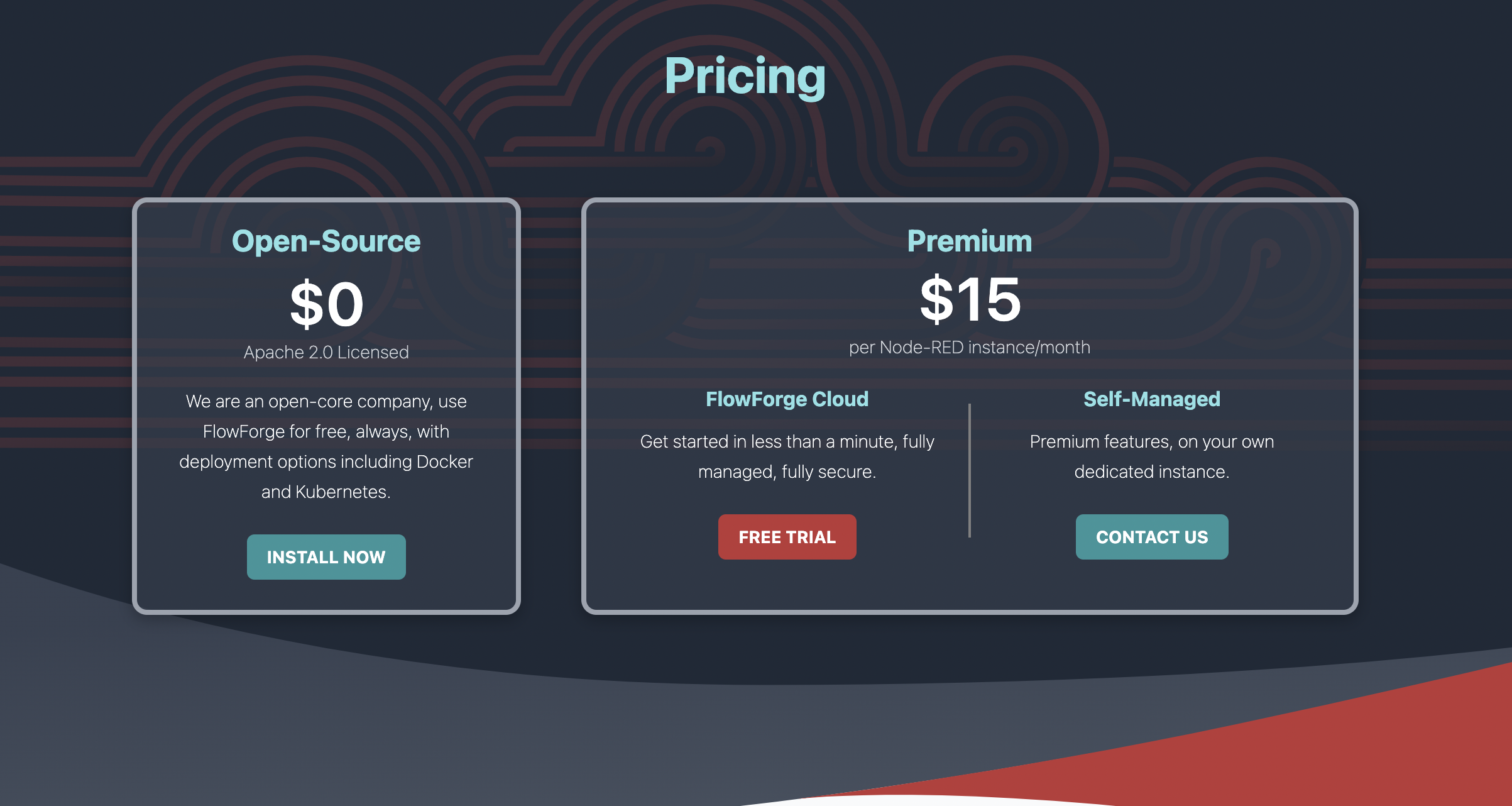
A comparison of the functions between the open-source version and the professional version is shown, with the open-source version on the left and the professional version on the right. The icon with a clock represents features that are currently being implemented. (Hahaha...)
Comparison of the functions between the Community Edition and the Professional Edition https://flowforge.com/pricing/
Summary
While the above features may not be exaggerated in their promotion, they at least give us hope. The platform's development direction is focused on striving to improve or implement these features.
Nick O’Leary, the CTO of flowforge,
is the creator of the node-red project. Did he leave IBM to start his own business?
In November 2022, flowforge raised $7.5 million in funding.


Leave a Reply