Introduction
Recently, I upgraded Node-RED (hereinafter referred to as NR) on my Raspberry Pi from version 2.x to version 3.0. This is a significant version upgrade, and NR has greatly improved in terms of user experience. Let's take a look at how to upgrade and what new features have been added in version 3.0.
Upgrading to 3.0
Since NR was previously installed directly using npm, the upgrade process here is relatively simple. Simply run the following command:
sudo npm install -g --unsafe-perm node-red
npm is a nodejs package manager. When no version is specified, the latest version will be downloaded and installed.
Note that if you are updating to 3.0 on Windows, you do not need to add sudo.
Additionally, there are certain requirements for using the NR3.0 nodejs version, which must be 14.x or higher.
In terms of browser support, 3.0 has dropped IE. You will no longer be able to access the NR page using the IE browser.
During the upgrade, there are three options:
whether to enable the stop flow feature,
whether to disable the runtime diagnostic feature, and
whether to switch to the Monaco editor.
The above are the points to note for upgrading to 3.0. Next, let's take a look at some of the features of 3.0.
New features in 3.0
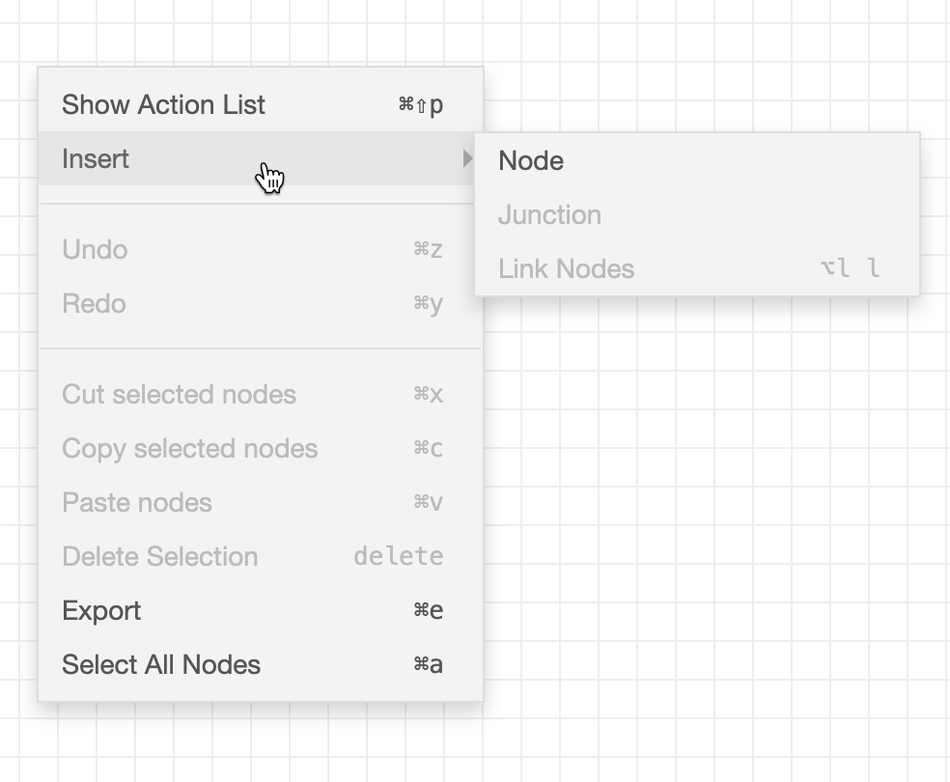
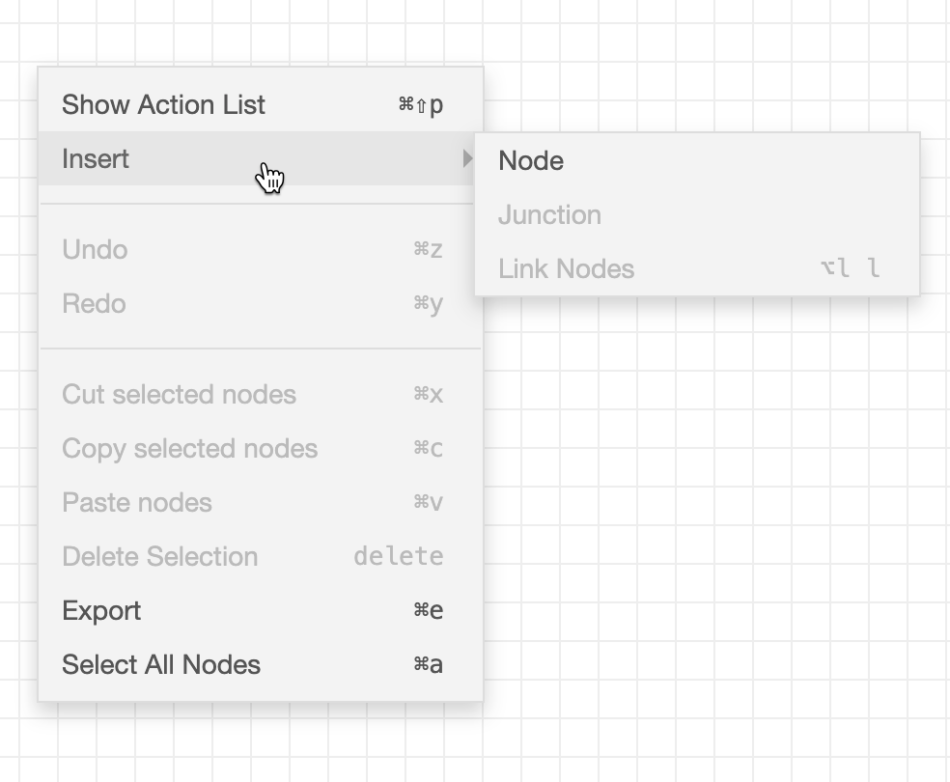
In the editor, a context menu has been introduced, allowing users to access built-in operations more quickly.
Another feature is that we can add a "node" to the lines between nodes, making our lines look neater and more aesthetically pleasing.
Below is an effect diagram.
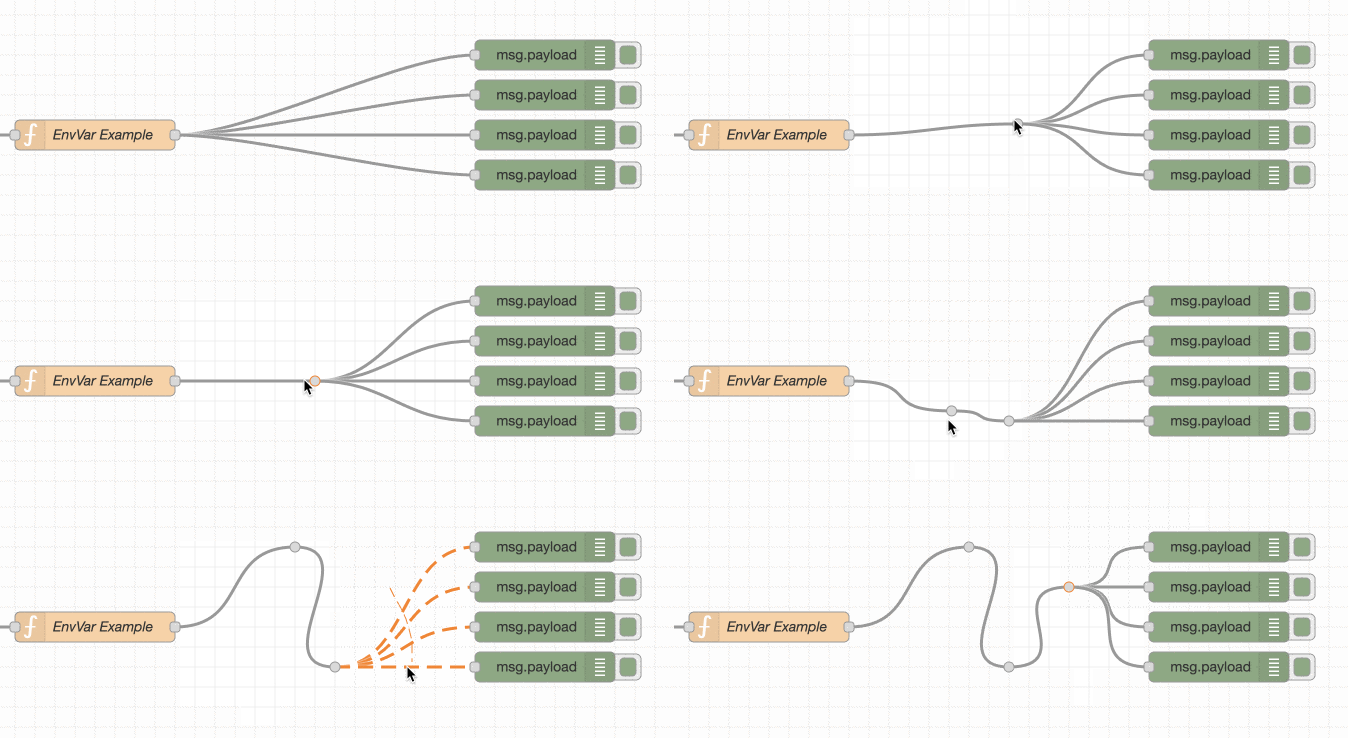
Junction points do not appear as regular nodes in the palette or flow outline, but can be added through the quick add dialog (holding down Ctrl and clicking in the workspace) or the new context menu.
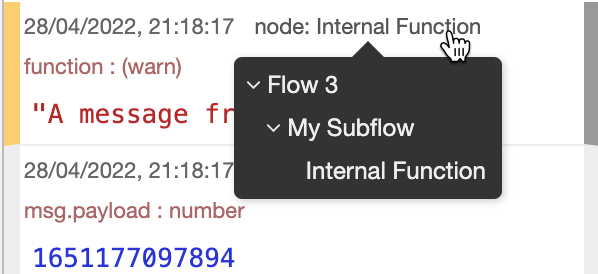
This update also enhances the debugging experience. In the debugging panel, the flow and node paths of the print log can be displayed.
Starting from 3.0, the default code editor will be changed from ACE to Monaco. This is a qualitative improvement to the development experience, as Monaco is the core editor of VSCode.
In addition, multiple static folders can be configured.
As a long-term support feature, the ability to provide static content folders is provided as part of its HTTP processing, used to serve static resources to web pages, etc.
In version 3.0, you can now specify multiple folders to serve from, and more importantly, specify the HTTP path for each folder to be served from.
In addition to the above significant features, when dragging nodes to the workspace, there are default node names,
You can perform continuous search, remember the cursor position, and edit stopped streams. I won't go through each step here. Please start using it now.
If you find it helpful, give it a thumbs up


Leave a Reply