Preface
Recently, when using GitLab's Web IDE, I noticed that when writing a Vue component, the file extension is .vue. The top right corner of the editor displays the current programming language as Vue, and the syntax highlighting, formatting, and folding are all excellent. However, Monaco actually does not support Vue.js. As a front-end developer, we sometimes need to write Vue components in the Monaco editor, so I spent my spare time trying to integrate Vue.js into Monaco. To be precise, Vue.js is not a programming language; it is similar to HTML, but there are many differences, which I won't expand on here. This article mainly focuses on how I explored and practiced integrating Vue.js into Monaco.
Exploration
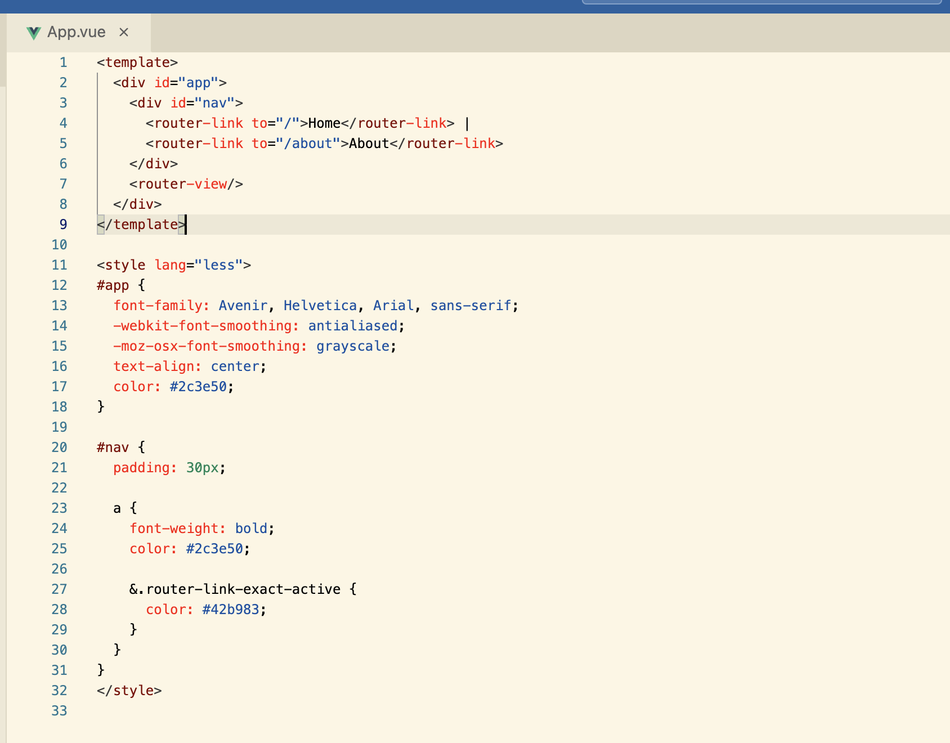
Let's first take a look at how a Vue component performs in GitLab's Web IDE.
Below are two simple Vue component codes displayed in the Web IDE.
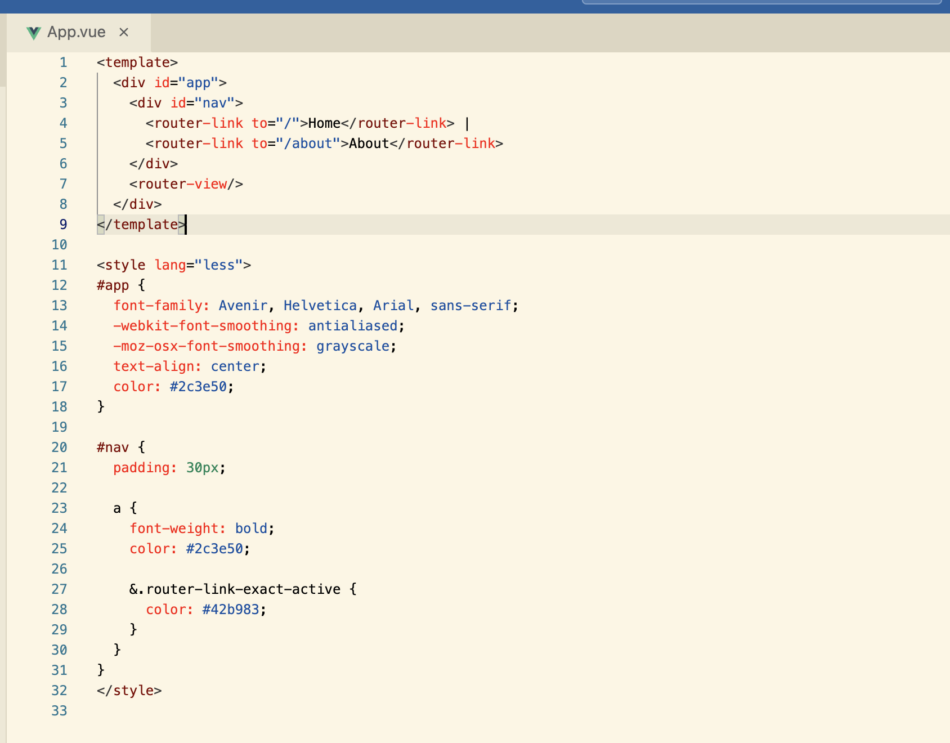
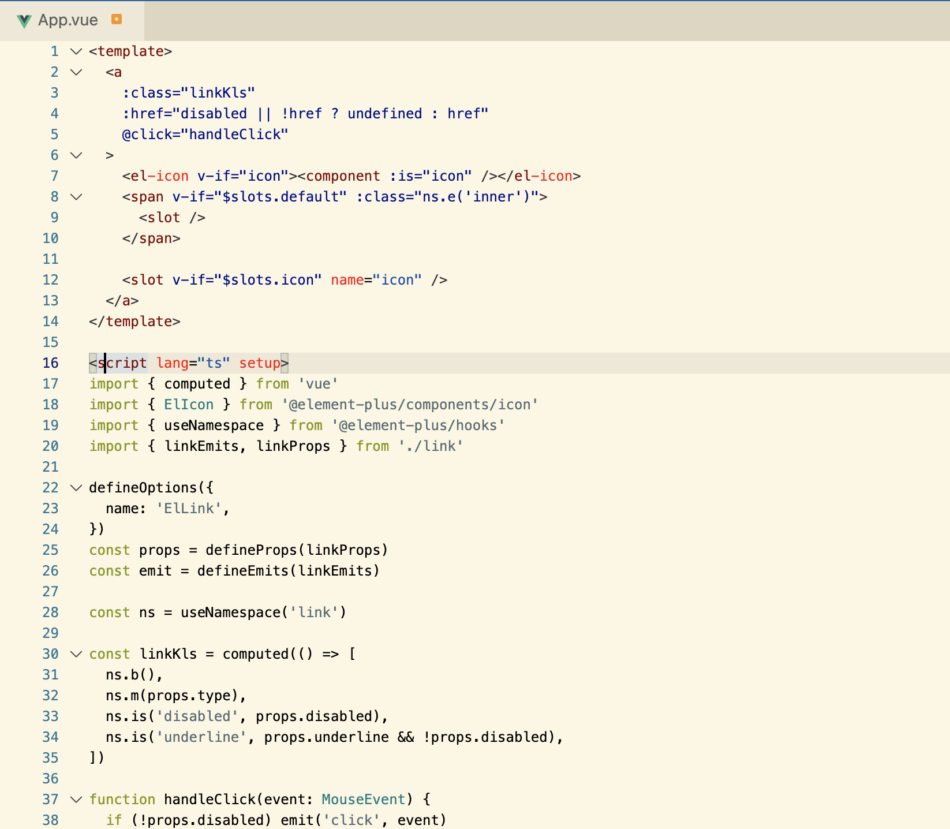
It can be seen that both HTML tags, attributes, and JS keywords, variables, are properly colored. It's not to say there are no drawbacks, but it's already quite good. (One drawback is that script tags cannot be folded.)
To achieve this effect, there are two parts involved. The first is to register a Vue language for Monaco and configure the corresponding properties of the language. The second is to set a more visually appealing theme. This article mainly discusses the first step, which is to register and add Vue programming language to Monaco.
After determining the research direction, I searched for a lot of information, but all I found were articles and answers on how to integrate Monaco in Vue.
The only related issue isadding Vue.js language support to Monaco Editor.
Due to multiple unsuccessful searches, the issue of adding Vue language support to Monaco was shelved for some time. Recently, I wanted to take it up again. In fact, this research topic doesn't have much practical use; writing Vue components in the editor cannot be directly displayed and used. Except for some large web IDE platforms that require this functionality, individuals and small businesses basically cannot use it. There may be other uses that I am unaware of. But for me, it's not a rigid demand; it's just an interest point and a small research topic.
In fact, there is a simplest solution to this problem, which is to hack GitLab's Web IDE code.
Having known the path to take in order to harvest the fruits, I embarked on the journey without hesitation. I began to superficially study the source code related to GitLab's web IDE. To say that I was studying is to boast, but in reality, it was just actrl + f ctrl + shift +f.
Searching, searching, searching.
Practicing
may seem like just searching, but in fact, finding the right keywords is crucial. The keywords you search with determine the efficiency of your search.
The keyword I used was, firstly,register, because to add a programming language to Monaco, this methodlanguages.register()must be used. After reviewing, I realized that the keyword I should use wasregisterLanguages. I immediately found what I was looking for.
Actually, searching here also involves an issue with the Monaco version. Because GitLab uses Monaco quite early on, if the version hasn't been updated enough, the version should be very low, which can easily lead to mismatches between documentation and APIs. You may not be able to find what you want, or even if you do, you may not be able to use it directly. The version of Monaco used by GitLab is"monaco-editor": "^0.25.2",
. Here are a few files involved in registering languagesapp/assets/javascripts/editor/source_editor.js
. Use the registerLanguages method to register all custom languages
app/assets/javascripts/ide/lib/languages/vue.jsDefine the file for vue programming language highlighting, tags, and other attributes.
app/assets/javascripts/ide/lib/editor.js
Set the theme and register the language.
app/assets/javascripts/ide/utils.js
This file contains a registerLanguages method, and the parameters used are the attributes defined in vue.js.
Since I am using pure HTML to integrate Monaco, some modifications are required to use vue.js.
You can view the complete code at the end of the article.
It is essentially removing import and export and replacing the enumeration values of languages.
After modifying vue.js, calling three functions will integrate vue into Monaco.
The core code is
const languageId = vueLan.id;
monaco.languages.register(vueLan);
monaco.languages.setMonarchTokensProvider(languageId, vueLan.language);
monaco.languages.setLanguageConfiguration(languageId, vueLan.conf);
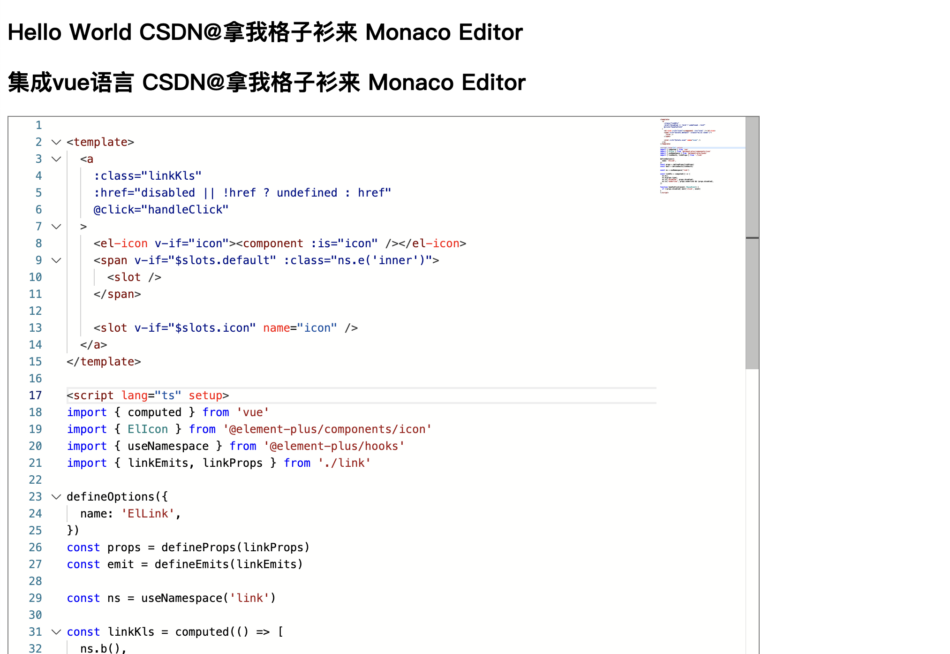
Complete effect
Complete code
<!DOCTYPE html>
<html>

<head>
  <title>Vue 组件高亮 Hello World @CSDN拿我格子衫来 Monaco Editor</title>
  <meta http-equiv="Content-Type" content="text/html;charset=utf-8" />
</head>

<body>
  <h2>Hello World CSDN@拿我格子衫来 Monaco Editor</h2>

  <h2>集成vue语言 CSDN@拿我格子衫来 Monaco Editor</h2>
  <div id="container" style="width: 800px; height: 600px; border: 1px solid grey"></div>

  <script src="./monaco-editor/package/min/vs/loader.js"></script>

  <script src="./vue.js"></script>

  <script>
    require.config({ paths: { vs: './monaco-editor/package/min/vs' } });
    let editor

    require(['vs/editor/editor.main'], function () {

      const languageId = vueLan.id;
      monaco.languages.register(vueLan);
      monaco.languages.setMonarchTokensProvider(languageId, vueLan.language);
      monaco.languages.setLanguageConfiguration(languageId, vueLan.conf);

      editor = monaco.editor.create(document.getElementById('container'), {
        value: vueCom,
        language: 'vue',
      });
    });


  </script>
</body>

</html>


Leave a Reply