
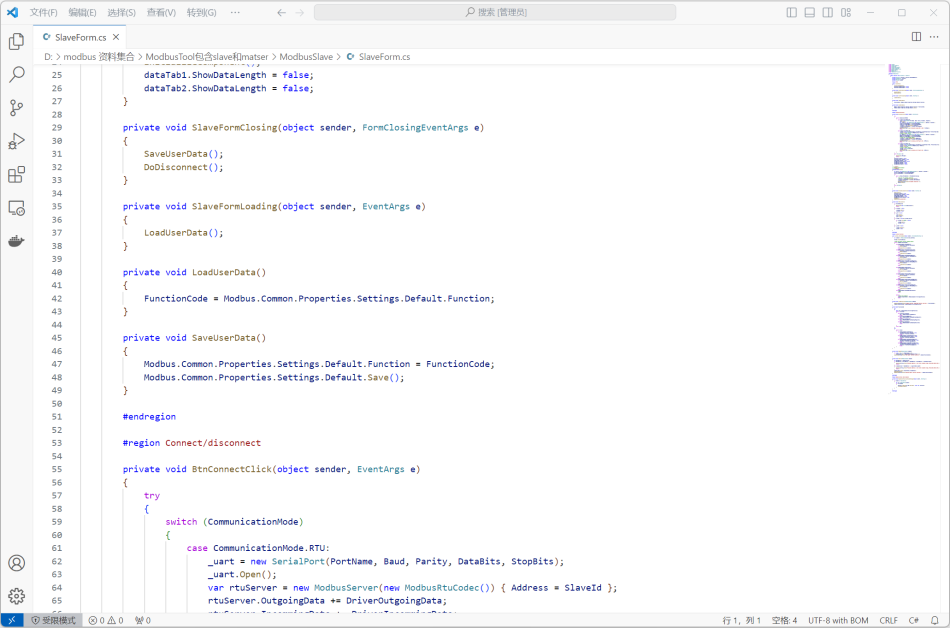
MODBUS debugging tool is an important tool for debugging and testing MODBUS communication protocol, and its source code is written in C #. This tool is divided into two versions:
MODBUS Master Station Debugging ToolandMODBUS Slave Debugging Tool, respectively used to simulate MODBUS master and slave devices.
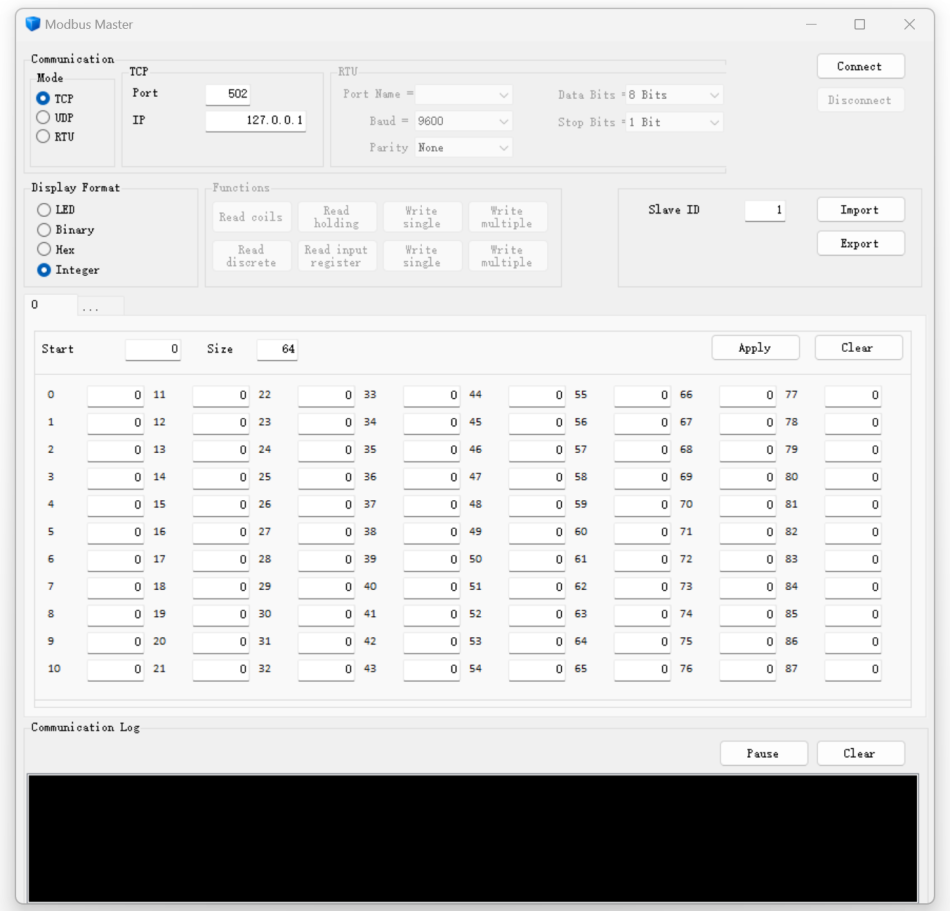
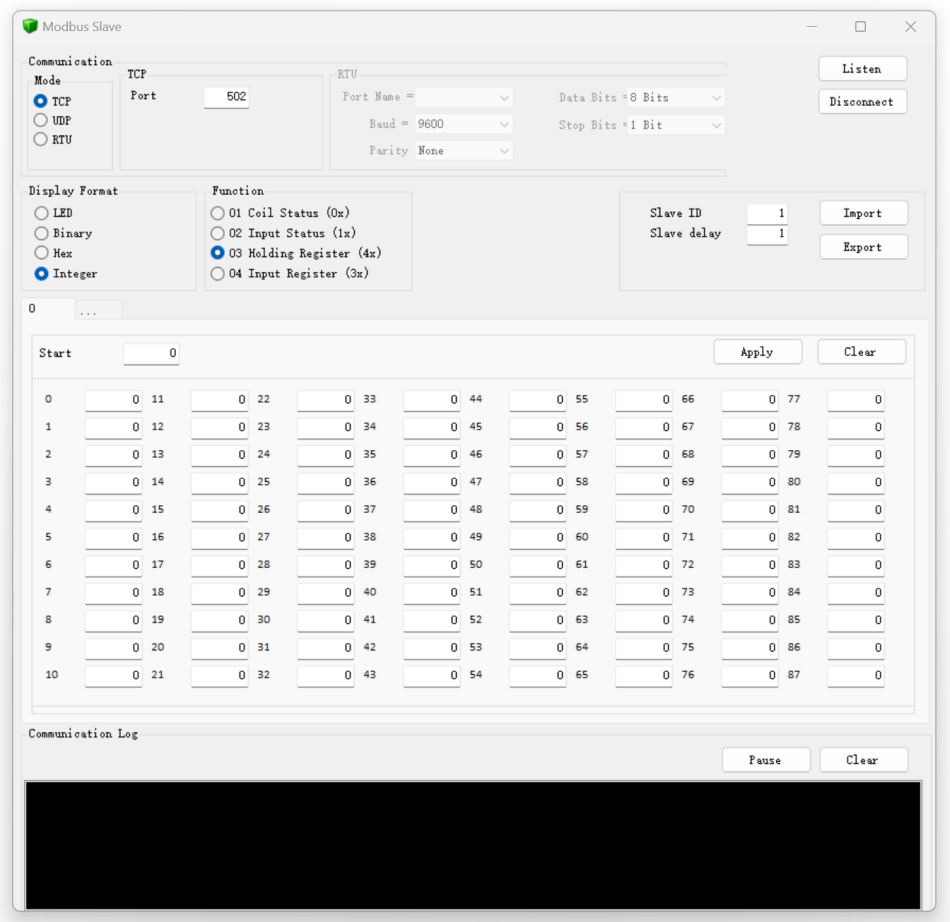
The MODBUS protocol, as a commonly used industrial communication protocol, plays an important role in automation systems. It supports three modes: RTU, TCP, and UDP, providing flexible choices in different scenarios. RTU mode is suitable for serial communication and communication between devices without network connection; TCP mode is suitable for Ethernet based communication; UDP mode is suitable for scenarios that require high real-time performance.
The MODBUS debugging tool provides rich functions to help developers quickly locate and solve MODBUS communication problems. It supports reading and writing MODBUS registers, coils, and other operations, and displays detailed information of communication messages for users to analyze problems.
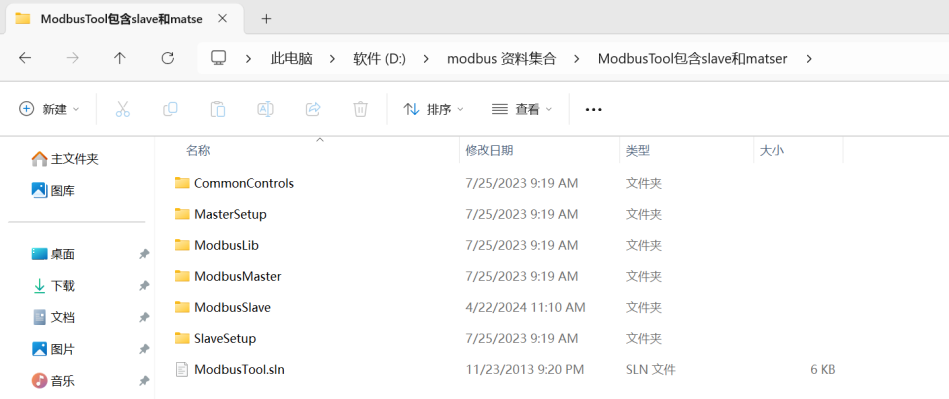
This tool uses the latest development environment, includingVS 2012, 2015, and 2017, as well as NET Framework 4.5.2. The use of these environments ensures the stability and compatibility of the tools, enabling developers to debug and test in the latest development environment. When using the MODBUS debugging tool, developers first need to select the debugging mode, then choose RTU, TCP, or UDP mode according to the actual situation, and set communication parameters such as serial number, baud rate, IP address, etc. Next, they can perform read and write operations to view the status and data of the device. During the testing process, the tool will display detailed information about communication messages, including request messages and response messages, to assist developers in analyzing communication issues. Overall, MODBUS debugging tool is a powerful and easy-to-use tool that can help developers quickly solve MODBUS communication problems. Its source code structure is clear, of high quality, and easy to understand and modify. By using MODBUS debugging tools, developers can improve work efficiency and better learn and practice the MODBUS communication protocol.
When using the MODBUS debugging tool, developers first need to select the debugging mode, then choose RTU, TCP or UDP mode according to the actual situation, and set communication parameters such as serial number, baud rate, IP address, etc. Next, they can perform read and write operations to view the status and data of the device. During the testing process, the tool will display detailed information about communication messages, including request messages and response messages, to assist developers in analyzing communication issues.
Overall, MODBUS debugging tool is a powerful and easy-to-use tool that can help developers quickly solve MODBUS communication problems. Its source code structure is clear, of high quality, and easy to understand and modify. By using MODBUS debugging tools, developers can improve work efficiency and better learn and practice the MODBUS communication protocol.


Leave a Reply