
In today's rapidly developing fields of industrial automation and the Internet of Things (IoT), testing and debugging of communication protocols is a crucial step in ensuring stable system operation. As a professional communication protocol testing software, Wu Communication Debugging Tool provides an ideal testing platform for engineers and developers with its powerful functions and user-friendly interface. This article will provide a detailed introduction to the unique features and application scenarios of the Wu communication debugging tool.
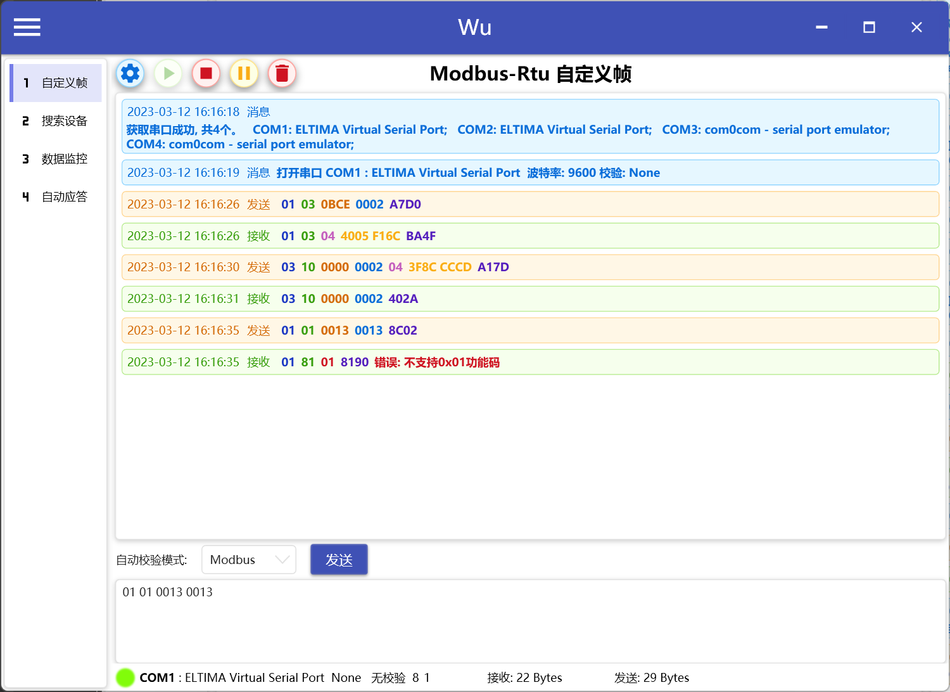
Modbus Rtu Custom frames
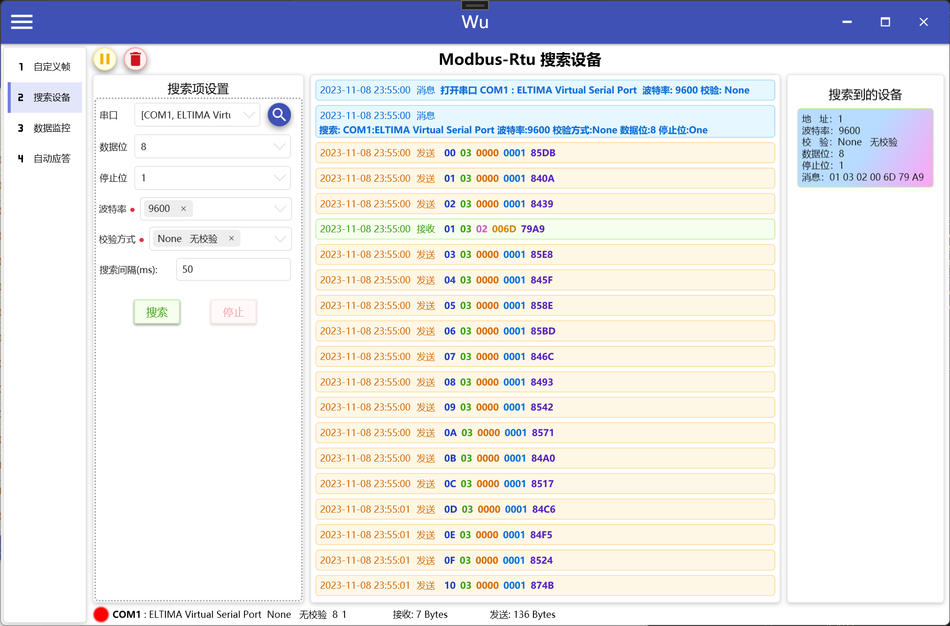
Modbus Rtu Search for devices
Parameter settings, Multiple baud rates and verification methods can be selected
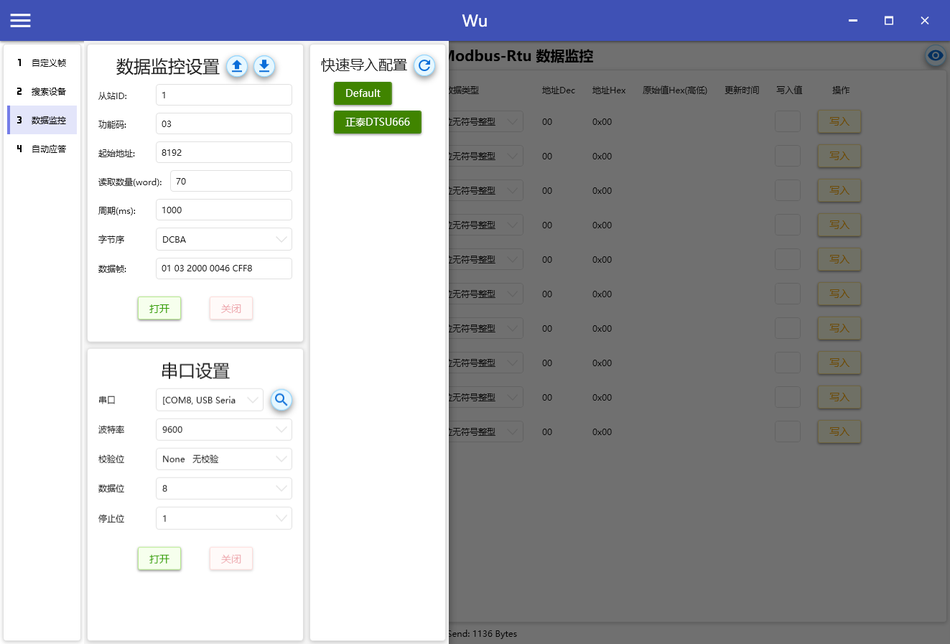
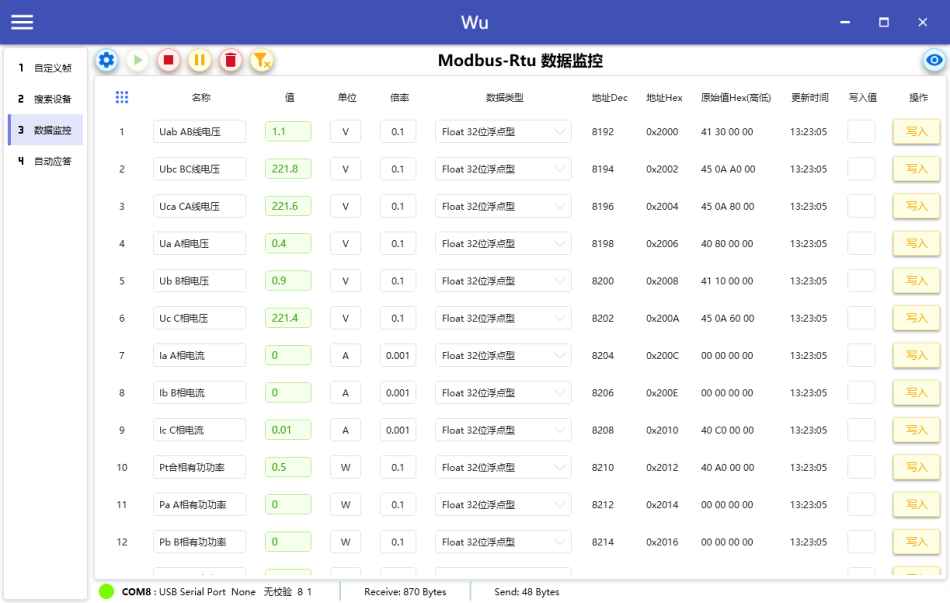
Modbus Rtu Data monitoring
Data monitoring settings, which can export configurations for easy and quick import next time.
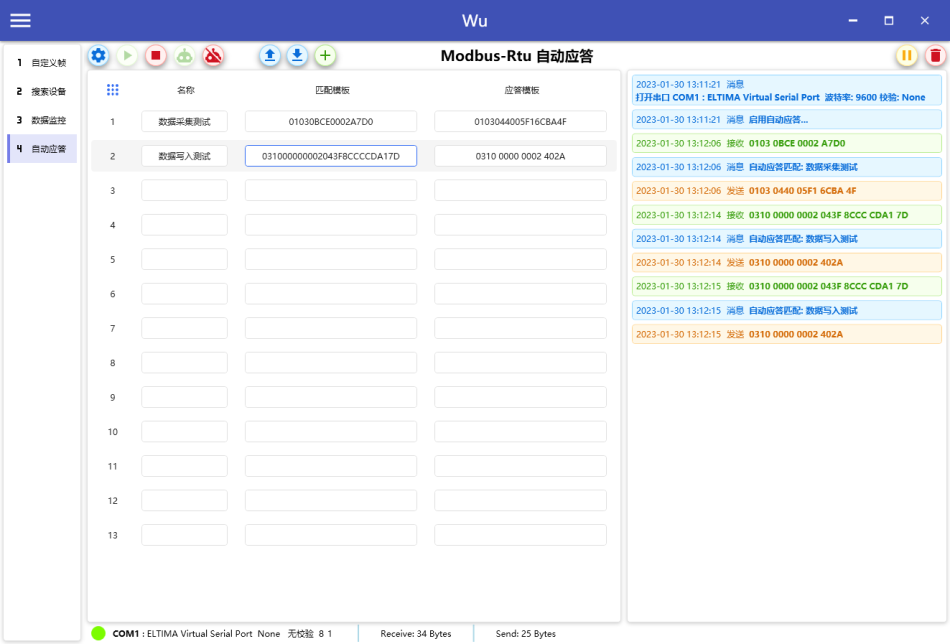
Modbus Rtu Automatic response
Set up matching and response templates, and automatically send response templates when receiving data that matches the matching template
Software features
supportModbusRtu, MqttServerMqttclient
WuThe communication debugging tool supports multiple communication protocols, including:ModbusRtu, MQTTServer and client make it an ideal choice in multi protocol environments.
Rich interface colors
The software interface adopts rich color design, which not only enhances the visual experience, but also makes data reading and operation more intuitive.
ModbusRtuAutomatically parse data frames
ModbusRtuThe module can automatically parse and validate data frames, greatly improving debugging efficiency.
Intelligent anti sticking package, fast and capable of parsing
The software has an intelligent anti sticking package function, which can accurately parse data even in high-speed communication environments, ensuring communication stability.
Function introduction
Modbus Rtu
- Automatically format, parse, and validate data framesSimplified the processing flow of data frames, improved the accuracy and efficiency of data processing.
- Custom frames support automatic verificationUsers can customize data frames according to their own needs and use automatic verification function to ensure data integrity.
- Search for devicesSupports multiple combination settings, automatically searches for devices, and simplifies the process of device discovery and connection.
- Data monitoringAllow users to set byte order, data type, etc., support read and write operations, and provide flexibility for data monitoring.
- Automatic responseAutomatic response during communication reduces manual operation and improves response speed.
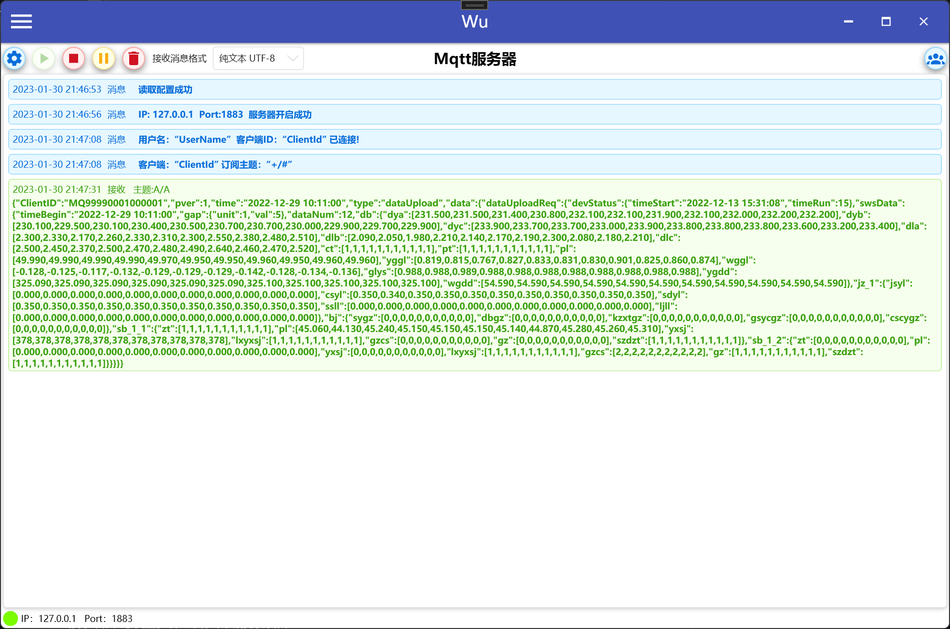
Mqtt Server
- LocalMqttThe server: Open locallyMQTTThe server provides client connection testing, which facilitates server-side testing and debugging.
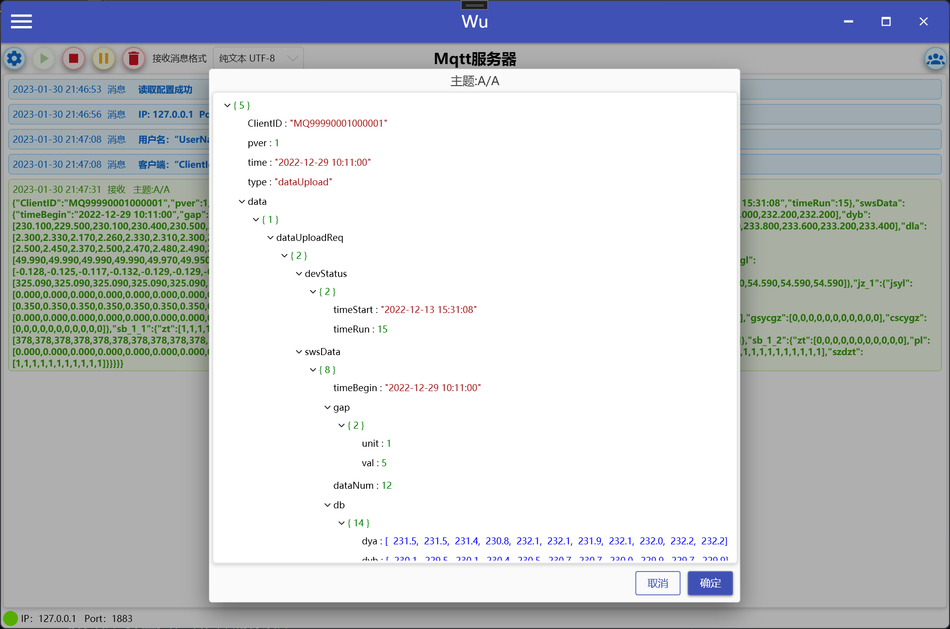
- View message formattingRight click on the message to access itJSONThe formatting of data for viewing has improved its readability.
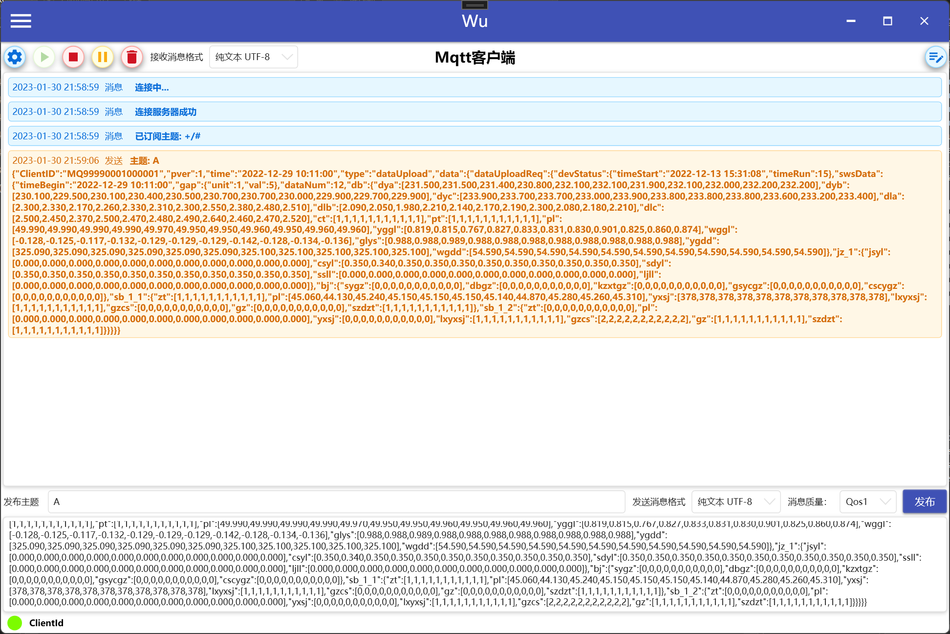
Mqtt Client
- MqttClient connectionAllow users to enableMQTTThe client connects toMQTTServer, conduct communication testing.
- Subscription managementProvide subscription management functionality, allowing users to easily subscribe to and unsubscribe from the topics they need.
- View message formatting: Also supports right-click message pairsJSONThe formatted viewing of formatted data enhances the user experience.
JsonFormat for viewing
WuCommunication debugging tools are also specially providedJSONThe formatting and viewing function of data is particularly important for processing and analyzing structured data.
Application scenarios
WuCommunication debugging tools are suitable for various scenarios, including but not limited to:
- Industrial automation testingIn industrial automation systems, forModbusRtuTest and debug the protocol.
- IoTEquipment developmentIn the development process of IoT devices, forMQTTTest the protocol to ensure smooth communication between devices.
- Communication protocol teachingAs a teaching tool, it helps students understand and master the working principles and applications of different communication protocols.
Conclusion
WuCommunication debugging tools have become powerful assistants for communication protocol testing and development due to their comprehensive functionality and intuitive user interface. Whether in the field of industrial automation or the Internet of Things, it can provide efficient testing solutions to help engineers and developers optimize communication processes and improve system performance.


Leave a Reply