
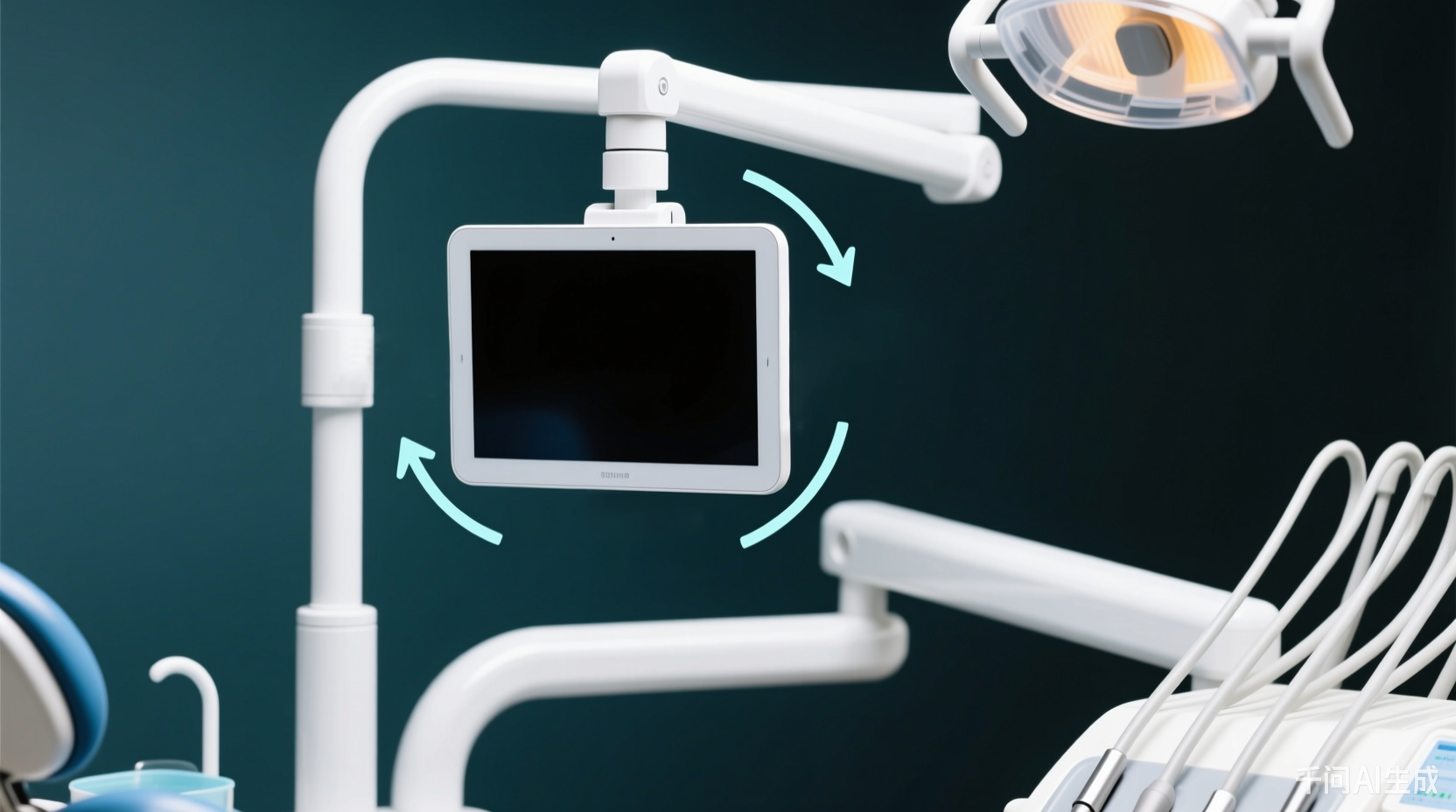
运行期整体旋转 UI(0°/90°/180°/270°),手持器、竖装机柜都适用。一套 Lua 适配所有姿态,DX 시리즈专属。
1. Lua 控制旋转
set_lcd_rotate(angle)  -- angle: 0~3 (0=0°,1=90°,2=180°,3=270°)

function on_init()
  local angle = get_uint16(VT_RW, 0x0001)  -- 从Flash读旋转方向
  angle = (angle < 0 or angle > 3) and 0 or angle
  set_lcd_rotate(angle)
  set_uint16(VT_LW, 0x8888, angle)
end

function on_update(slave,vtype,addr)
  if vtype == VT_LW and addr == 0x8888 then
    local val = get_uint16(VT_LW, 0x8888)
    set_uint16(VT_RW, 0x0001, val)  -- 存旋转方向
    set_lcd_rotate(val)
  end
end
2. 生成多方向文件
横屏엔지니어링(0°/180°)编译两次:0° 保留默认 image.bin/project.bin;180° 重命名为 image180.bin/project180.bin 放进 private。竖屏엔지니어링(90°/270°)同理生成 image90/image270 放入 private。private 目录最终含 8 个核心文件,启动时默认불러오기 0°,运行时切方向自动불러오기对应 bin。
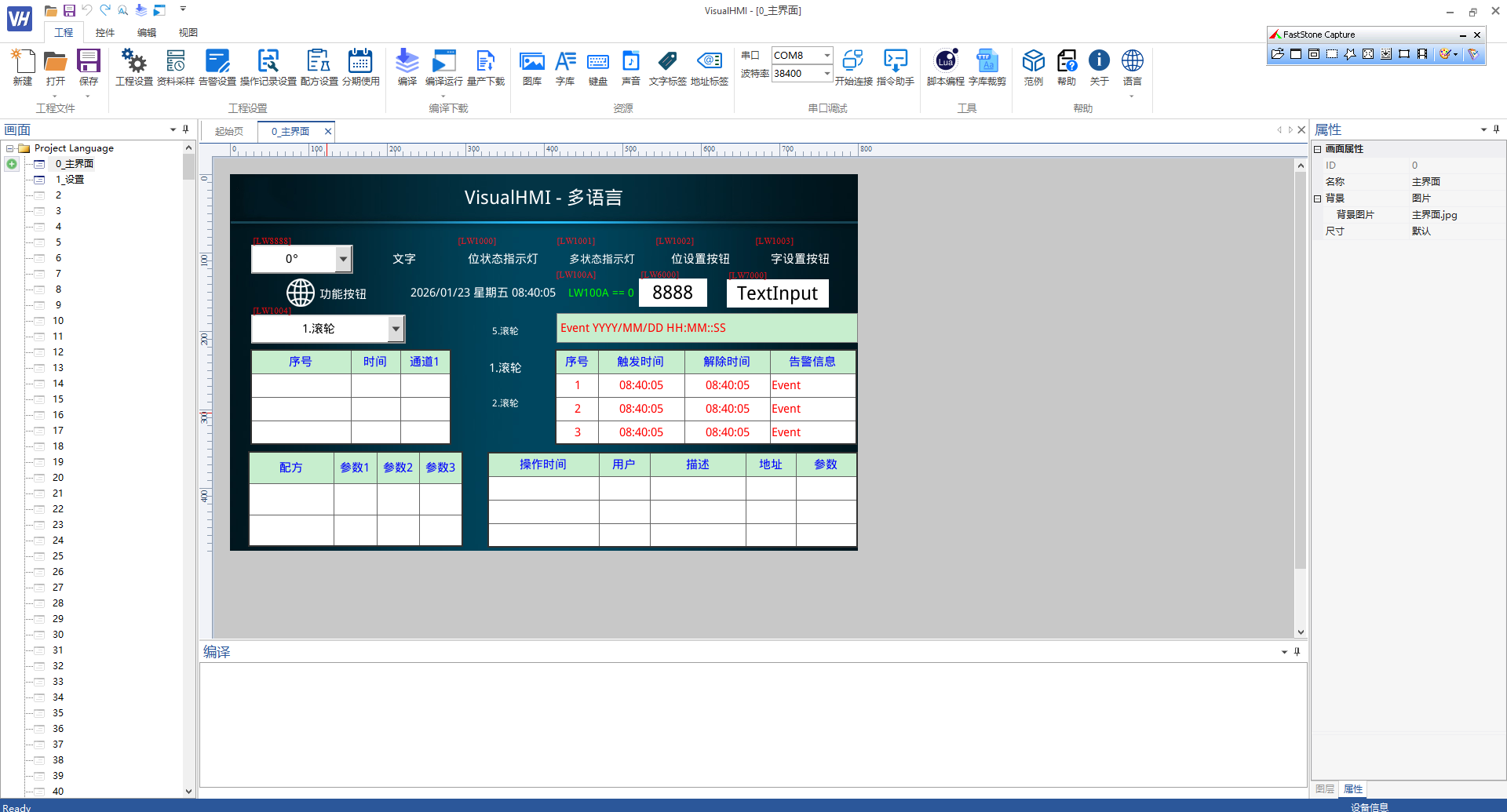
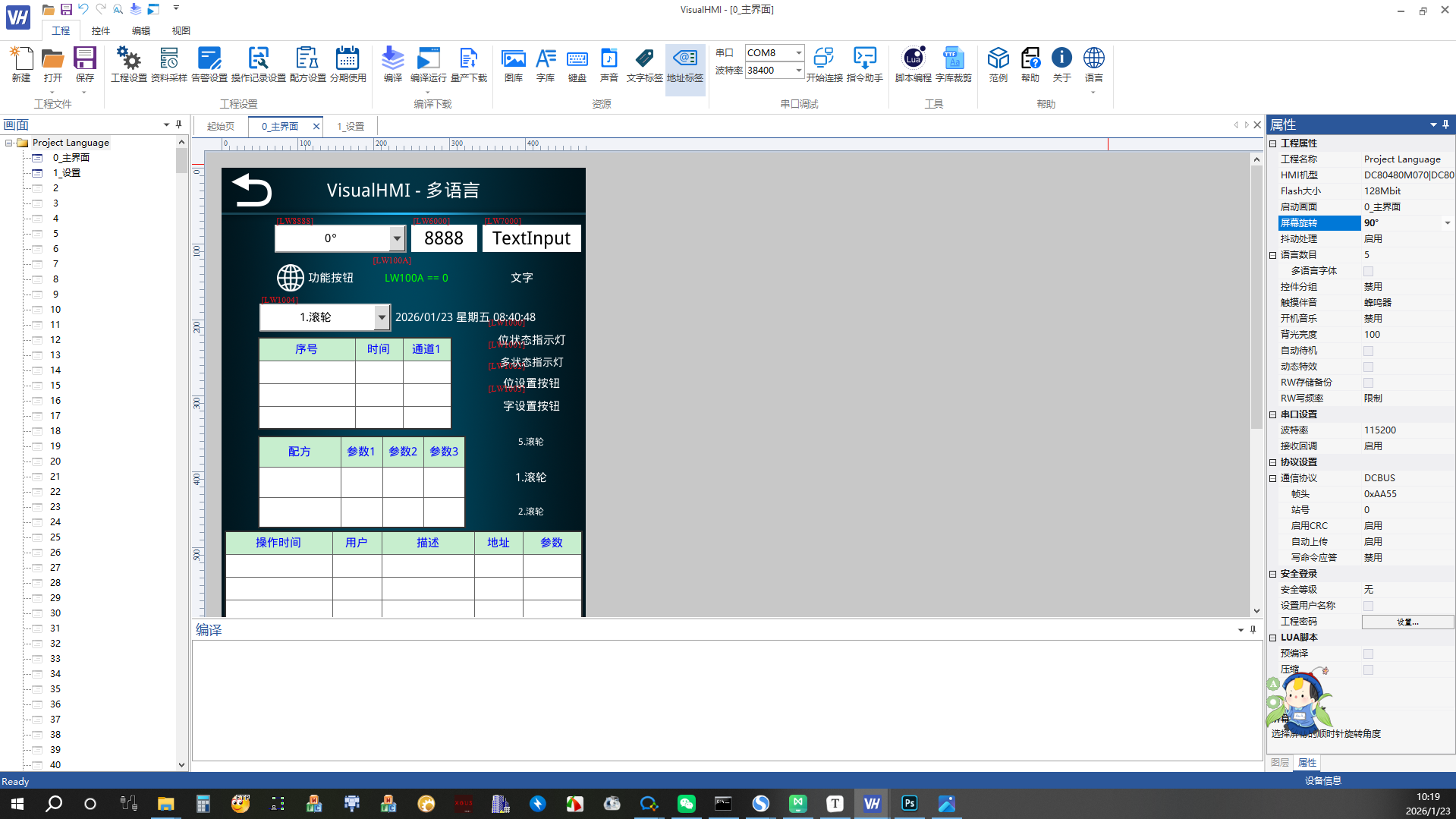
屏幕旋转注意:横屏和竖屏的 Lua 스크립트逻辑完全一致,差异只在编译出的 bin 文件(imageXXX.bin/projectXXX.bin)。개발者只维护一套엔지니어링,按方向编译四次命名好丢进 private 即可。DX 시리즈专属。
整理自 广州大彩科技 VisualHMI 개발문서(hmi-doc.gz-dc.com)其他기술튜토리얼「屏幕旋转」,版权归大彩科技所有。


답글 작성