
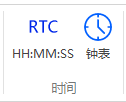
The time control supports two forms:RTC numerical format(YYYY-MM-DD HH:MM:SS) andclock(hour/minute/second hands). It supports MCU synchronous calibration and user-click editing.
1. Time Synchronization Mechanism
- MCU Synchronization: The main control calibrates the time by reading and writing dedicated registers (year/month/day/hour/minute/second) of the HMI
- User Editing: In editable mode, clicking pops up a keyboard/date picker, and after modification, it is written back to the register
2. RTC Control Properties
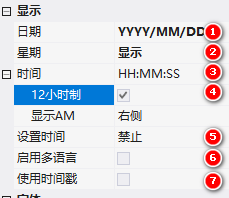
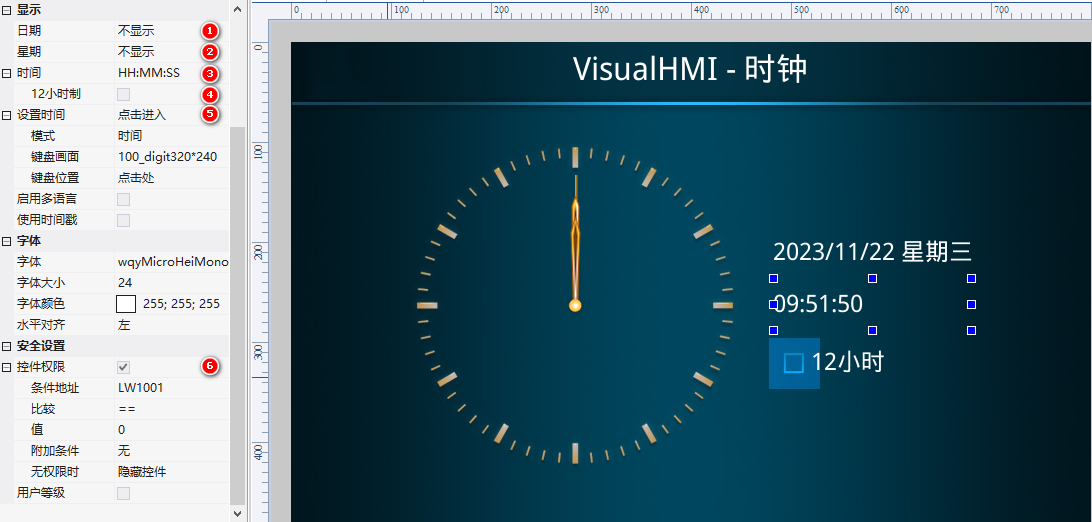
2.1 Display Attributes
| Attributes | Description |
|---|---|
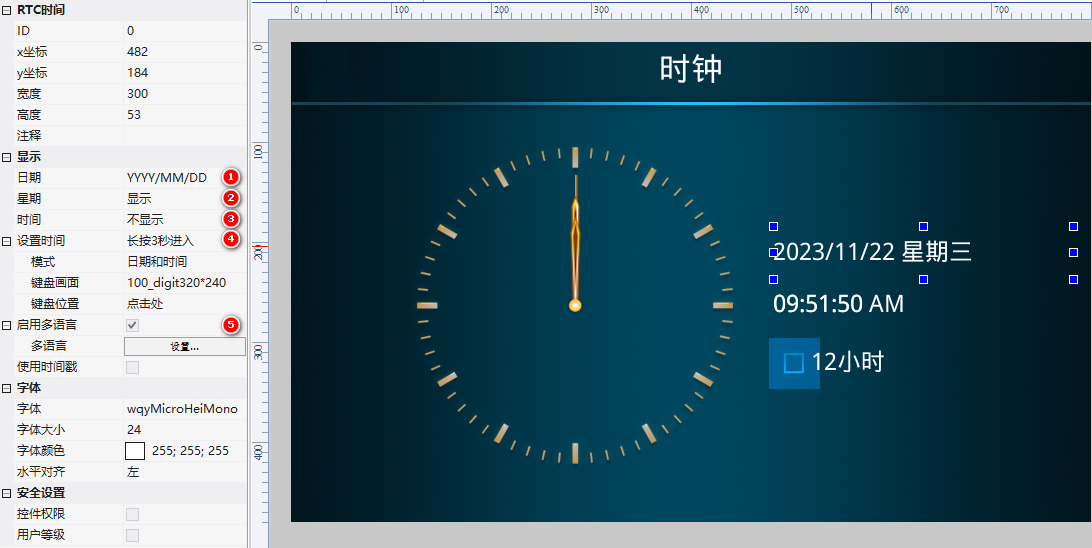
| Date | YYYY/MM/DD, MM/DD/YYYY, DD/MM/YYYY or not displayed |
| Day of Week | Display or not displayed |
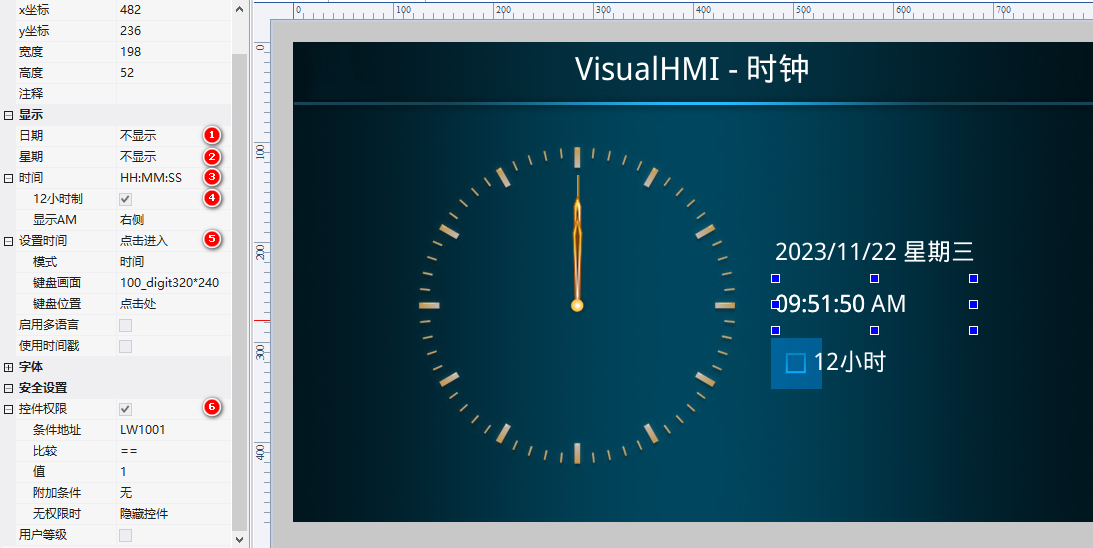
| Time | HH:MM or HH:MM:SS |
| 12-hour format | After checking, the afternoon starts from 1 PM (display AM/PM) |
| Set Time | Long press for 3 seconds to enter / Click to enter / Disable |
| mode | Time and Date / Time / Date |
| Keyboard Screen / Position | Default 100_digit320&240; Click here or customize |
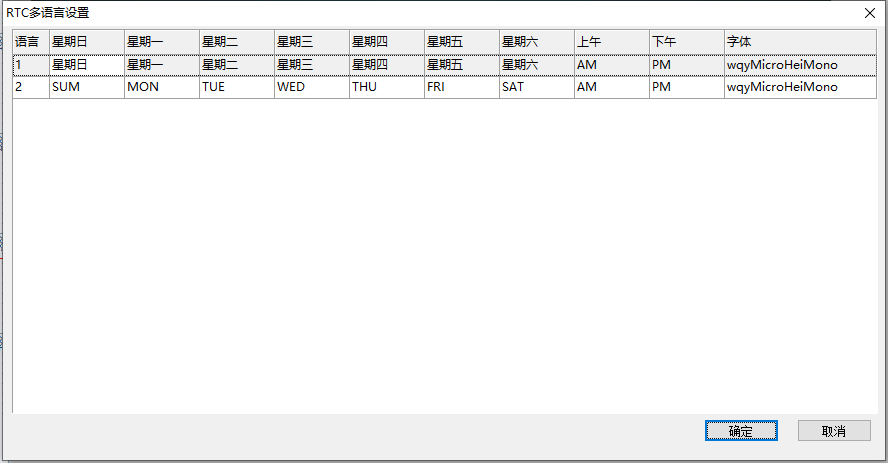
| Enable Multi-Language | Multi-Language for weekday and other texts |
| Use Timestamp | Unchecked = System RTC Time; Checked = Timestamp Variable Address (4-byte Timestamp) |
2.2 Font Attributes
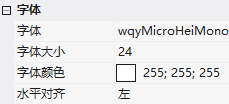
Font / Font Size / Color / Horizontal Alignment (Left / Center / Right).
3. Clock Control Attributes
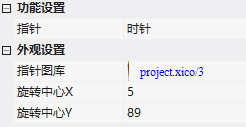
- Hands: Hour/Minute/Second Hands
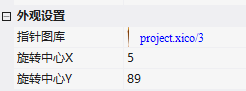
- Hand Image Library: Hand Images
- Rotation Center X/Y: Hand Rotation Position, where X is generally half the width of the image and Y is the height.
4. Application Cases
4.1 RTC 12/24 Hour Switching
3 RTCs: Year/Month/Day + Weekday (long press for 3 seconds to edit, Chinese weekday); 12-hour format (HH:MM:SS, display AM on the right side, condition LW1001==1); 24-hour format (condition LW1001==0). The additional status indicator light (toggle switch, LW1001) controls which one is displayed.
4.2 Clock
3 clock controls (hour/minute/second hands), each associated with a hand image library, with the rotation center set according to the image size (second hand image X=2, Y=130). After running, it is consistent with the computer time.
Compiled from the VisualHMI development documentation of Guangzhou Dacai Technology (hmi-doc.gz-dc.com), the configuration control tutorial "Time", copyright reserved by Dacai Technology.


Leave a Reply