
Animation control playsmulti-frame sequence images(image library files) to achieve dynamic presentation of device status or guide feedback. It supports automatic playback, conditional control, loop playback, and can also switch the screen or write registers after playback.
1. Attribute introduction
1.1 Function settings
| Attributes | Description |
|---|---|
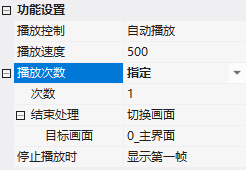
| Playback control | Automatic playback (play upon entering the screen) / conditional control (play only when conditions are met) |
| Read address + compare + value | Judgment of conditional control: ==, !=, =, , IN (within the range including boundaries), OUT (outside the range) |
| Playback speed | Frame interval time (milliseconds) |
| Playback count | Infinite or specified count |
| End processing | After specified count of playback: Switch screen or write to specified register (executed once, independent of playback count) |
| When stopping playback | Display first frame / Hide animation / Pause animation |
1.2 Appearance settings
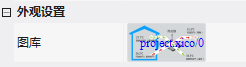
Gallery: Select the icon library displayed by the control.
2. Application cases
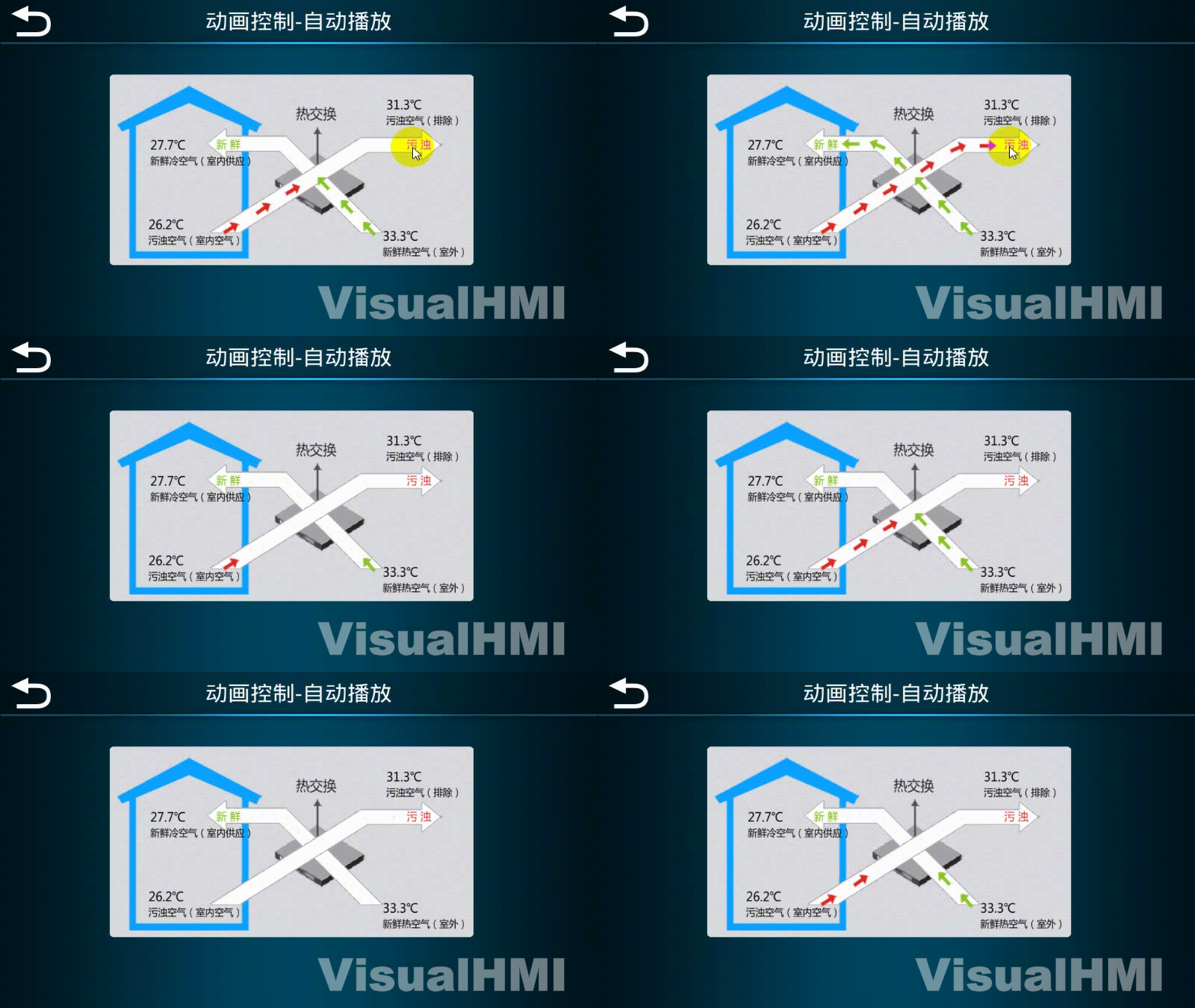
2.1 Automatic playback
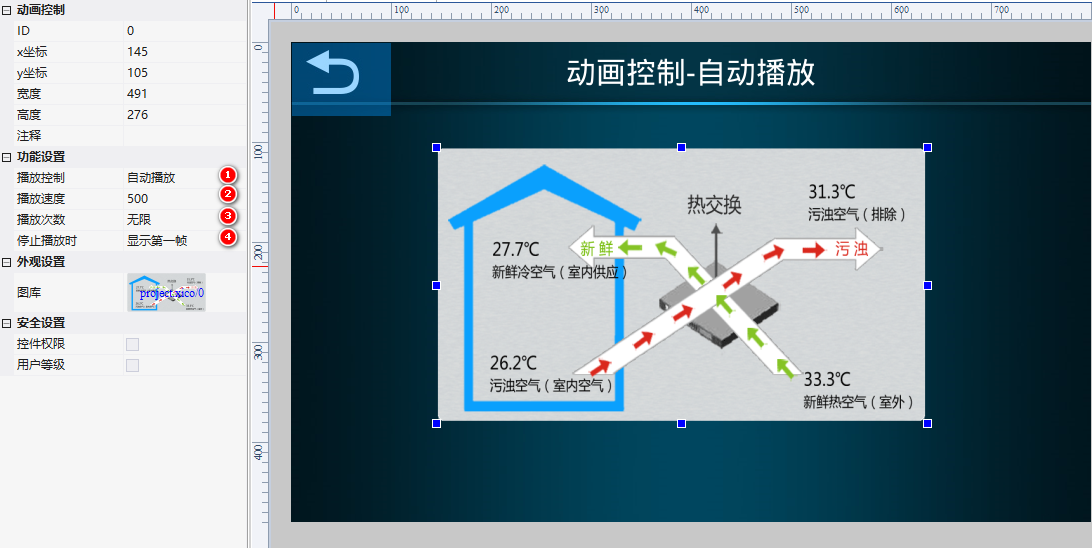
Playback control = automatic playback, speed 500ms, infinite count, display first frame when stopping. Loop playback upon entering the screen.
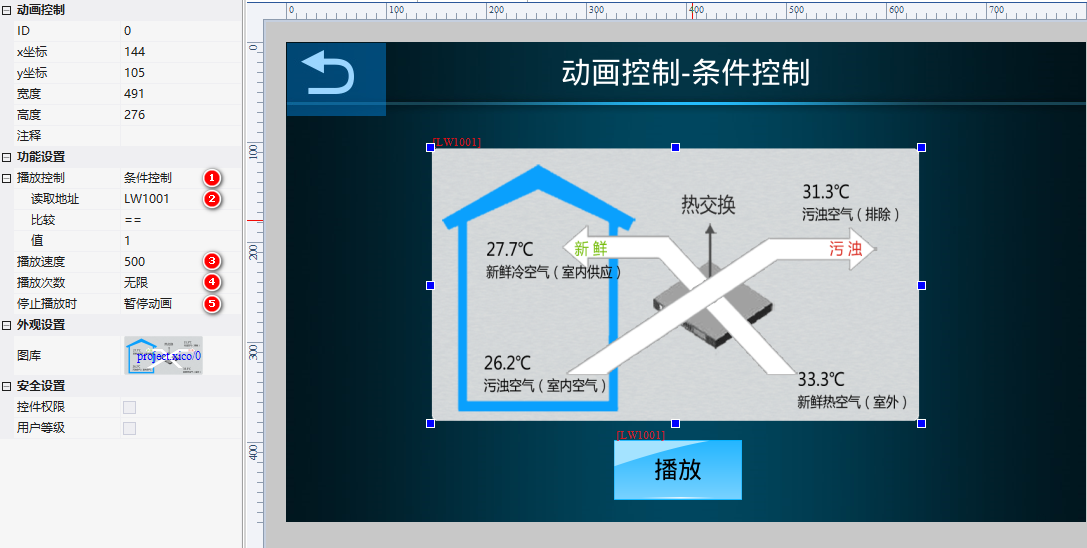
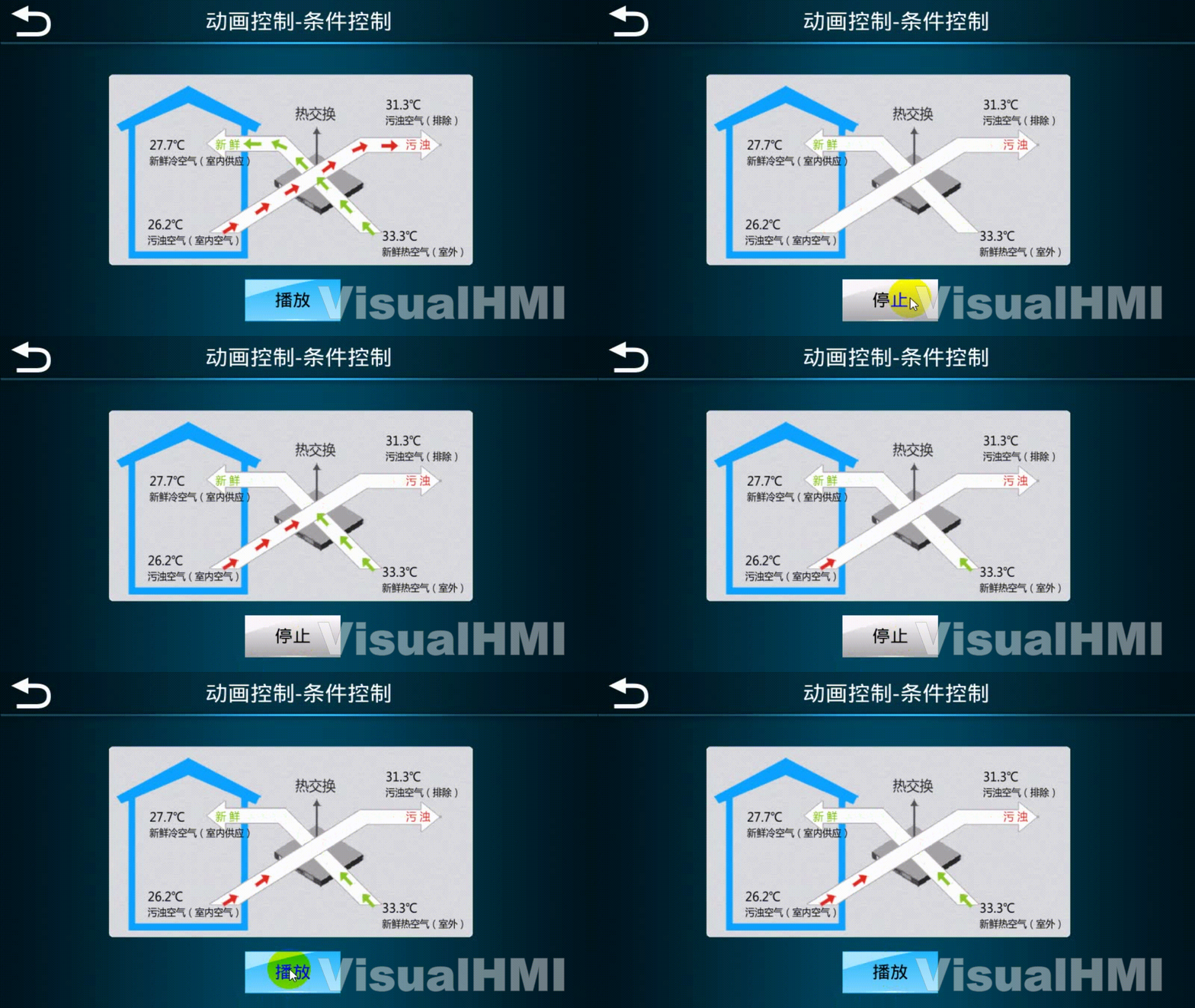
2.2 Condition Control (Start/Stop Animation)
Playback Control = Condition Control, play whenLW1001== 1, with a speed of 500ms and infinitely. Equipped with a bit status indicator light (toggle switch) to control LW1001: On = 1 to play, Off = 0 to stop (pause animation).
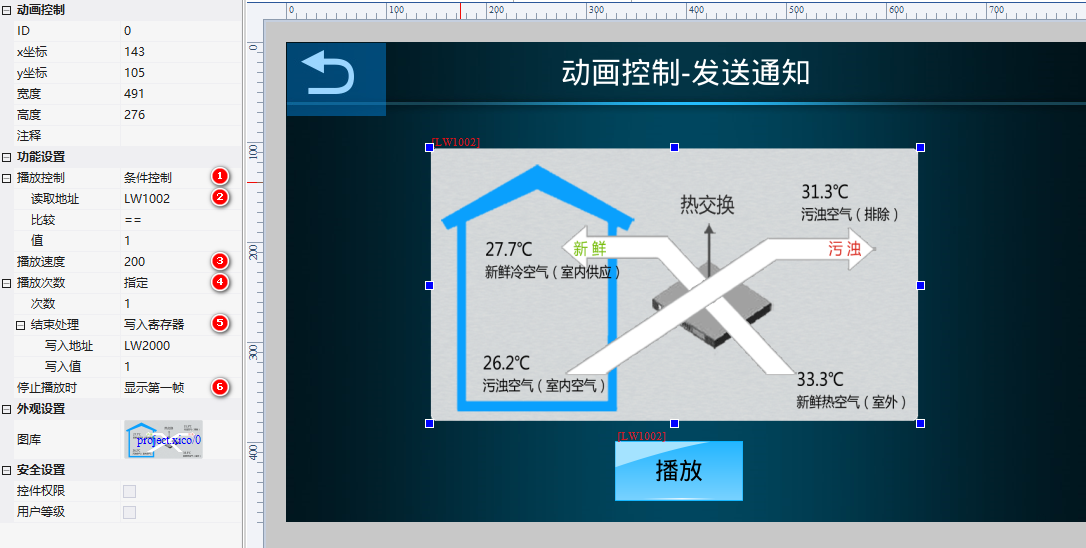
2.3 Send Notification After Playback
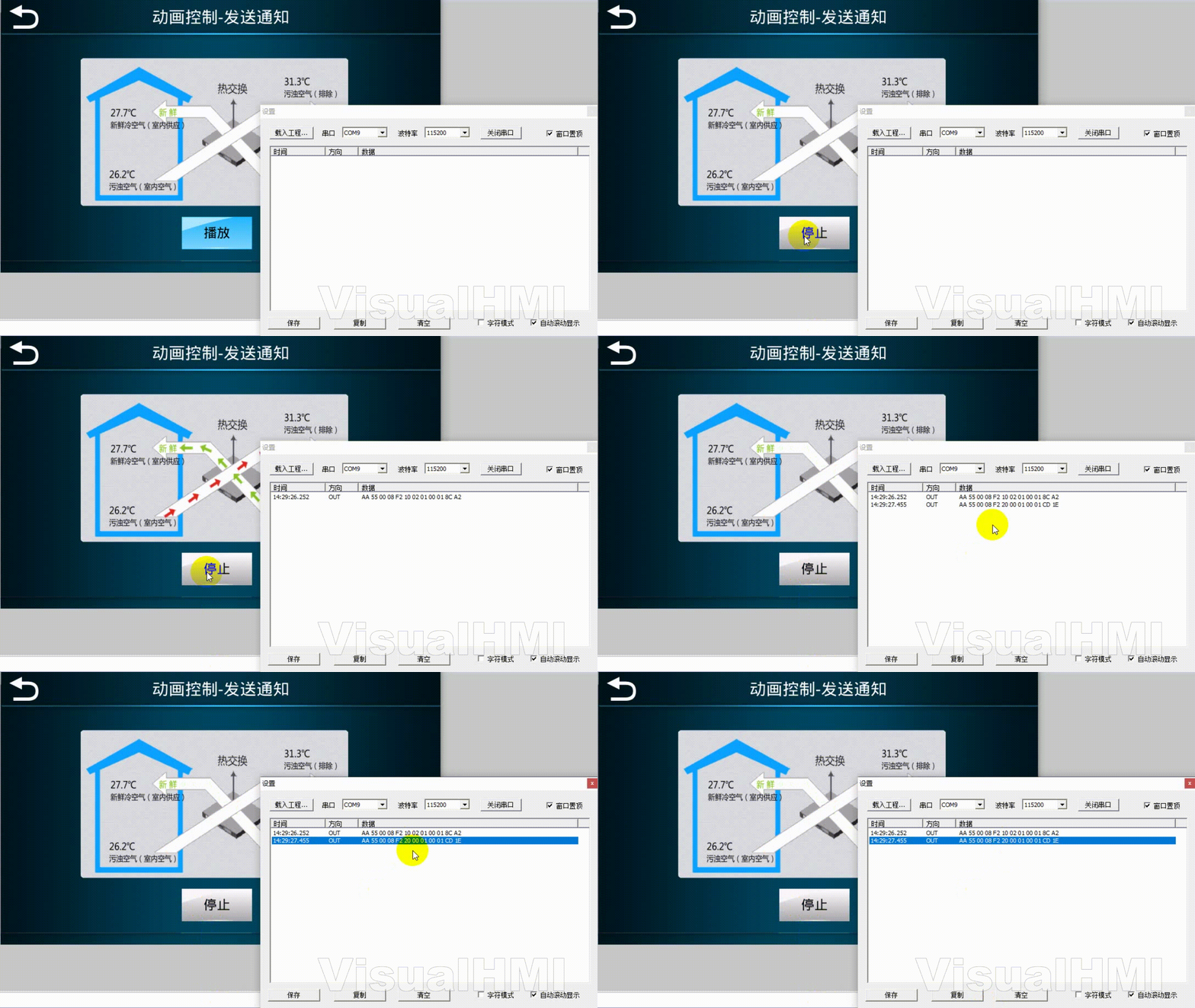
Playback Control = Condition Control (LW1002 == 1), specified times: 1 time, end processing = write to register:LW2000write 1. After the animation is played, write LW2000 to notify PLC.
2.4 Switch Screen After Playback
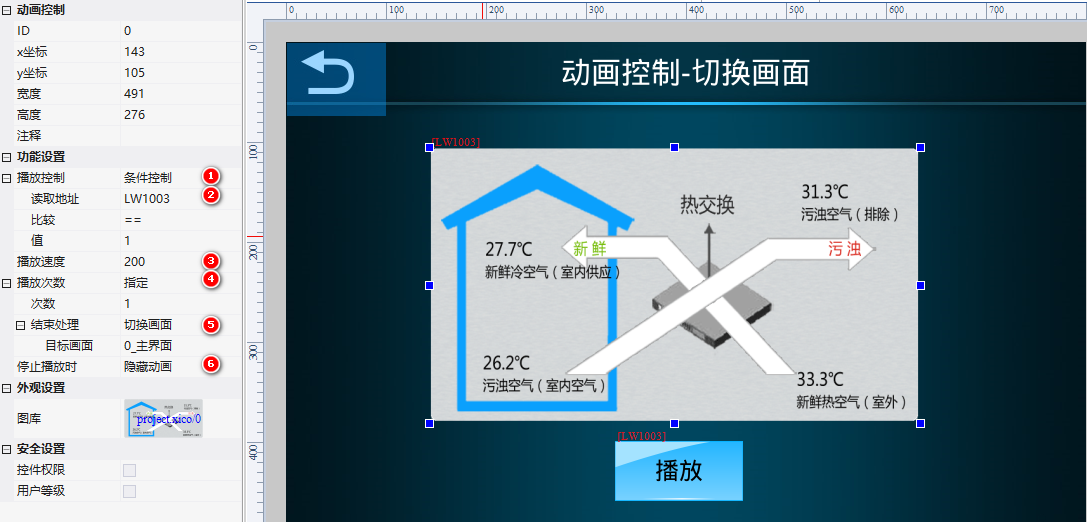
Playback Control = Condition Control (LW1003 == 1), after 1 time, switch the screen to the main screen, and hide the animation when stopped. Suitable for startup animation.
wgt_set_param(screen, control, 0x33, value)——0x33 fixedly represents the GIF speed, with value in ms (100=100ms per frame). The premise is that the GIF control ID is not 0.Compiled from Guangzhou Dacai Technology VisualHMI Development Documentation (hmi-doc.gz-dc.com) Configuration Control Tutorial "Animation Control", copyright owned by Dacai Technology.


Leave a Reply