
The QR Code control dynamically generates a standard QR Codeon the HMI interface, with content updated at runtime. It is commonly used in payment, operation and maintenance, and after-sales scenarios - a QR code is directly generated on the screen, which can be accessed by scanning with a mobile phone.
1. Attribute Introduction
1.1 Basic Settings
| Attributes | Description |
|---|---|
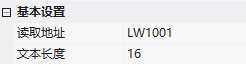
| Read Address | Bound Variable Address |
| Text Length | The maximum length of the string displayed, default is 16. The content is stored in continuous registers, with 2 bytes per address (non-characters, some characters occupy 2 bytes such as %, ℃), up to 512 bytes (when the error correction is at least 7%) |
Example: Content "https://www.baidu.com/”, registers from 0x1001, 16 registers (0x1001~0x1008) allocated:
| Register | 0x1001 | 0x1002 | 0x1003 | … | 0x1008 |
|---|---|---|---|---|---|
| Register value (hex) | 0x68 0x74 | 0x74 0x70 | 0x73 0x3A | … | 0x69 0x64 |
| Character | ht | tp | s: | … | id |
1.2 Appearance Attributes
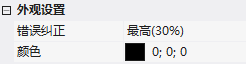
- Error Correction: Highest (30%) / Higher (25%) / Medium (15%) / Lowest (7%) - Fault Tolerance, Partial Damage Still Recognizable
- Color: QR Code Foreground Color
2. Application Cases
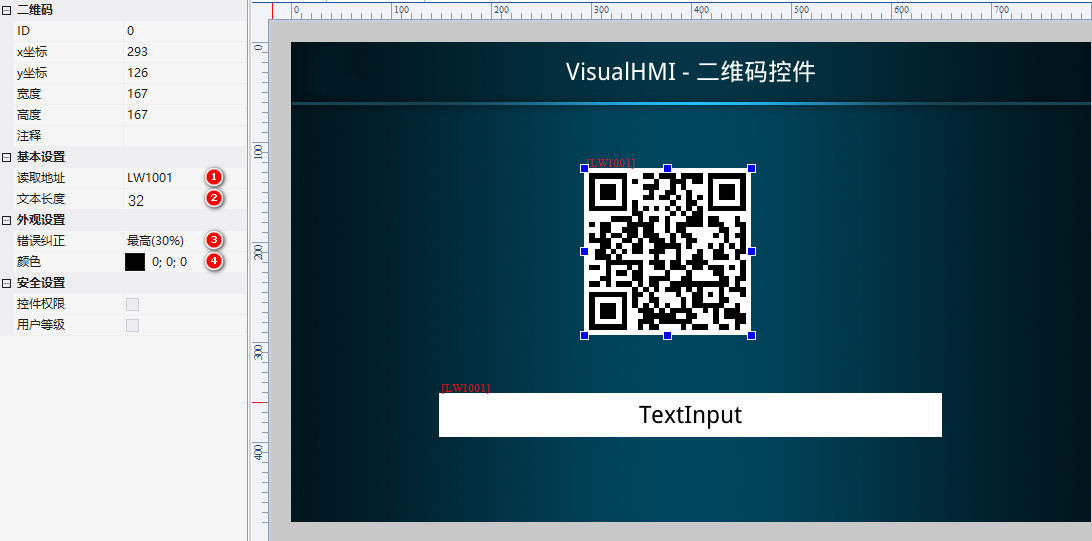
Screen with QR Code Control: ReadLW1001, Text Length 32, Error Correction Highest (30%), Color Black. Add a Text Control (also bound to LW1001, Length 32) to display the QR Code content.
Operation: PLC writes LW1001 content, QR Code refreshes in real time. Set "https://www.baidu.com/" for direct access via phone scanning.
Compiled from the VisualHMI development documentation of Guangzhou Dacai Technology (hmi-doc.gz-dc.com), the configuration control tutorial "QR Code", copyright reserved by Dacai Technology.


Leave a Reply