
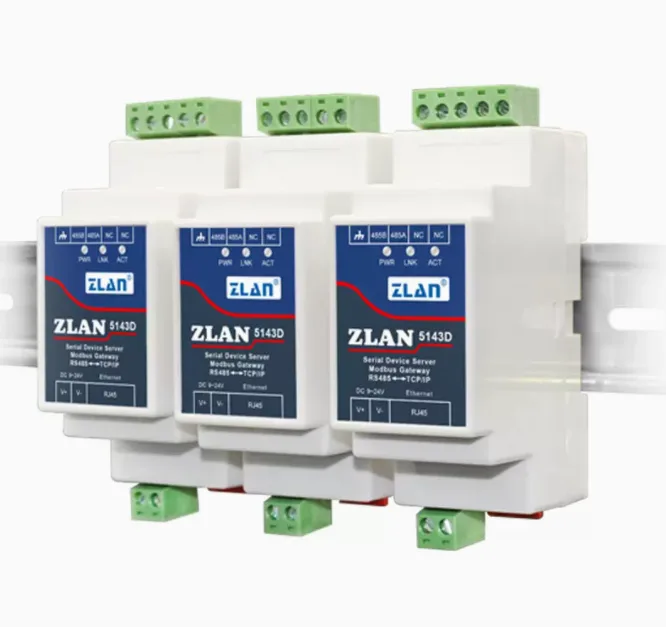
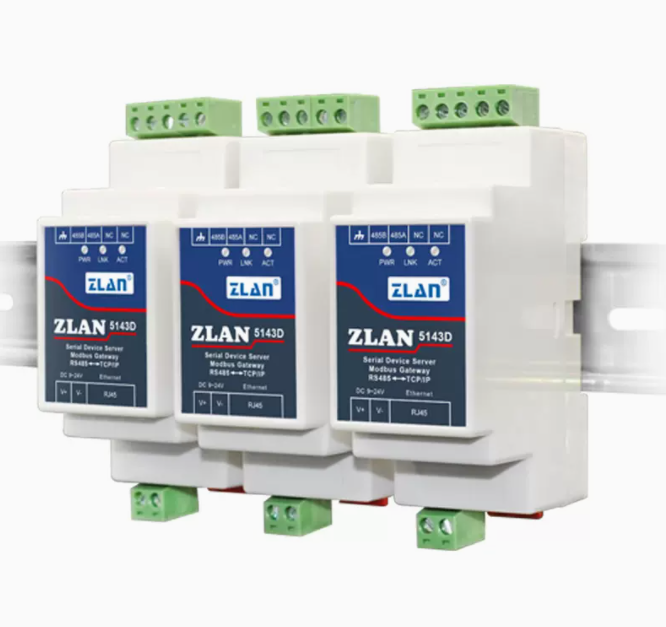
The steps to connect Modbus devices through a serial server are as follows:
1. Choose a suitable serial server: Select a suitable serial server device based on actual needs. The factors that usually need to be considered include the number of serial ports, communication speed, supported protocol types, network connection methods, etc.
2. Set up serial server: Set up the serial server according to the serial communication parameters of the Modbus device, such as baud rate, data bits, stop bits, parity bits, etc. It is necessary to ensure that the settings of the serial server are consistent with the communication parameters of the Modbus device.
3. Connect Modbus devices: Connect the serial port of the Modbus device to the serial server and configure it based on the device's address. Usually, it is necessary to set the communication protocol, address, register type, etc. of the device.
4. Test connection: Use Modbus testing tools to perform connection testing and check if communication is normal. If the test is not normal, the problem can be eliminated by checking the device address, protocol type, communication parameters, etc.
5. Use Modbus client software: Connect and communicate on the PC using Modbus client software. Through the client software, operations such as reading and writing register data can be performed to achieve communication with Modbus devices.
It should be noted that before connecting Modbus devices, it is necessary to understand the communication protocol type, communication parameters, address range, and other information of the device to ensure that the settings of the serial server are consistent with the communication parameters of the Modbus device. At the same time, it is also necessary to ensure the normal network connection between the serial server and the PC to ensure the stability and reliability of data transmission.


Leave a Reply