
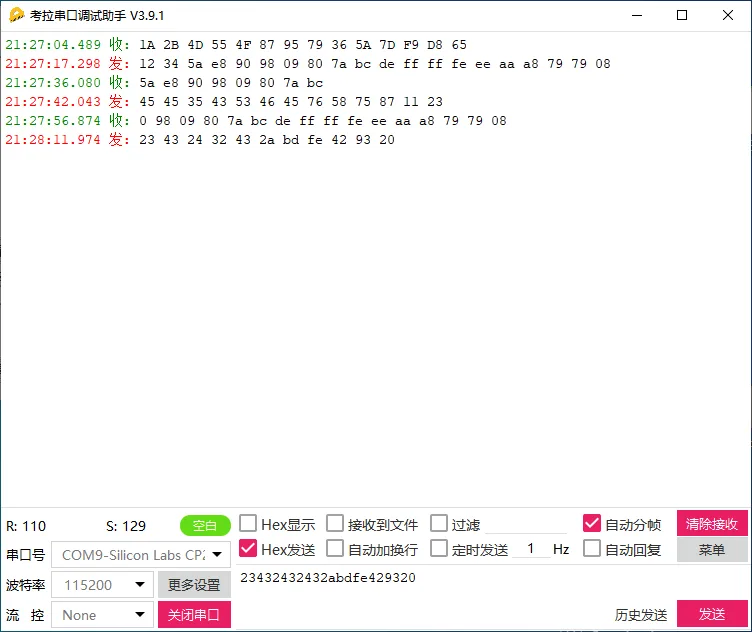
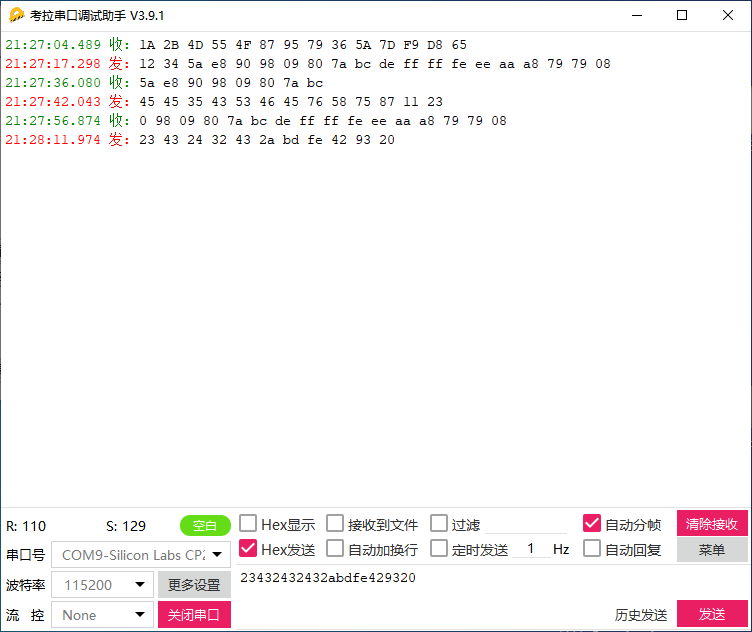
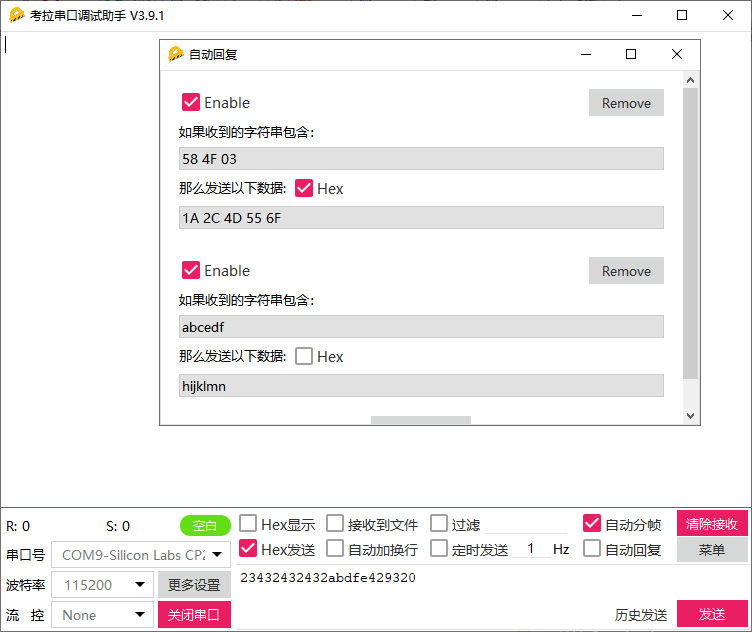
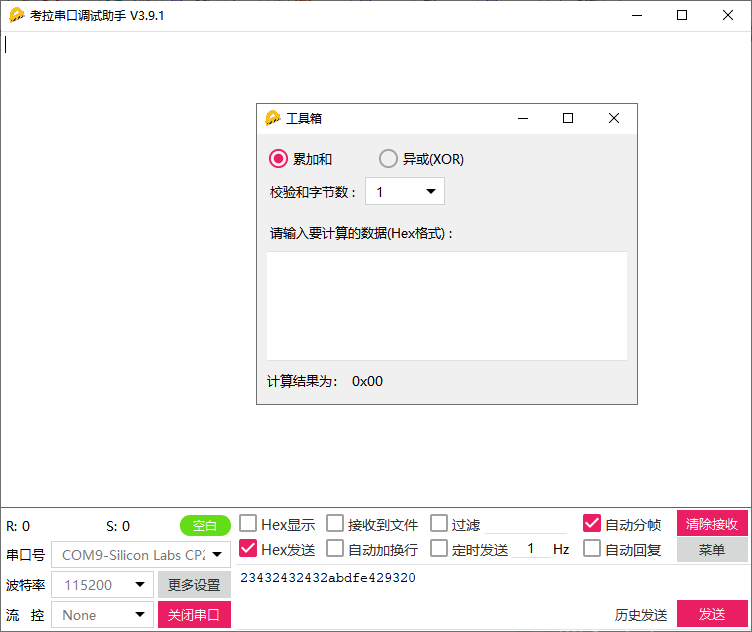
Koala Serial Debugging Assistant is a simple serial debugging assistant software. The latest version of Koala Serial Debugging Assistant can set checksum, data bits, and stop bits. It can receive or send any data or character (including Chinese) in ASCII or hexadecimal code. The official version of Koala Serial Debugging Assistant can set the automatic sending cycle arbitrarily and save the received data as a text file. It can send text files of any size.
1. Adjustable serial port parameters;
2. data transmission and reception;
3. Intelligent formatting command;
4. Supports the following baud rates: 110, 300, 600, 1200, 2400, 4800, 9600, 14400, 19200, 38400, 56000, 57600, 115200, 128000, 230400, 256000, 307200, 460800, 614400, 921600, 1382400;
5. Support verification: None, even, odd, space, mark;
6. Support data bit length: 5, 6, 7, 8;
7. Support stop bit length: 0, 1, 2, 1.5;
8. Support adding prefix before sending data: Carriage return( ), line break( ), tab( ), Space symbol();
9. Support adding a suffix after sending data: Carriage return( ), line break( ), tab( ), Space symbol();
10. Support carriage return( ), line break( ), tab( ), Space symbol()Switching between receiving display modes: Original seizure method, Explicit mode;
11. Support for addingCRCVerification code;
12. Automatically save received data;
13. Support manual one click data saving;
14. Automatically delete expired data files;
15. Support querying historical data;
16. Support manual saving of received and sent data;
17. Rich shortcut keys available;
18. Automatic timed sending;
19. Support hardware flow control;
20. Support data transmission and reception statistics;
21. Support saving data as text files;
24. SupportASCIIReceiving and Sending Characters;
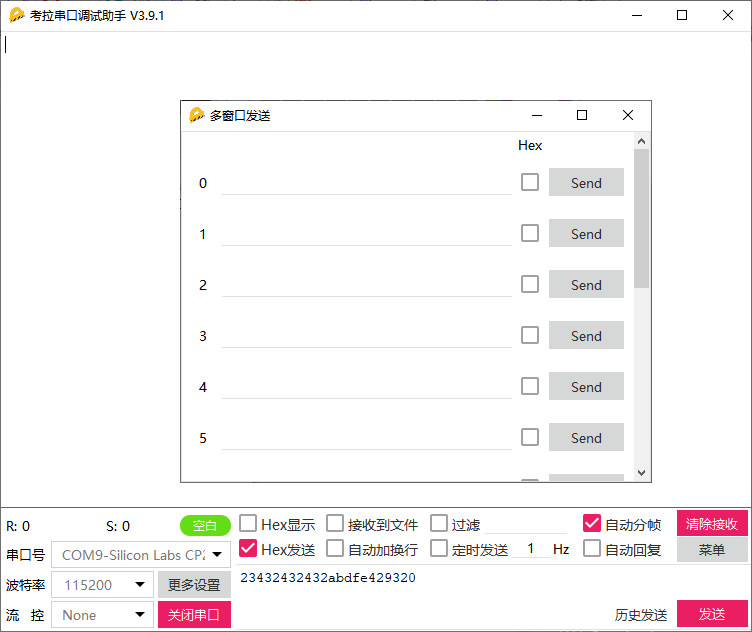
29. Support independent sending of multiple commands, Combination sending, Automatic cyclic sending, Automatic cyclic combination sending, And support self set cycles;
30. Automatically remember user settings;
31. Support self setting receiving area capacity;
32. Provide sine wave generator function;
33. Continuous version upgrade, Provide better software services;
[wshop_downloads]


Leave a Reply