Preface
I recently discovered a "not very smooth" usage scenario while using GitLab CI/CD. Specifically, it is as follows:
As a developer, sometimes I need to be responsible for deploying several front-end projects simultaneously
After fixing the bug in project A, it needs to be deployed to the testing environment,
After fixing the bug in project B, it needs to be deployed to the testing environment.
.... Due to various reasons, the deployment of this scenario is not automatic and requires the person in charge to manually create a deployment pipeline. For example, in order to provide a reliable and stable testing environment for testers, a manual deployment environment will be used. This leads to a problem where I need to first enter Project A, click on the pipeline, select the corresponding branch, and create a pipeline.
Due to various reasons, the deployment of this scenario is not automated and requires the responsible person to manually create a deployment pipeline. For example, in order to provide a reliable and stable testing environment for testers, a manual deployment environment will be used.
This leads to a problem where I need to first enter Project A, click on the pipeline, select the corresponding branch, and create a pipeline.
Then enter Project B and repeat the above steps. The process of
is quite cumbersome, and the reason for this is that GitLab does not provide a pipeline management for personal Ower projects.
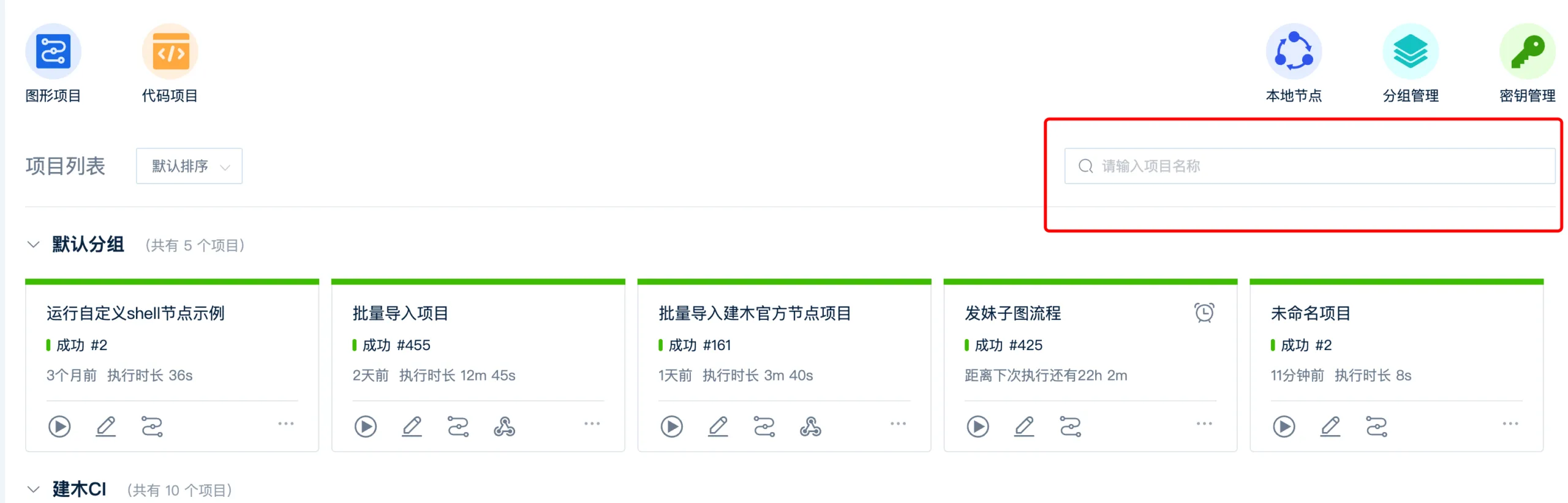
Similar to the domestically produced devops tool shown in the figure below: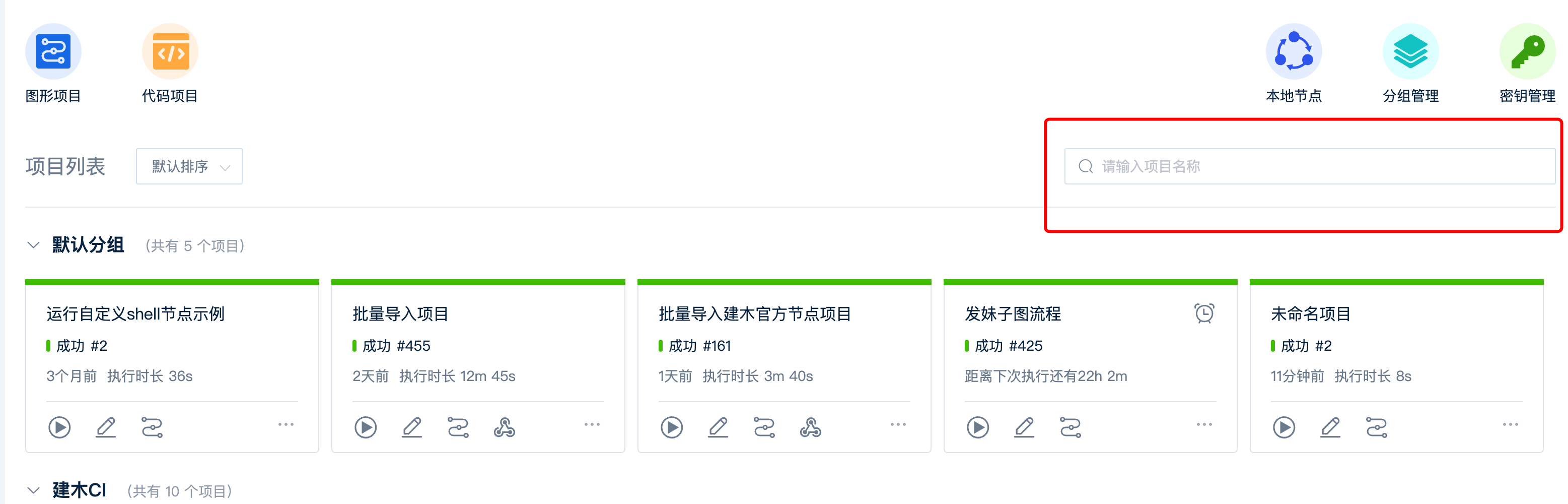
Due to the lack of pipeline management from a personal perspective, creating a pipeline for a project requires us to enter the project internally. Perhaps in the near future, there will be such a feature.
The solution to this problem is simple, using GitLab OpenAPI to implement pipeline management, including querying pipelines based on projects, creating or re running pipelines. But no matter how many pages need to be written, we still need to do some code for the backend to send requests to query GitLab data.
The specific idea is very simple, but unfortunately I don't have much spare time, so I put it on hold until one day I had a sudden idea. Can we use Node RED, a low code tool, to implement this global flow management function.
Node RED is an IBM open-source IoT project. It is a low code event driven application built on Nodejs based on streams.
With its rich nodes, we can do many, many things.
can use its HTTP node to send HTTP requests, query project information, pipeline lists, or trigger a pipeline for a project.
can use its dashboard node to provide page panel functionality. During the entire development process, you only need to configure some necessary parameters, write a very small amount of JS code, and leave the rest of the data flow and logic processing to Node RED.
Throughout the development process, you only need to configure some necessary parameters, write a very small amount of JS code, and leave the rest of the data flow and logic processing to Node RED.
Just do it, let's start using Node RED and GitLab OpenAPI to achieve DevOps pipeline management
.
Preliminary analysis shows that this feature mainly includes the following four core functions:
- Query personal owner project list
- Query branch list under the project based on the project
- Query the project pipeline and display it
- New assembly line
- Re trigger the assembly line
Preparation before starting
Install Node RED
I recommend installing Node RED with Docker here, it's relatively simple
docker run -it -p 1880:1880 --name mynodered nodered/node-redBrowser accesshttp://127.0.0.1:1880/You can experience it. I won't go into too much detail here. If you're interested, you can move on to my Node RED column
Node RED editor operation page
. Other installation methods can be viewed at this addresshttps://nodered.org/docs/getting-started/
Create Token
Since we need to query resources from a personal perspective, we need to create a Personal Access Token
As shown in the figure below
After creation, remember to save it, thinking that you only have one meeting with him.
The API to be used
is the API for querying personal projects, and?owned=trueneeds to be carried. Indicates that only projects owned by the current user owner will be queried.
GET /projectsAPI for querying project pipeline
GET /projects/:id/pipelinesNew pipeline (in addition to project ID, required parameter ref branch or tag)
POST /projects/:id/pipelineTrigger pipeline again
POST /projects/:id/pipelines/:pipeline_id/retryPractice
We save the basic address and token of the interface as flow variables, which can be accessed throughout the entire flow.
first requests the project list and passes it to thedropdownnode for display on a new page. When the user selects an item, they request the item branch list, pass it to another
When the user selects an item, they request a branch list of the item and pass it to another onedropdownnode, and display it on the page. When the user selects a branch, they request the pipeline under that branch and display it on the page using the
When the user selects a branch, they request the pipeline under that branch and use ittablenode. When the user clicks on a row in the pipeline table, the pipeline will be rerun. After success, there will be a notification
When the user clicks on a row in the pipeline table, the pipeline will be rerun. There will be a notification after success
. Finally, after clicking thecreate pipelinebutton, a new pipeline will be created using the currently selected project and branch. After success, there will be a notification.
The final complete flow logic diagram is as follows
Process operation complete dynamic diagram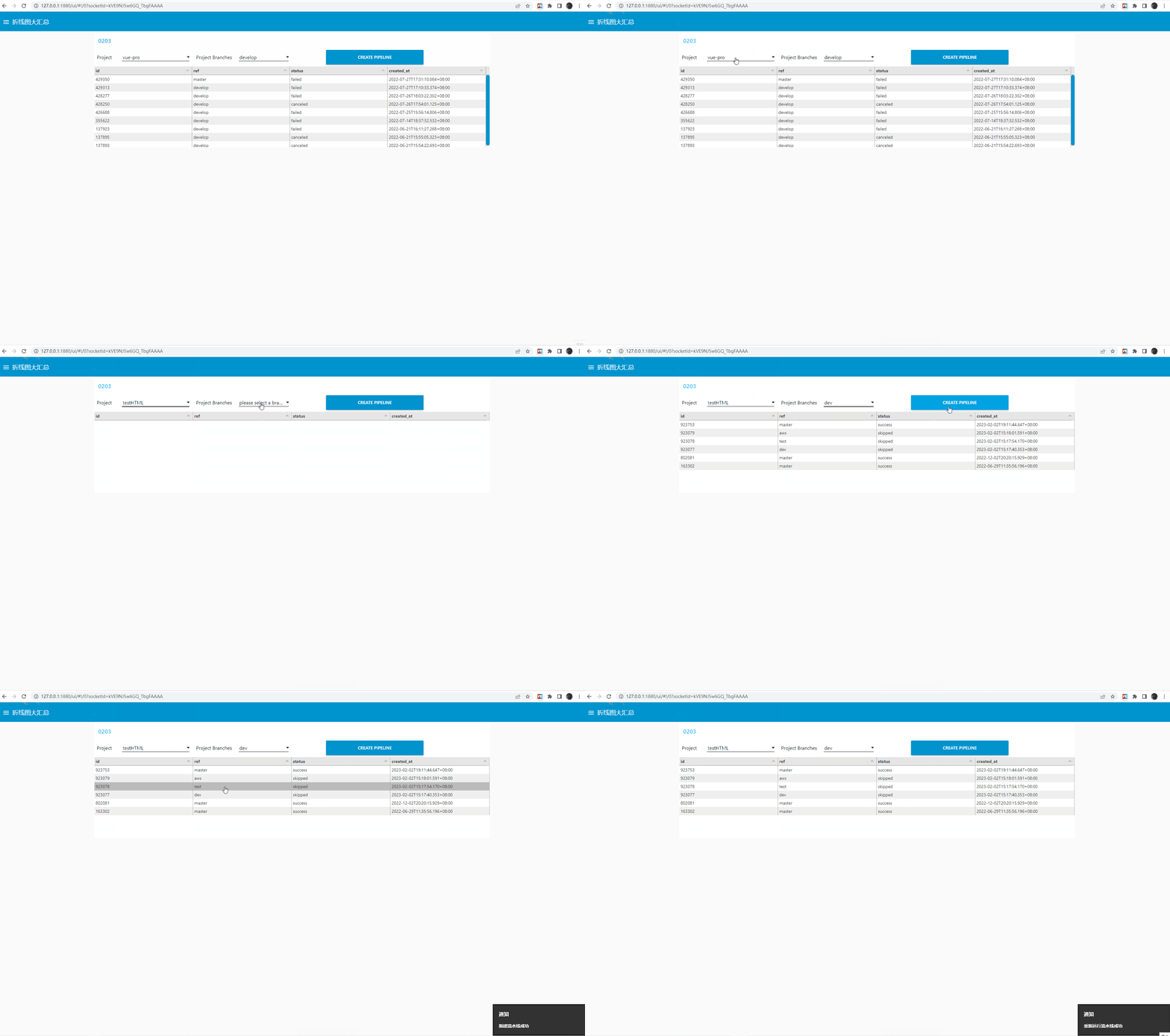
Node RED supports exporting flow data and saving it as JSON data. After the process is created, it becomes very easy to share and distribute it by exporting JSON data, configuring domain names and tokens. Students who need streaming files, please leave a message under the article.
Summary
Creating makes work simpler. I hope it will be useful to you.


Leave a Reply