
Introduction to Modbus Cloud Platform (cloud.modbus.cn)
The Modbus Cloud Platform supports the access of over 99% of Modbus devices on the market, such as industrial instruments, serial relays, industrial sensors, Modbus PLC devices, etc. Users can easily configure and connect to the cloud through transmission devices such as serial servers, 4G DTUs, and PLC industrial routers. Users can remotely access Modbus devices from anywhere and perform real-time data collection, monitoring, remote control, diagnosis, communication, and debugging of remote devices.
By enabling the "Dongdong Modbus Cloud Platform" skill, you can conveniently control Modbus on-off switch devices added to the Modbus Cloud Platform through Xiaodu smart speakers and Xiaodu smart displays via voice commands, such as relays, PLCs, Modbus smart air switches, on-off electricity meters, etc.
Usage
1. Register and log in to the "Modbus Cloud Platform" console, add devices according to the prompts on the website, and add slave device nodes. (See the "Usage Documentation" on the website for details)
2. Account authorization for the skill. Specific operation method: Log in to the Xiaodu APP, click the add device (+) button on the top right corner of the homepage, search for and enter the "Dongdong Modbus Cloud Platform" skill, click the account authorization button at the bottom of the interface, and enter the account and password of the "Modbus Cloud Platform" website in step 2 to log in and complete authorization.
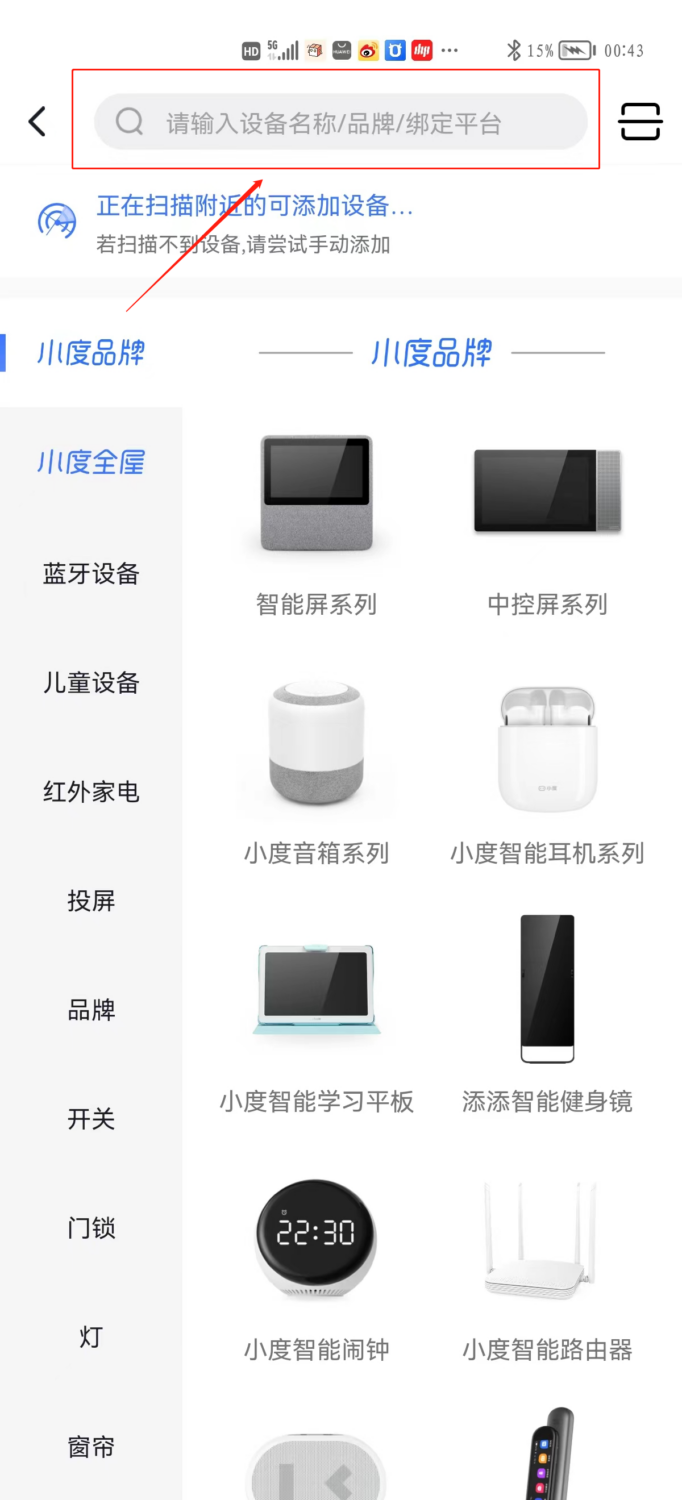
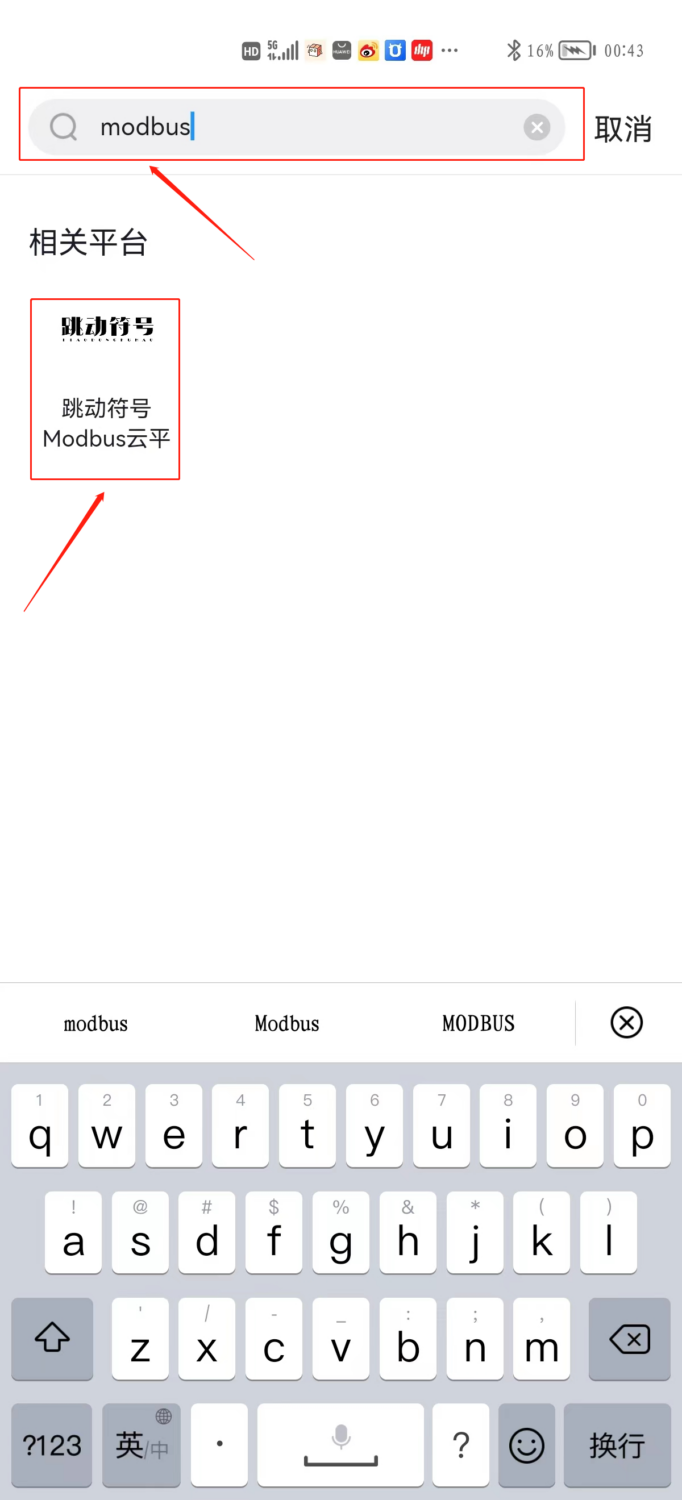
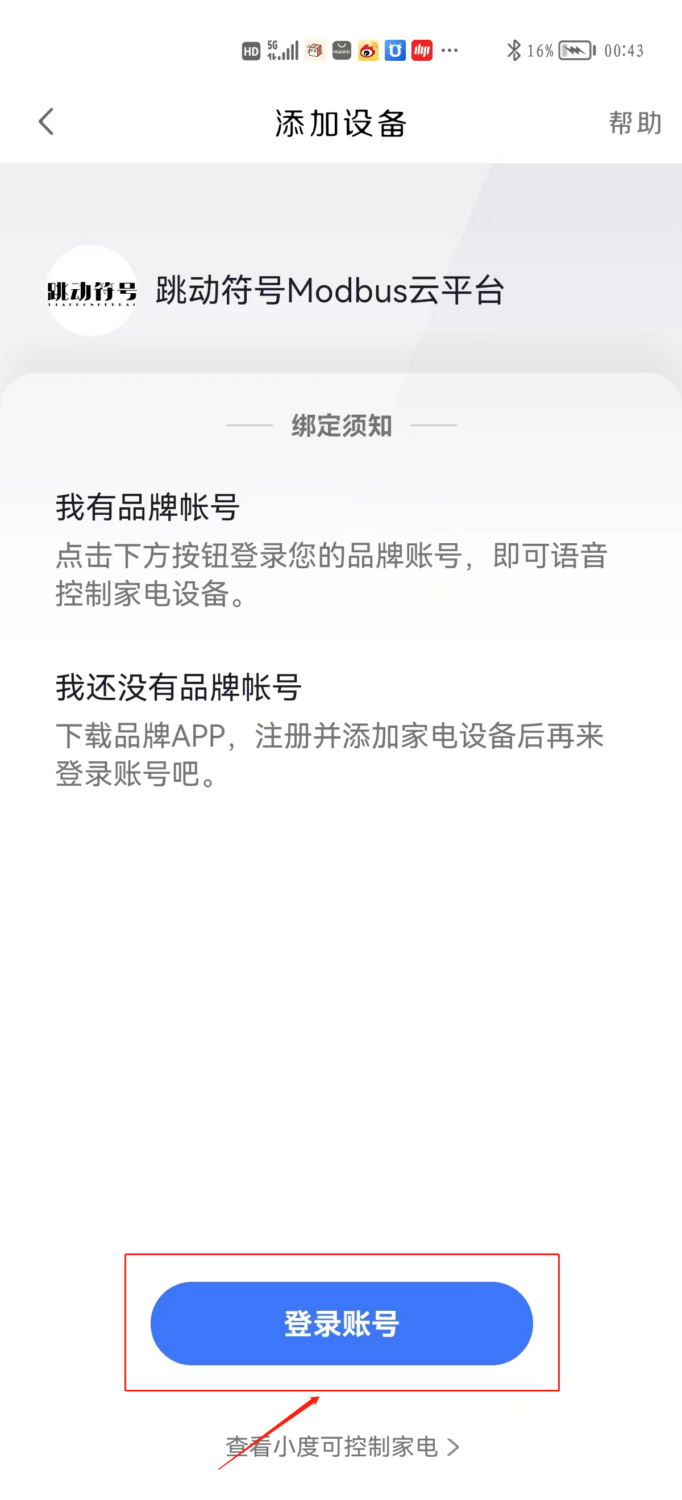
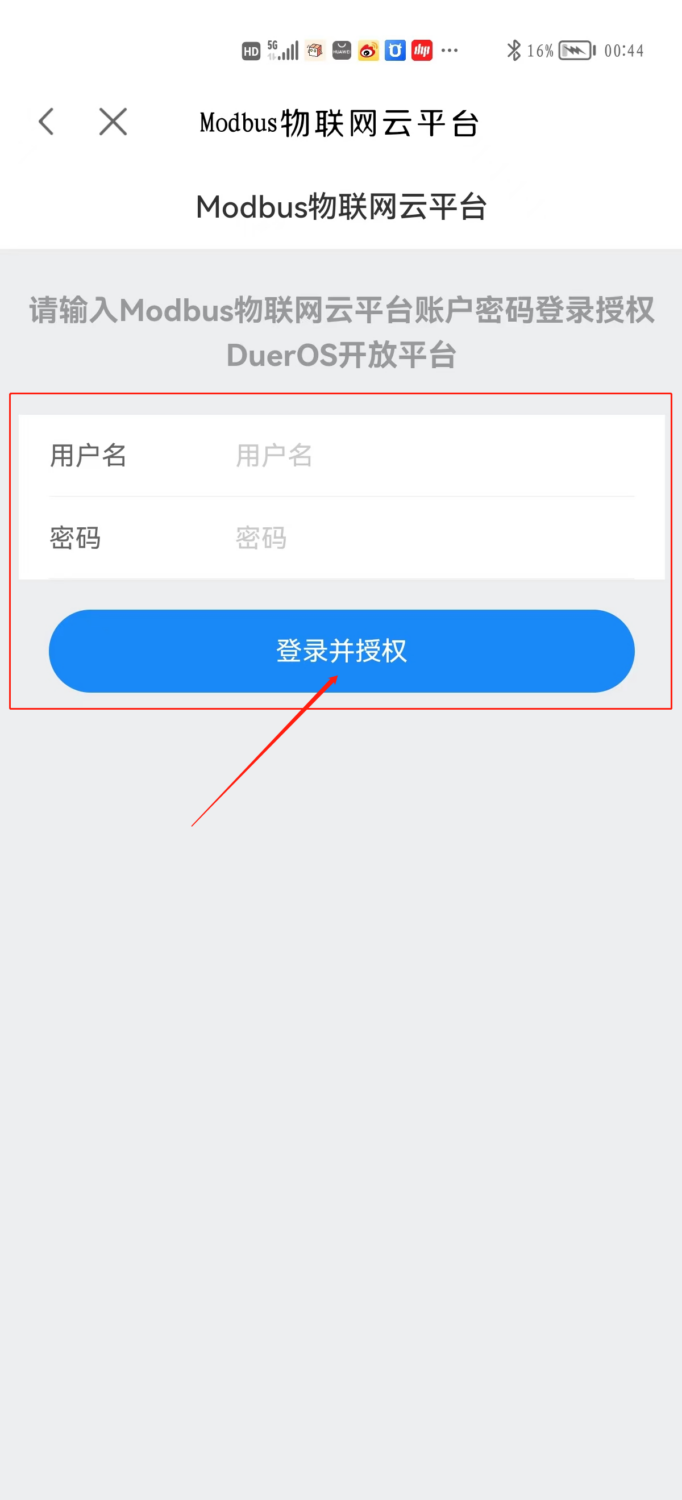
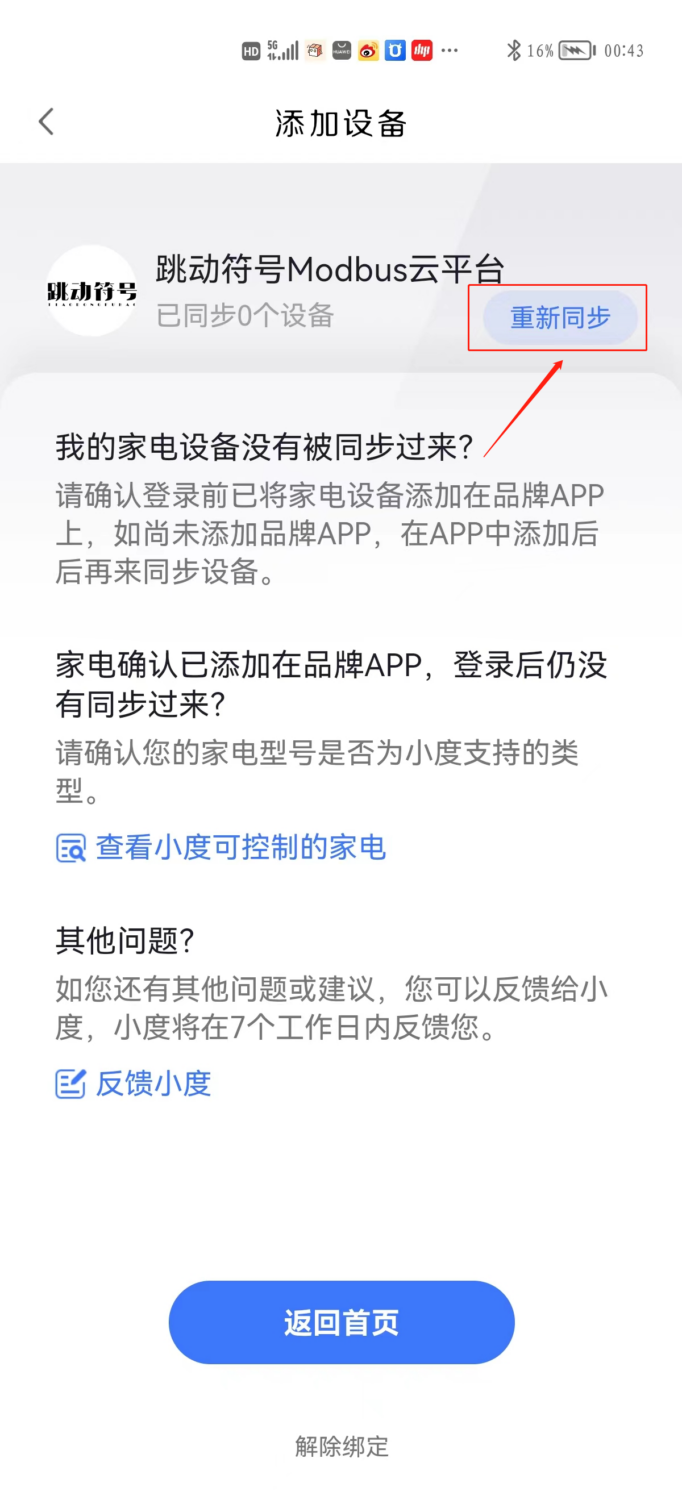
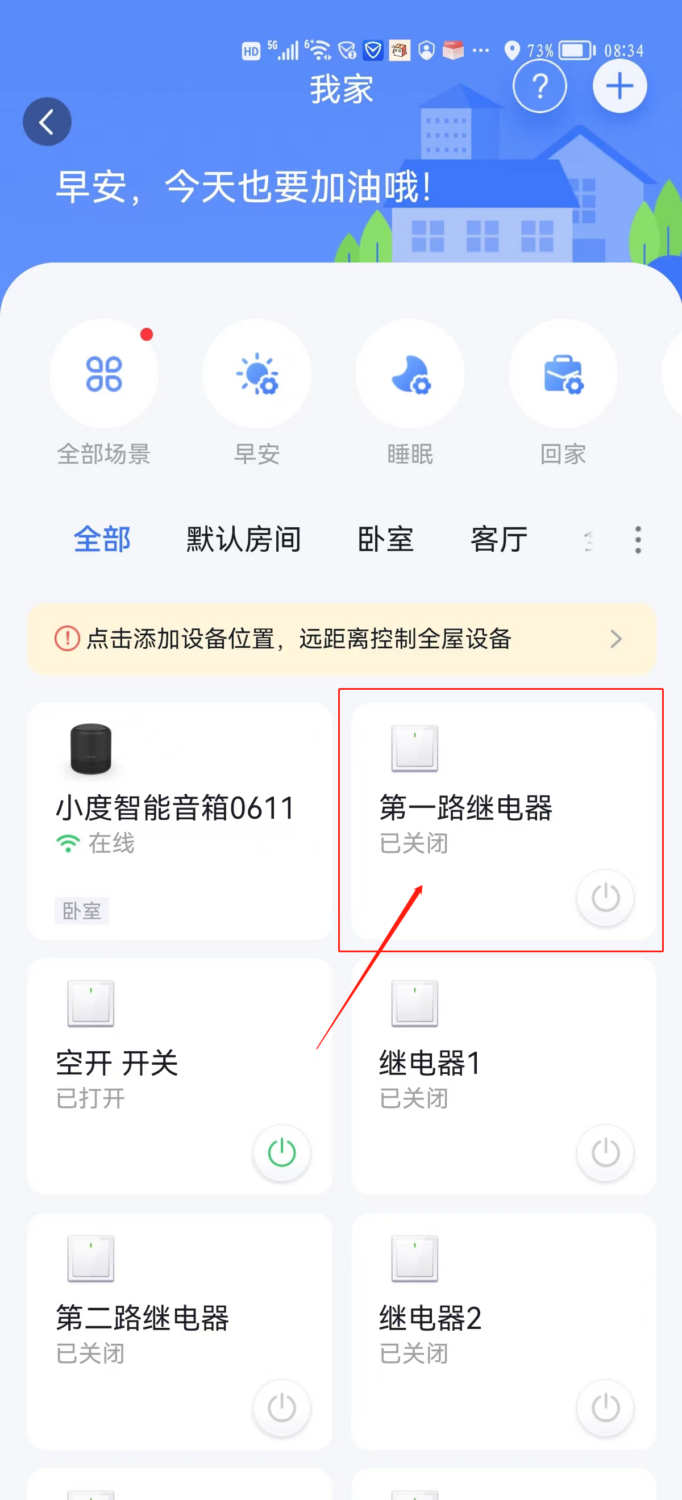
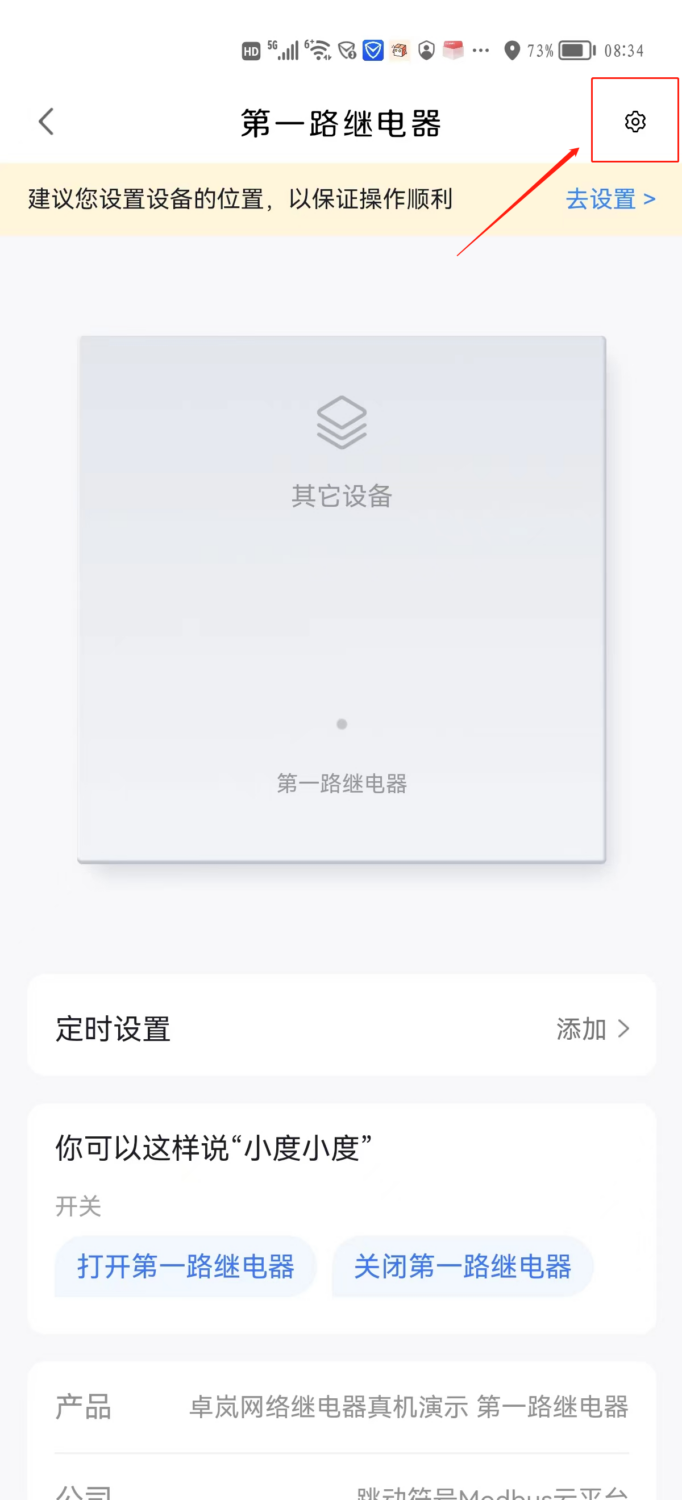
3. After authorization is successful, the devices added on the "Modbus Cloud Platform" website will appear in your device list, and you can control them via voice commands. You can also say "Synchronize devices" to your Xiaodu series devices to synchronize your devices.


Leave a Reply