
動作中の全体的な回転UI(0°/90°/180°/270°)、ハンドヘルド、垂直マウントキャビネットに適用されます。すべてのポーズに対応するLuaのセットは、DXシリーズ限定です。
1. Luaコントロール回転
set_lcd_rotate angle--angle 0~3 0 =0°、1 =90°、2 =180°、3 =270°

function on_init
  local angle = get_uint16 VT_RW、0 x 0001--フラッシュから回転方向を読み取る
  =
  set_lcd_ate
  set_uint16 VT_LW、0x8888、angle
End of Endシングル

function on_update slave vtype
  if vtype == VT_LW and addr == 0 x 8888 then
    local val = get_uint16 VT_LW、0x8888
    set_uint16 VT_RW、0 x 0001、val--保存回転方向
    set_lcd_ate
  End of Endシングル
End of Endシングル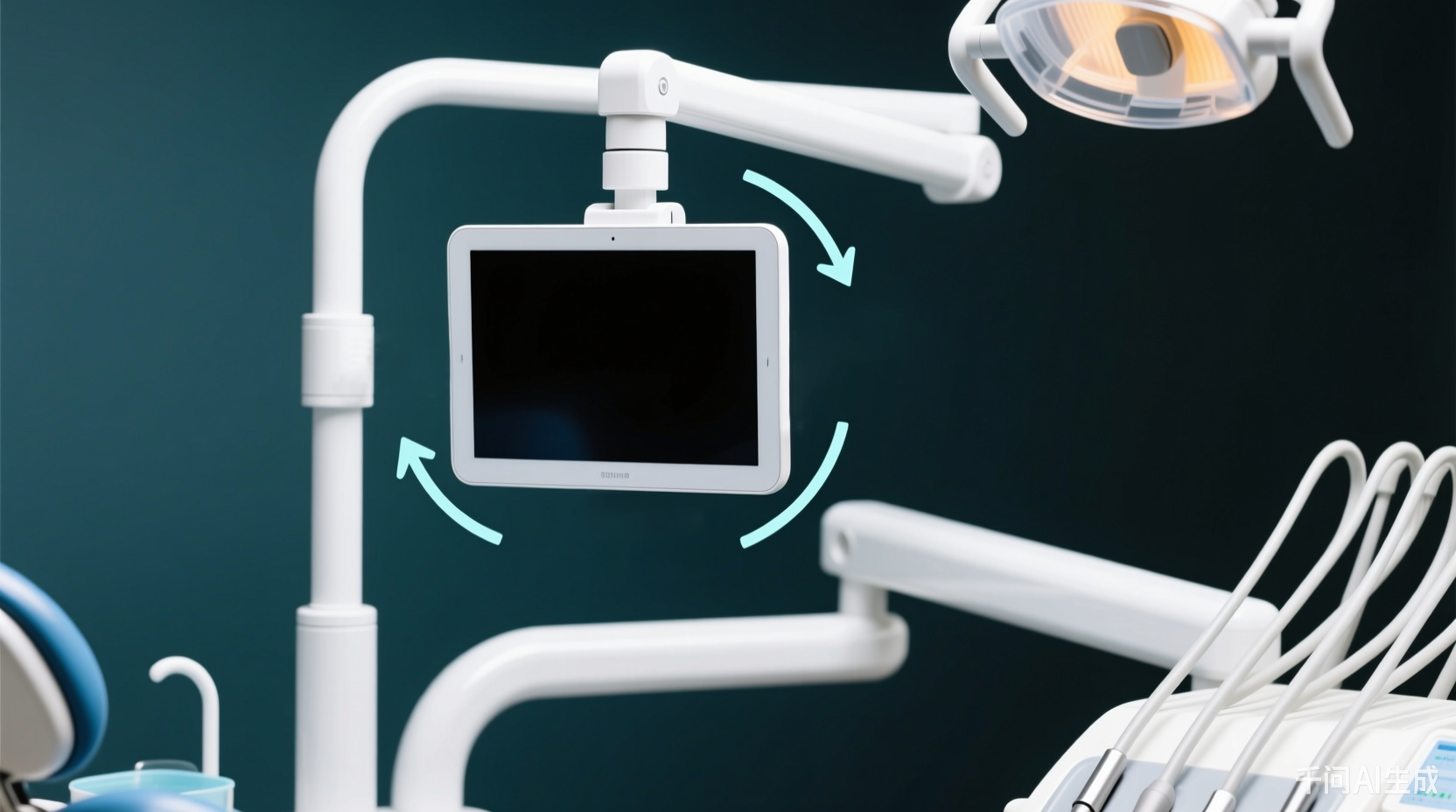
2.多方向ファイルの生成
横スクリーンプロジェクト(0°/180°)は2回コンパイルされます。0°はデフォルトのimage.bin/project.binを保持します。180°はimage180.bin/project180.binに名前を変更してprivateに入れます。縦スクリーン(90°/270°)は、画像90/画像270をプライベートに設定します。privateディレクトリには最終的に8つのコアファイルが含まれ、起動時にデフォルトで0°ロードされ、実行時に自動的に対応するbinがロードされます。
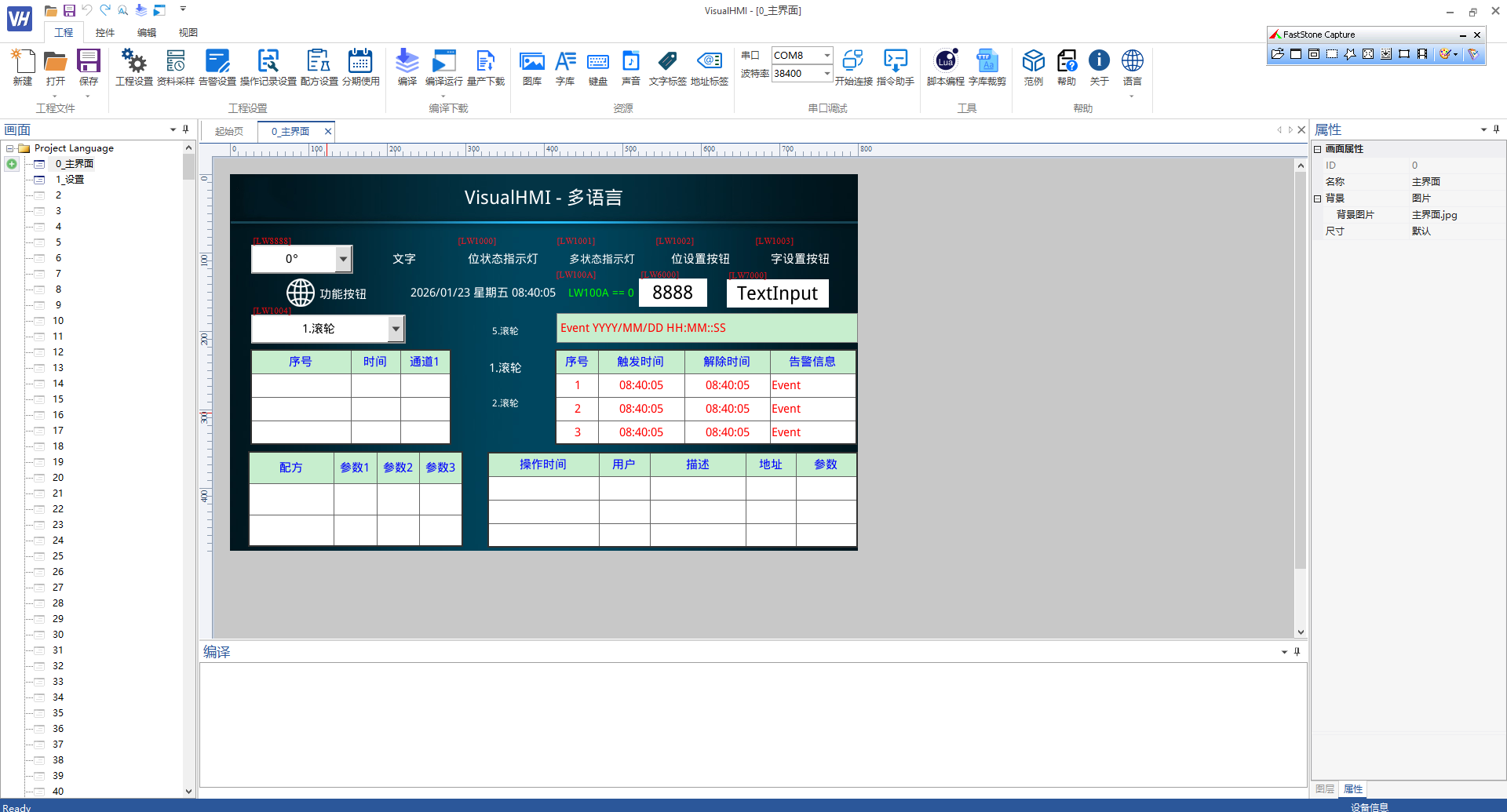
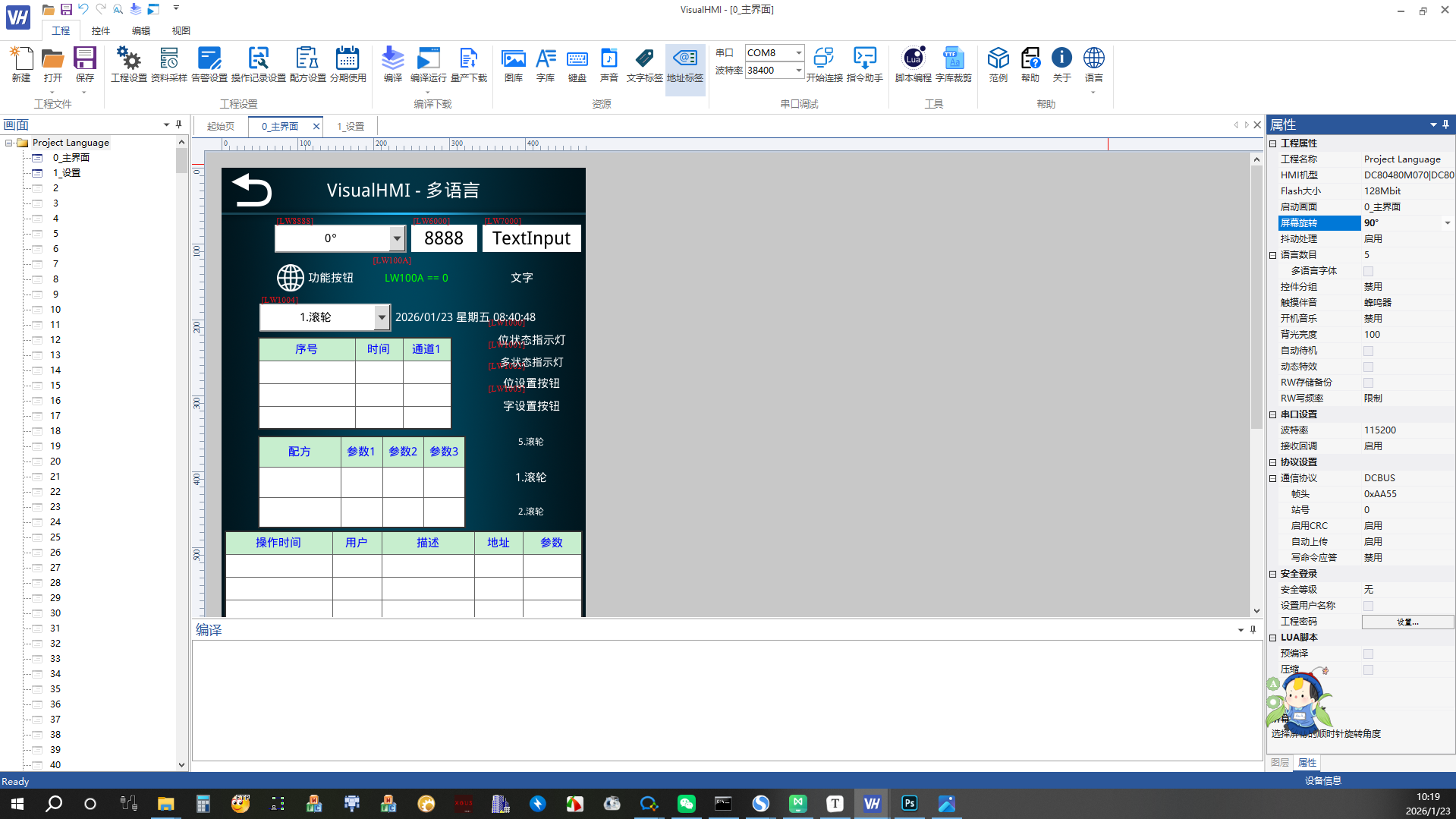
画面の回転注意:横画面と縦画面のLuaスクリプトロジックが完全に一致コンパイルされたbinファイル(imageXXX.bin/projectXXX.bin)にのみ違いがあります。開発者はプロジェクトのセットを維持するだけで、方向に4回コンパイルしてプライベートにドロップします。DXシリーズ限定。
広州大彩科技Visual HMI開発ドキュメント(hmi-doc.gz-dc.com)からの整理他の技術チュートリアル“スクリーン回転”、著作権は大彩科技に帰属します。


发表回复