
Description
Still struggling with the tedious configuration of Modbus switches? A gateway with a touch screen that allows you to completely say goodbye to computer programming
Have you ever experienced a scenario where you only want to make the lights at both ends of the hallway dual control, but you have to turn on the computer, connect the serial port, search for register addresses, repeatedly confirm the function code, and debug for a long time after writing the code? A simple dual control requirement suddenly turned into a 'programming project'.
What's even more frustrating is that when there are dozens of switches in the project that need to be grouped for control - the configuration of each switch, the mapping of each address, and the writing of each instruction all need to be manually completed in the industrial control software.If a number is filled in incorrectly, the entire system will crash; Write an address incorrectly, debug to doubt life.The on-site construction electrician couldn't understand it, and the debugging engineer wrote softly.
If there were a gateway with a built-in touch screen, all configurations could be completed with just a click on the screen - without writing code, connecting to a computer, or flipping through protocol documents - would you immediately uninstall those complex industrial control software?
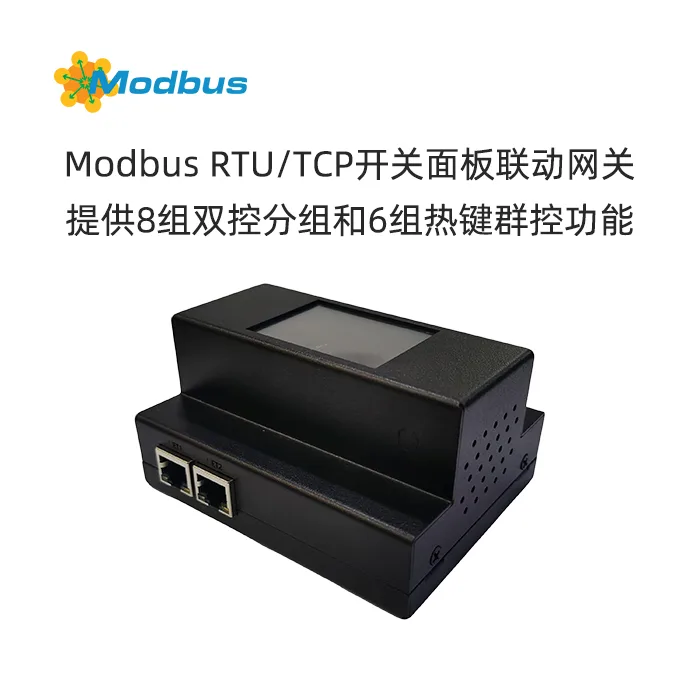
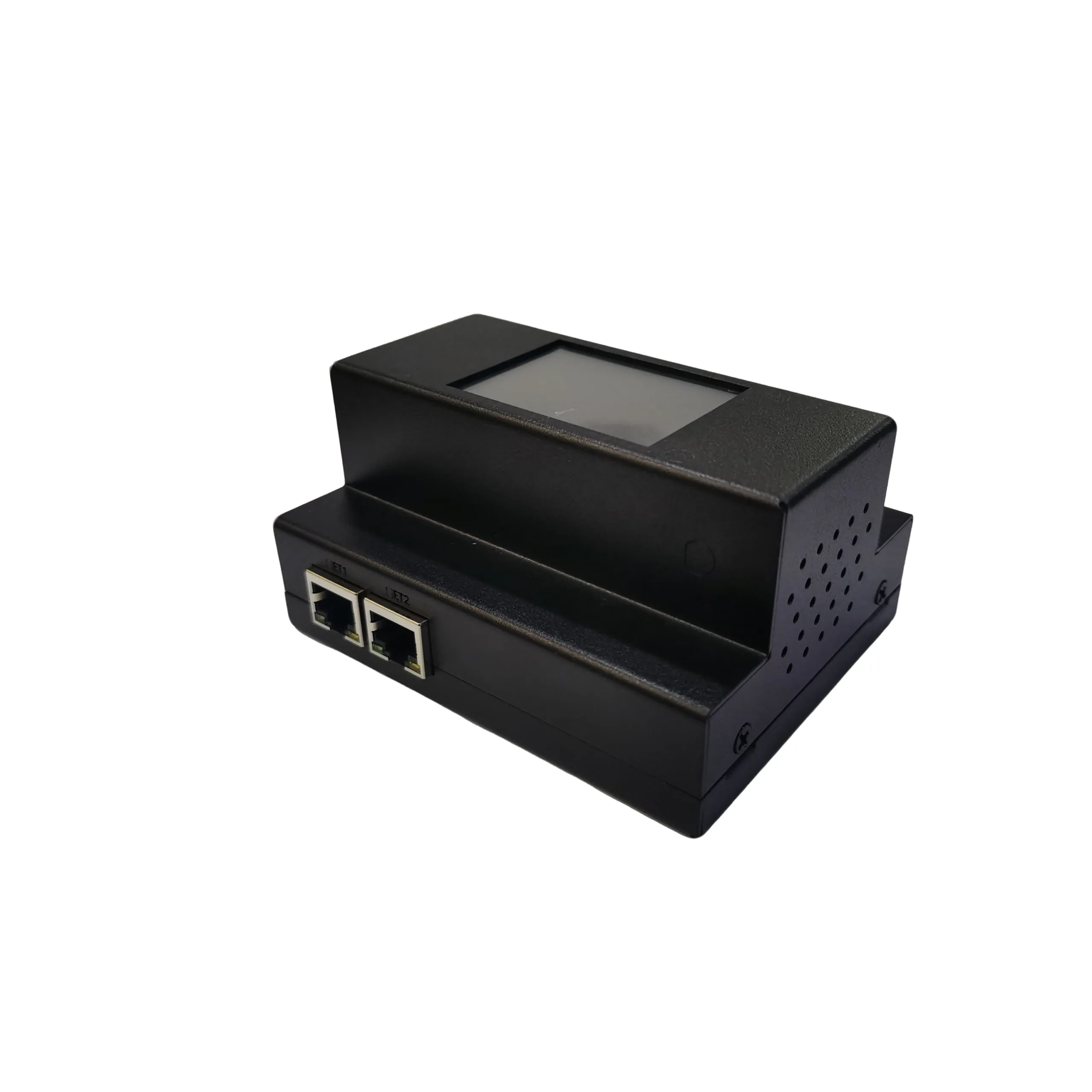
Product Overview: Modbus Switch Configuration Gateway - Intelligent Configuration Center with Touch Screen, Making Modbus Switch Control unprecedentedly Simple
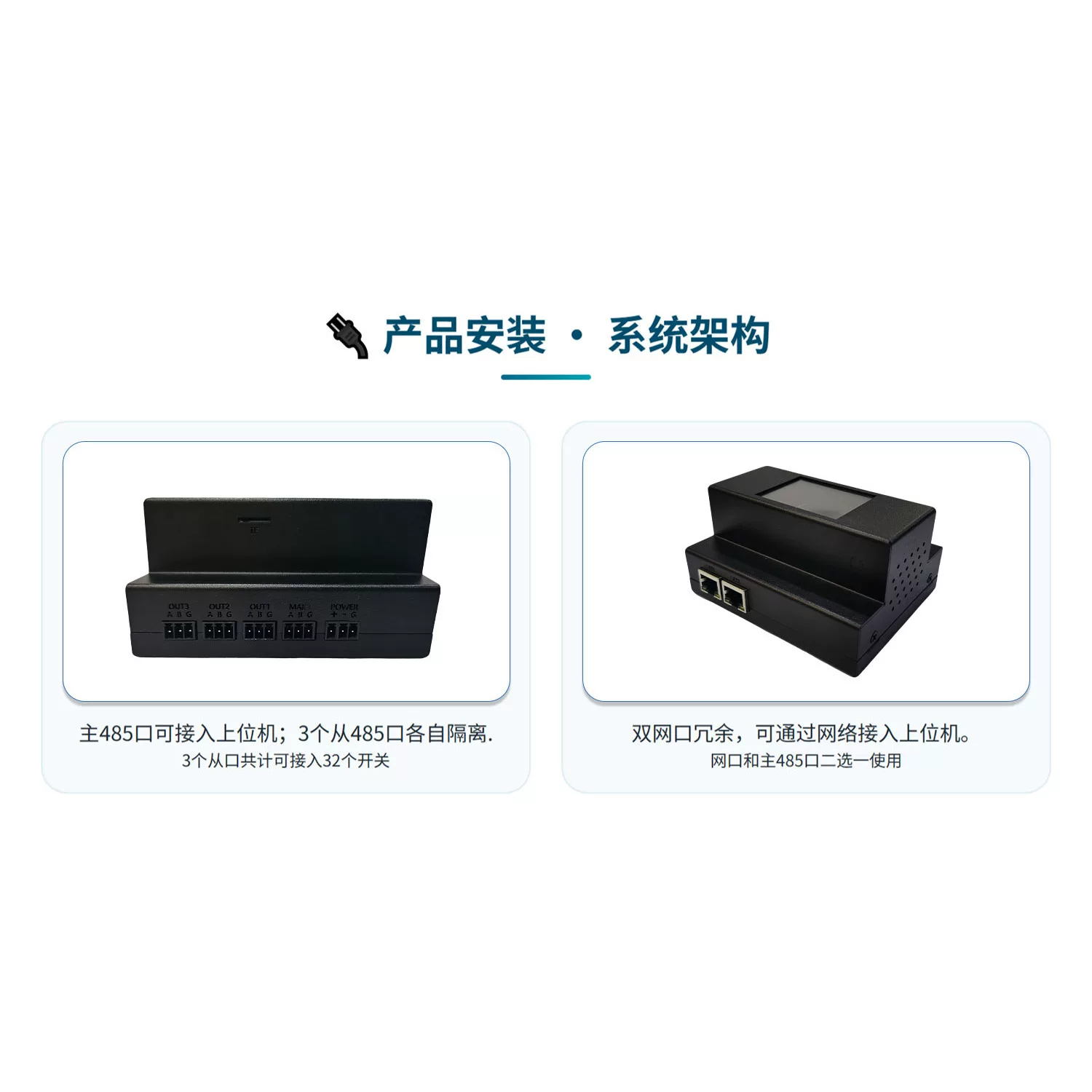
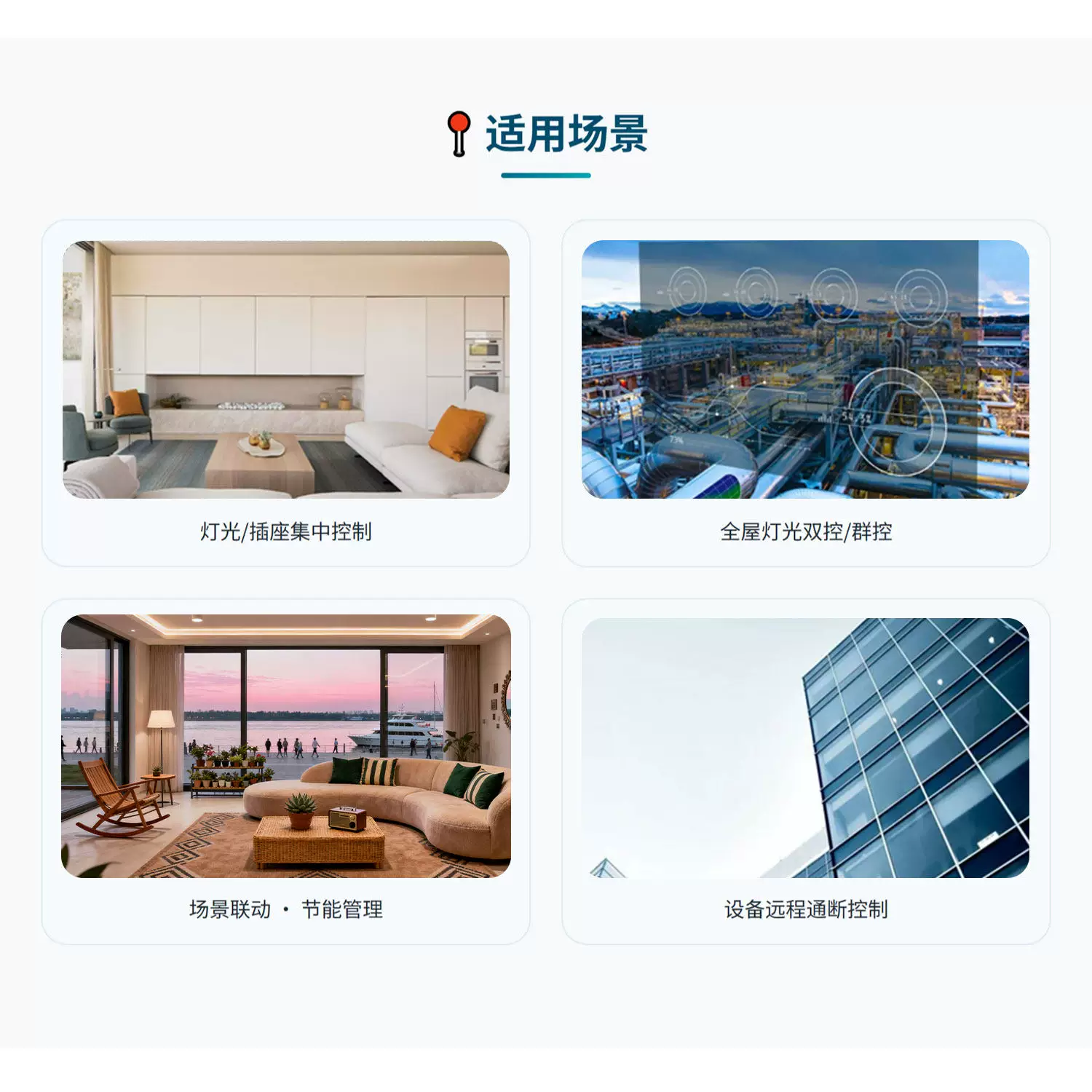
This is a Modbus switch configuration gateway with built-in touch screen, designed specifically to simplify the multi control configuration of Modbus switches. It supports the management of up to 32 switch channelsDesigned specifically to simplify the multi control configuration of Modbus switches. It supports, providingManagement, providing8 sets of dual control groupsand6 sets of hotkey group controlfunctions, all parameters are visualized and configured on thetouch screen- no professional programming tools, no need to connect to a computer, no need to memorize complex register addresses. Connect to the upper computer through the standard Modbus RTU protocol (RS485 interface or network port), and provide three isolated RS485 slave portsto connect to the switch slave. Widely used in centralized lighting control, whole house dual control/group control, scene linkage, remote device on/off, and other scenarios.Connect the switch to the slave machine. Widely used in centralized lighting control, whole house dual control/group control, scene linkage, remote device on/off, and other scenarios.
Core Function Disassembly
Grouping Setting · Dual Control Linkage - Simultaneous Control at Both Ends of the Corridor, No Longer Need to Run Back and forth
What is the function?
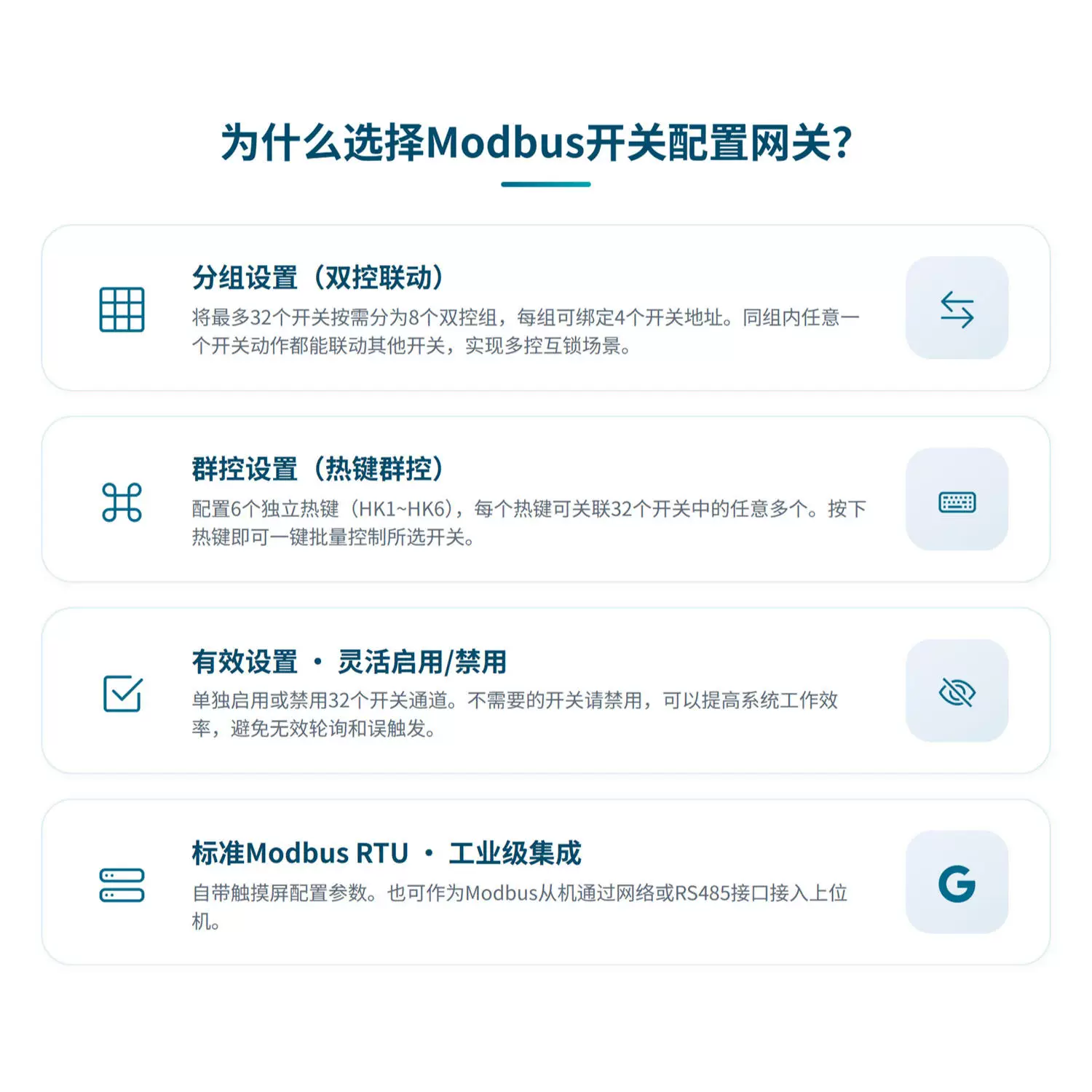
This gateway supportsUp to 32 switchesAllocate on demand8 dual control groups (G1~G8)In the middle,Each group can bind up to 4 switch addressesAny switch action within the same group can automatically synchronize with other switches in the same group, making it easy to achieve multi control interlocking scenarios.
How to operate?
Click on the "Group Settings" button in the upper left corner of the touch screen to enter the group configuration interface. Each group contains 4 address slots, you only need to fill in the corresponding switch number (1-32), 0 indicates a vacancy. Taking Group 1 as an example: Fill in "3" and "5" to bind switch 3 and switch 5 as a dual control group. After saving, when switch 3 is activated, switch 5 responds synchronously, and vice versa——The entire configuration process takes no more than 10 seconds.
What benefits does it bring to you?
Completely bid farewell to the "running leg" style of switch debugging and complex register mapping. Previously, to do dual control, you had to manually establish register associations between two switches in industrial control software - find the hold register address of switch 3 (such as 1000), then find the address of switch 5 (such as 1004), and write them separately using the 06 function code. You also had to handle state synchronization logic... After this set of operations, it took at least half an hour, and you had to pray not to fill in the wrong address. Now,click on a few numbers on the screen, and a dual control group is built. The switches at both ends of the hallway, stairs, and large living room at home enable easy multi control linkage, eliminating the need to touch walls in the dark.
Group Control Settings · Hot Key Group Control - One click control of all lights, switching between home/away scenes in seconds
What is the function?
Gateway provides6 independent hotkeys (HK1~HK6)Each hotkey can be associated with any of the 32 switches. Press the hotkey to achieve it.Select switches - all house lights off, home mode, welcome mode - with just one key. How to operate
? Click on "Group Control Settings" in the upper right corner of the touch screen to enter the hotkey configuration interface. Each hotkey corresponds to a selection list of 32 switches, and you only need to click on the number to select the switches that participate in group control. After selecting, click confirm and the hotkey will activate the configuration. When a hotkey is triggered (written into the corresponding register through the upper computer), all associated switches will act synchronously. What benefits does
Click on "Group Control Settings" in the upper right corner of the touch screen to enter the hotkey configuration interface. Each hotkey corresponds to a selection list of 32 switches, and you only need to click on the number to select the switches that participate in group control. After selecting, click confirm and the hotkey will activate the configuration. When a hotkey is triggered (written into the corresponding register through the upper computer), all associated switches will act synchronously.
bring to you?
Say goodbye to the original operation of manually turning off lights one by one. When leaving home, press the 'leave home hotkey' to turn off all the lights in the house with just one click; At night, when you come home and enter the door, press the "welcome hot button", and the lights in the living room, hallway, and foyer will turn on simultaneously. The combination of group control and dual control allows you to achieve full house level scene control on any switch panel. For scenes such as hotels, exhibition halls, and office areas that require centralized control of a large number of lights, the convenience ofhotkey group control can be considered a revolutionary improvement..
Effective settings, flexible enable/disable - avoid invalid polling, higher system efficiency.
What is the function?
You can enable or disable any of the 32 switch channelsEnable or disable any one of the 32 switch channels separatelyseparately. Please disable unnecessary switches directly - even if they are physically connected to the bus, the gateway will actively ignore them, not participate in polling, and not generate false triggers. How to operate
? Click on "Switch Settings" in the bottom left corner of the touch screen to enter the effective switch configuration interface. The switch numbers from 1 to 32 are displayed at the top of the interface. Clicking on the number will switch the "valid/invalid" status of the channel. An unactivated switch will always display as offline even on the line. What benefits does
Click on the "Switch Settings" button in the bottom left corner of the touch screen to enter the valid switch configuration interface. The switch numbers from 1 to 32 are displayed at the top of the interface. Clicking on the number will switch the "valid/invalid" status of the channel. An unactivated switch will always display as offline even on the line.
bring to you?
significantly improves system efficiency and stability. In a practical project, not all 32 switch channels may be used. If invalid channels are not disabled, the gateway will traverse all 32 addresses every time it polls - not only wasting time, but it may also trigger communication errors due to response timeouts for empty addresses. Now,You only need to disable unused channels, and the gateway will only poll for valid switches, with faster response, lower bus burden, and zero risk of false triggering. A setup that can be completed in just 3 seconds results in stable operation throughout the entire lifecycle of the system.
Comes with touch screen and visual configuration - No need for a computer, just click to complete
. What is the function? The front of the gateway is integrated with a touch screen
Integrated on the front of the gatewayTouchscreen, and all system parameters -switch valid/invalid, dual control grouping, hotkey group control, baud rate, device address, polling delay, language- are configured on the screen. The system parameters adopt thepower-off savemechanism, which ensures that they are not lost during power outages. How to operate
?
Click on "System Settings" in the bottom right corner to enter the main menu (communication parameter setting interface password 888888). On the screen, you can:
-
setdevice address(1-247 adjustable)
-
modifybaud rate(1200~115200 adjustable)
-
switchChinese English language
-
adjustscreen brightnessand prompt tone
-
ConfigurationPolling Delayand Serial Port Timeout
-
What are the benefits of entering the group settings, group control settings, and switch settings submenu
for you? Completely eliminate dependence on computers and industrial control software. During on-site debugging, you don't need to find another computer with configuration software installed, search for USB to 485 converters, or worry about whether the driver can be installed -
Completely eliminate dependence on computers and industrial control softwareDuring on-site debugging, you don't need to find another computer with configuration software installed, search for USB to 485 converters, or worry about whether the driver can be installed——directly configure everything on the on-site panel. More importantly, this touchscreen configuration greatly reduces the operating threshold: electricians can understand it, project managers can operate it, and the client can also adjust it themselves. A gateway,significantly reduces the delivery and maintenance costs of the entire project..
Standard Modbus RTU · Industrial Integration -3 isolated slave ports+network ports, flexible adaptation to various systems.
What are the functions?
Gateway provides1 485 main port/network port (choose one) for connecting to the upper computer, andThree RS485 slave ports are used to connect switch slaves——Three ports are isolated from each other, effectively avoiding bus interference. Supports standard Modbus RTU protocol and can be used as a Modbus slave to connect to upper level systems such as PLC, touch screen, configuration software, etc. through RS485 or Ethernet.
?
-
Accessing from the upper computer: Select 485 main port or network port access (one of the two), and the network port baud rate needs to be consistent with the serial port parameter settings in the network software;
-
Downward connection slave: A total of 32 switch slaves can be connected to 3 slave ports (see memory mapping table for allocation rules);
-
Switch address: 1~32 fixed, corresponding to the physical position, clear and concise.
bring to you?
The system architecture is flexible, and the isolation design ensures stability. Isolating three slave ports from each other means that even if a switch connected to one slave port experiences a short circuit or interference, it will not affect the normal operation of other slave ports, andisolates the fault to the minimum range. The design of choosing between 485 main port and network port allows you to connect to traditional industrial control systems using RS485 or modern building networks using network ports.A gateway that perfectly connects old and new systems.
Suitable for people and scenarios
Most suitable for these three types of people
-
System integrators/engineers: Need to quickly and cost effectively complete centralized control configuration of Modbus devices such as lights/sockets, reducing on-site debugging time;
-
Industrial Control On site Debugging Engineer: Tired of repeatedly modifying PLC code to adapt switch control logic, hoping to use visualization tools to simplify repetitive work;
-
Property/Building Management Personnel: It is necessary to adjust the grouping and group control logic of switches in the building without relying on external IT support.
Three typical landing scenarios
-
Centralized control of hotel room lighting: The lighting and sockets in each room of the hotel are connected through Modbus switches and integrated into the gateway. The cleaning staff can turn on all lights with one click "cleaning mode", and turn off all non essential power sources with one click "energy-saving mode" after guests leave the hotel.Improved operational efficiency and significantly reduced energy consumption.
-
Smart Home Full House Lighting Dual Control: In villas/large flat floors, switches at multiple locations such as stairwells, corridors, bedroom headboards, etc. need to achieve dual control or even triple control. Connect all switches to the gateway and complete group configuration on the touch screen. Electricians do not need to change the wiring, and owners do not need to program. One gateway can solve all multi control needs.Electricians do not need to change wiring, owners do not need to program, one gateway solves all multi control needs.
-
Remote on/off of factory workshop equipment: The power on/off of a large number of equipment in the workshop is controlled by Modbus switches and requires one click start/stop in the central control room. The six hotkey group controls of the gateway can be bound to different production lines, and the central control room can start the entire production line with one click and emergency stop all devices with one click.One click start of the entire production line and one click emergency stop of all equipment in the central control room.
User Witness and Summary
"In the past, when working on hotel projects, the dual control logic for switches in guest rooms relied entirely on me writing code one by one in the PLC - switch 1 in room A was associated with switch 2, while room B was different.Dozens of rooms were written to the wrong address every now and then. After using this gateway,directly checked the grouping on the touch screen and configured one floor in 10 minutes with 0 codes and 0 errors.The debugging time has been reduced from 3 days to half a day, andefficiency has been improved by at least 80%. ”We manage the lighting of an office building ourselves. Previously, every time we adjusted the grouping, we had to find outsourced engineers to modify the program. Each time we made changes, we charged a fee, and the communication cost was particularly high. After switching to a gateway with a screen, we adjusted it ourselves by pressing the screen a few times -
We manage the lighting of an office building ourselves. Previously, every time we adjusted the grouping, we had to find outsourced engineers to modify the program,Charging once for every change incurs particularly high communication costsAfter replacing the gateway with a screen, we adjusted the screen by pressing it a few times ourselves——We no longer need to ask for manpower, nor do we have to wait for outsourcing scheduling.Over the course of six months, maintenance costs have been saved by nearly 20000 yuan. ”Mr. Chen, Property Manager of a certain park in Shanghai
, configured the Modbus switch gateway for you to use a touch screen to handle all switch control logic. Whether you want to solve the tedious on-site debugging, deliver a solution that the client can maintain on their own, or make complex Modbus switch control as simple as ordering - this gateway can help you achieve it.
Whether you want to solve the tedious on-site debugging, deliver a solution that can also be maintained by the client, or make complex Modbus switch control as simple as "ordering dishes" - this gateway can help you achieve it.
No programming required, visual configuration, flexible multi control, industrial reliability- this is the promise that Modbus switch configuration gateway gives you.