
Brief Description of Function
This is a network-to-485 gateway device that also serves as a Modbus edge gateway. It can poll and temporarily store the register values of numerous devices, and can utilize these register values for logical AND/OR operations to output customized data for controlling local devices.
Selection Suggestions
It is widely applicable to users utilizing Modbus devices in homes, office buildings, hotels, banks, hospitals, schools, airports, museums, factories, laboratories, etc., and also suitable for professionals such as weak current integrators and smart home solution engineers.
Product Features
1. It possesses all the functions of traditional network TCP/IP to 485 conversion.
User Guide
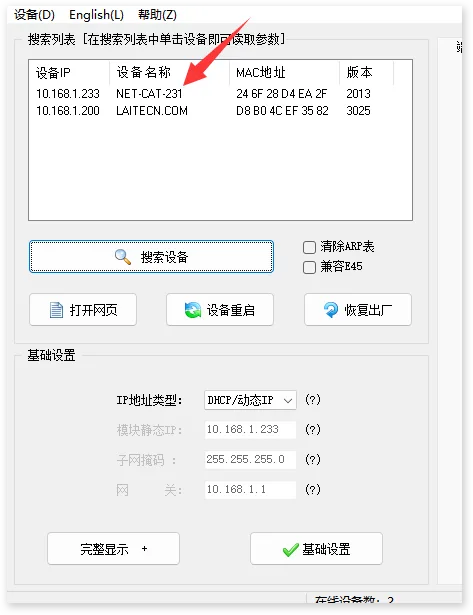
1. Power on the module and connect it to the network.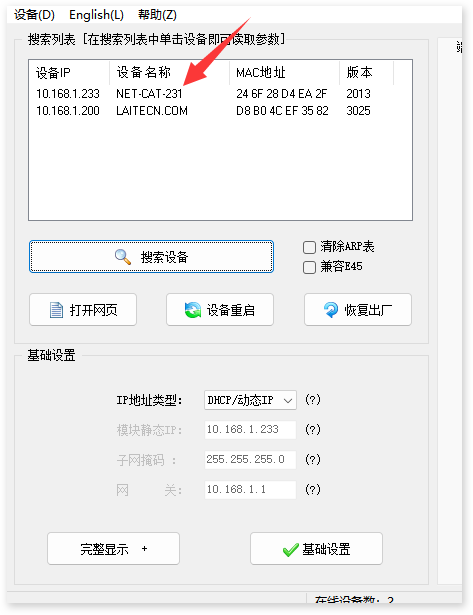 3. Access the web interface using IP:88 to configure and set up the module, for example, 10.168.1.233:88. The default username and password are admin, admin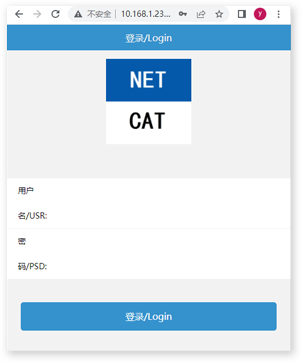
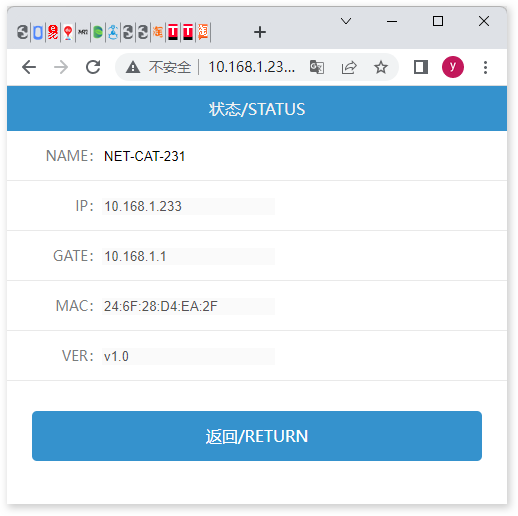
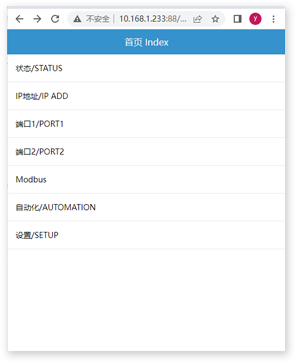 4. The status page displays the status information of the module.
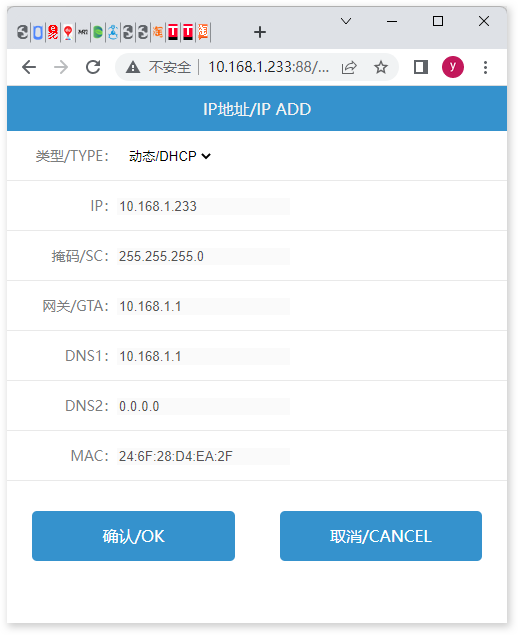
 5. IP address, used to configure IP-related parameters of the module.
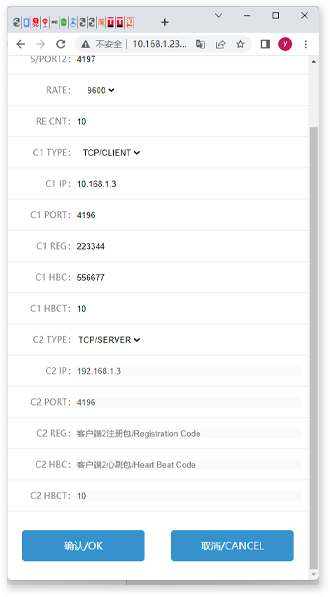
 6. Port 1 is used for configuring the main serial port and its corresponding two network ports.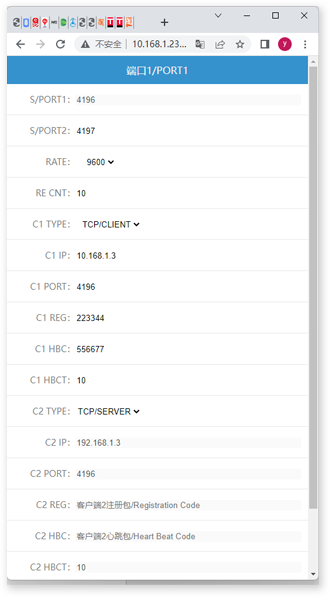
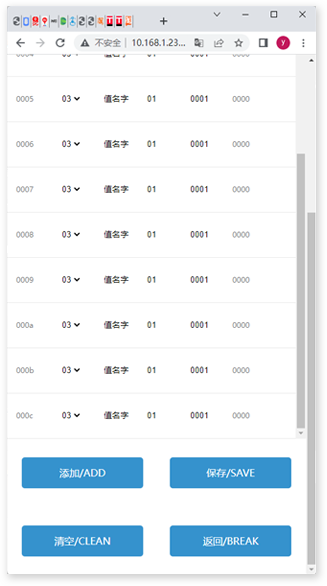
 7. Modbus, primarily used for configuring polling data.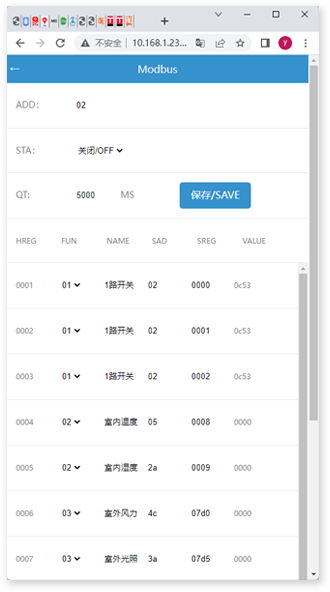
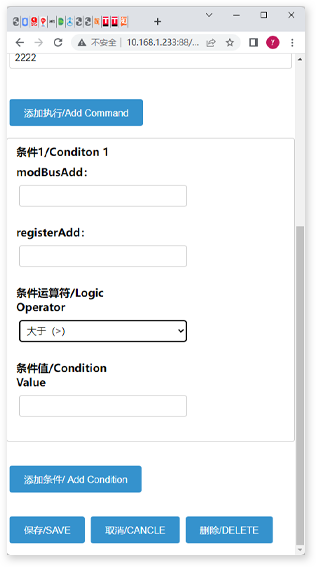
 8. Automation is primarily used for comparing and calculating data that comes back in cycles using AND or OR logic, and executing instructions accordingly.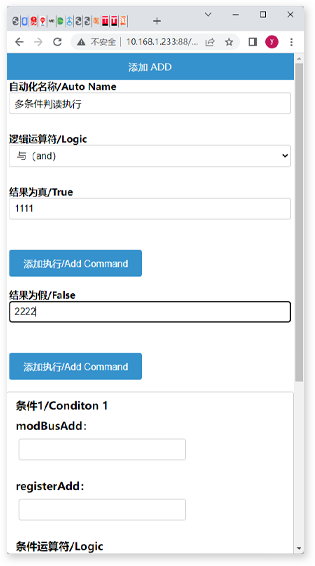
 9. Set up the menu to configure the username and password.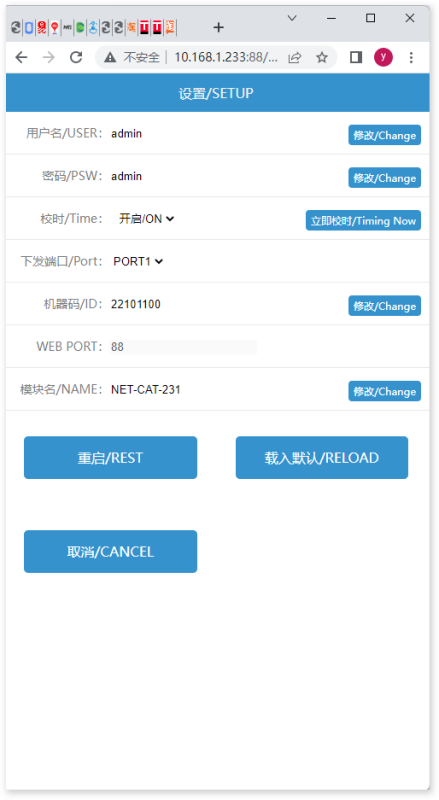
Firmware Upgrade and New Feature Description for 2026
The latest firmware (v3.2+) of the edge computing gateway adds the following capabilities:
- The nesting depth of AND/OR logic is increased to 4 layersSupports more complex conditional combinations for judgment, meeting the needs of fine chemical industrial control scenarios.
- MQTT disconnection bufferingWhen the gateway is disconnected from the MQTT Broker, the local cache can store up to 1000 pieces of data. Upon reconnection, it will automatically resend the data to ensure no data is lost.
- Web configuration interfaceIn addition to the existing 485 configuration tool, a new Web management page has been added, which supports direct parameter configuration and firmware upgrade through a browser.
- Modbus TCP Slave modeThe gateway can simultaneously serve as a Modbus TCP slave station, allowing the host computer system to directly read the aggregated register data.
For firmware downloads and technical support, please visit the modbus.cn product documentation center.


Leave a Reply